6
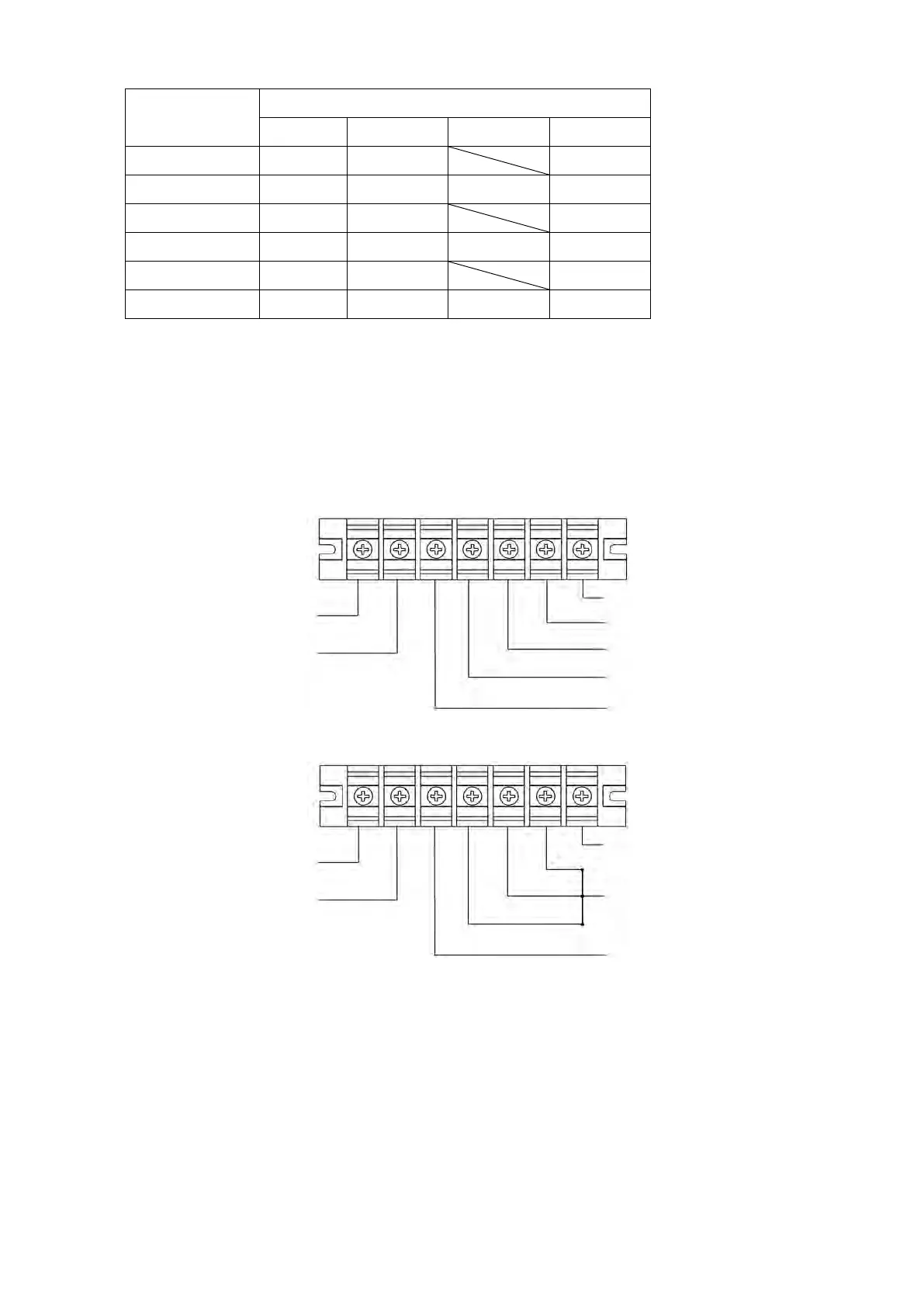
4) Prepare wires based on the following table:
NOTE 1: It is recommended to use suitable wire in above table or thicker for safety and efficiency.
NOTE 2: The selections for color of wires should be followed by the local electrical laws and
regulations.
5) Remove the terminal block cover on the rear panel of UPS. Then connect the wires according to the
following terminal block diagrams: (Connect the earth wire first when making wire connection. Disconnect
the earth wire last when making wire disconnection!)
This UPS can be configured for two different applications. Please refer to below wiring diagrams.
Terminal Block wiring diagram for three-phase input
Terminal Block wiring diagram for single-phase input
NOTE 1: Make sure that the wires are connected tightly with the terminals.
NOTE 2: Please install the output breaker between the output terminal and the load, and the breaker
should be qualified with leakage current protective function if necessary.
NOTE 3: This UPS is equipped with phase auto adapt function for input. This function allows UPS to adapt
input phase sequence automatically. Therefore, this UPS can accept either three-phase or single-phase
input power. Please refer to above wiring diagrams for the connection. However, it never accepts two-phase
input power.
6) Put the terminal block cover back to the rear panel of the UPS.










 To Next Page