www.testo.us. e-mail: info@testo.com
Please read, undersand and follow the directions, pre-cautions
and warnings in the product instruction manual.
CAUTION:
Water trap level should be monitored and
emptied to avoid damage that is possible
when moisture is pumped into analyzer
P Flue Gas Measuring Mode Displayed
(fig. 6)
Flue gas
Nat gas
°F
Tstack
%
CO2
%
EFF
%
ExAir
8 0 3 . 0
7 5 . 7
1 . 1 4
8 8 . 2
F Scroll though line items
(press / )
F Orange hot keys can be used to:
- change fuel (Fuel)
- start measuring flue gasses
(Start)
Reminder:
Probe must be inserted into
stack to take stack measurements
F Orange hot keys can be used to:
- print real time measurements
- lock in measurements (Stop)
Reminder:
This assumes you pressed the START
button on the previous screen
P Flue Gas Measuring Mode Displayed
(fig. 7)
Flue gas
Nat gas
°F
Tstack
%
CO2
%
EFF
%
ExAir
8 0 3 . 0
7 5 . 7
1 . 1 4
8 8 . 2
fig 6
fig 7
F Orange hot keys can be used to:
- print locked-in measurements
(Print)
- Start a new test (Start)
Reminder:
This assumes you pressed the STOP
button on the previous screen
CAUTION:
Pressing Start again will write over
locked-in data from previous real-time
flue gas measurements.
Items NOT to be written over are:
Draft
CO-AirFree
- When stored independent
measurement
Smoke/Oil
Diff prs
Delta Temp
Ambient CO
Analyzer will enter a purge mode from 1-90 seconds based on last O2 measurement
taken then cycle off
CAUTION:
All locked-in and saved date will be deleted
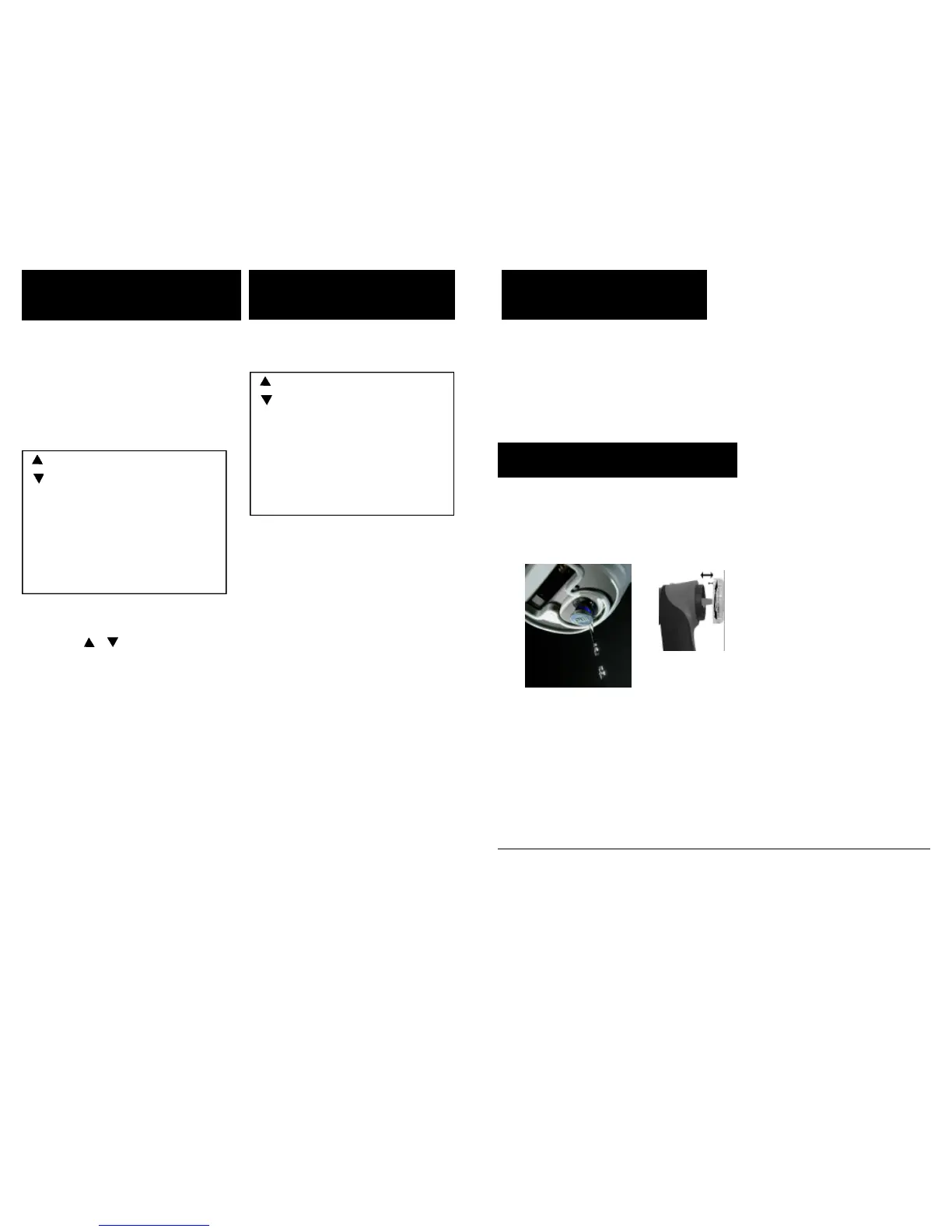
A Empty water trap daily (minimum) or when it appears to be full (see figure 8)
A
A Replace the particle filter when visibly dirty (see fig. 9)
fig 8
Step 5 - Insert gas-sampling
probe into stack
Step 6 - Print locked-in data
Step 7 - Turn OFF instrument
Step 8 - Care for your analyzer
fig 9
Fuel Start
Print Start



 To Previous Page