5 First steps
14
Vacuum pressure mode: Select the pressure mode for the
evacuation mode.
See also Performing the measurement, page 19.
Weight unit: Select the desired unit from the list.
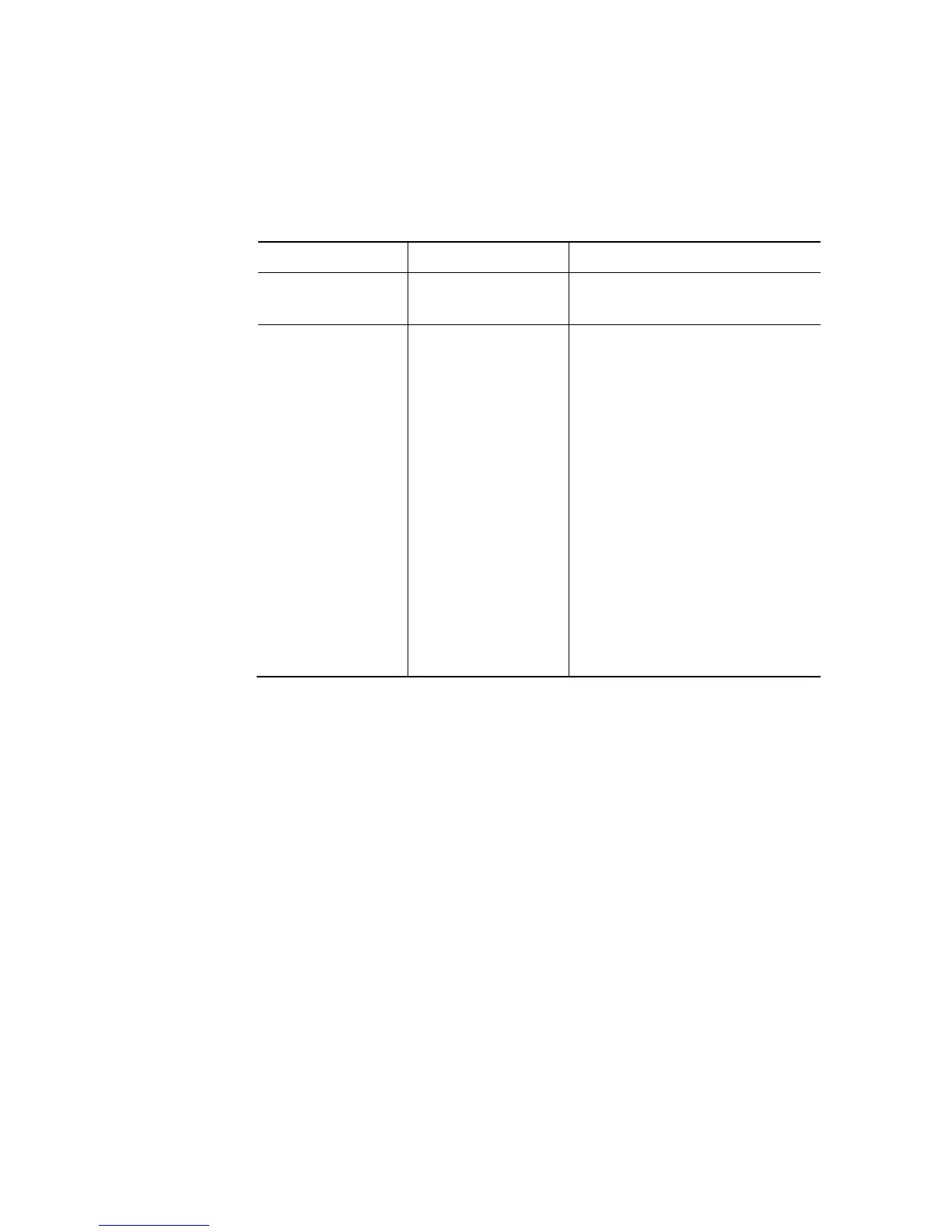
Measuring mode: Select normal mode, combi mode
Display Mode Function
none Normal mode
Normal function of the digital
manifold
Auto
Combi mode
When combi mode is
activated the digital manifold
testo 570 automatically
reverses the display of high
and low pressure. This
automatic reversal occurs
when the pressure in the low
pressure side is 1 bar higher
than the pressure in the high
pressure side. This switching
over is indicated by ----
flashing in the display. This
mode is particularly suitable
for air conditioning systems
that provide cooling and
heating.
Date/Time: Adjust the flashing number with [▲] and [▼] and press
[◄]
and [►] to go to the next numerical block. Confirm the input
with [OK].
Language (This setting influences the date format): Select the
language from the list and press [OK] to confirm.
Probe type: Select the desired probe type from the list.
Device info: Show serial number and firmware version.
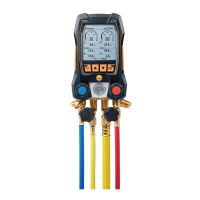
Operating the valve actuators
With respect to the refrigerant flow path the digital manifold
behaves just like a conventional four-way manifold. The passages
are opened by opening the valves. The applied pressure is
measured with the valves closed and the valves opened.
> Open valve: Turn valve actuator anticlockwise.
> Close valve: Turn valve actuator clockwise.
Shop for Data Logging products online at: www.DataLoggerStore.com 1.877.766.5412



 To Next Page