6 Operating the instrument
11
WARNING
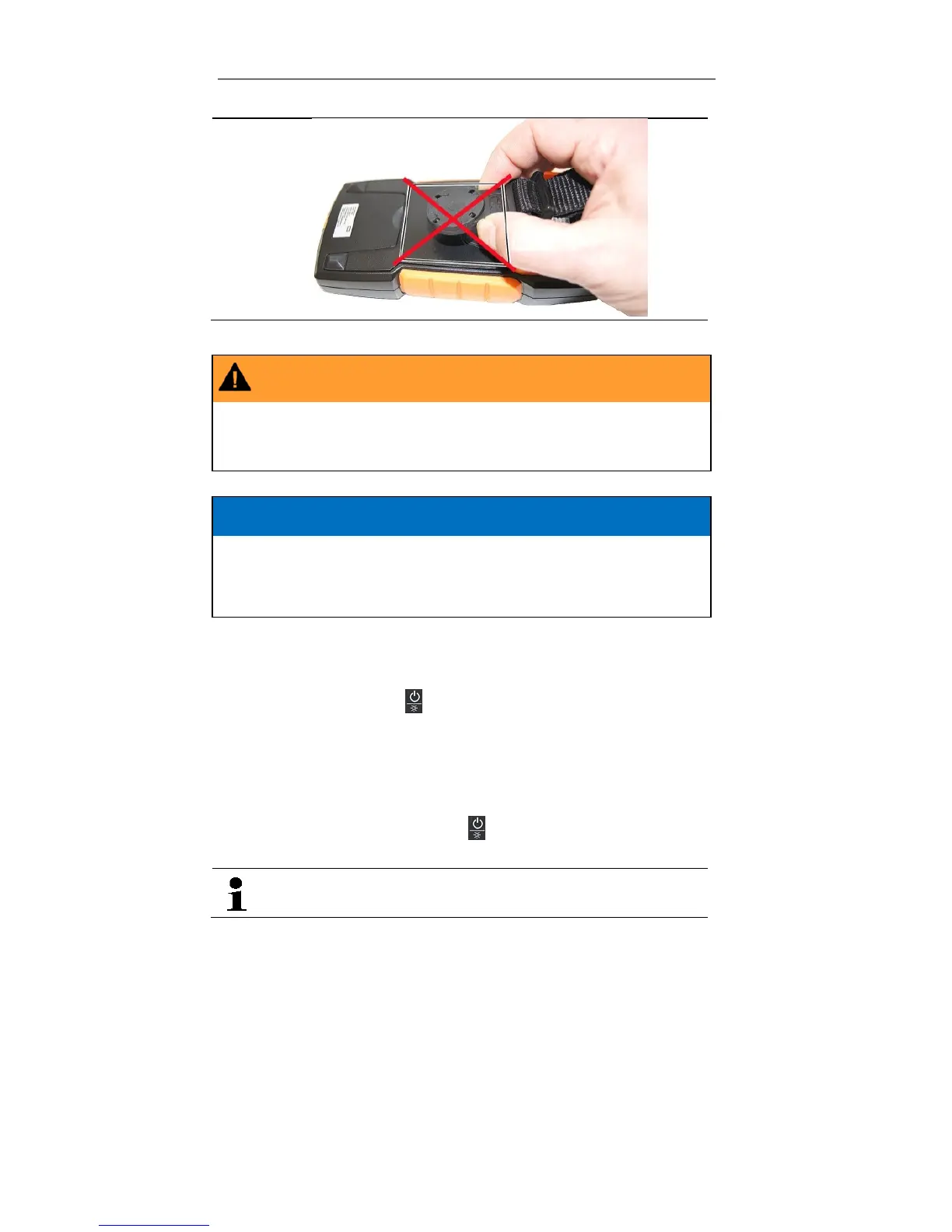
Magnetic field
May be harmful to those with pacemakers.
> Keep a minimum distance of 15 cm between pacemaker and instrument.
CAUTION
Magnetic field
Damage to other devices!
> Keep a safe distance away from products that could be damaged by the
effects of magnetism (e.g. monitors, computers or credit cards).
6.1. Switching the instrument on
> To switch on: press the [] key for <1 s.
- The instrument switches on.
6.2. Switching the background illumination
on/off
> To switch on/off: briefly press the [] key.
The background illumination switches off automatically within 1 minute.
It is possible to switch the background illumination on/off in all
measuring modes.
6.3. Switching the instrument off
(automatically/manually)
Automatically
The automatic power-off function (APO) is always enabled as a default
setting and is shown on the LC display as APO. If no control key is pressed
within 15 min, the instrument switches off automatically. If necessary, the
automatic power-off function (APO) can be turned off.


 To Next Page