5 Overview
9
5.4. Further functions
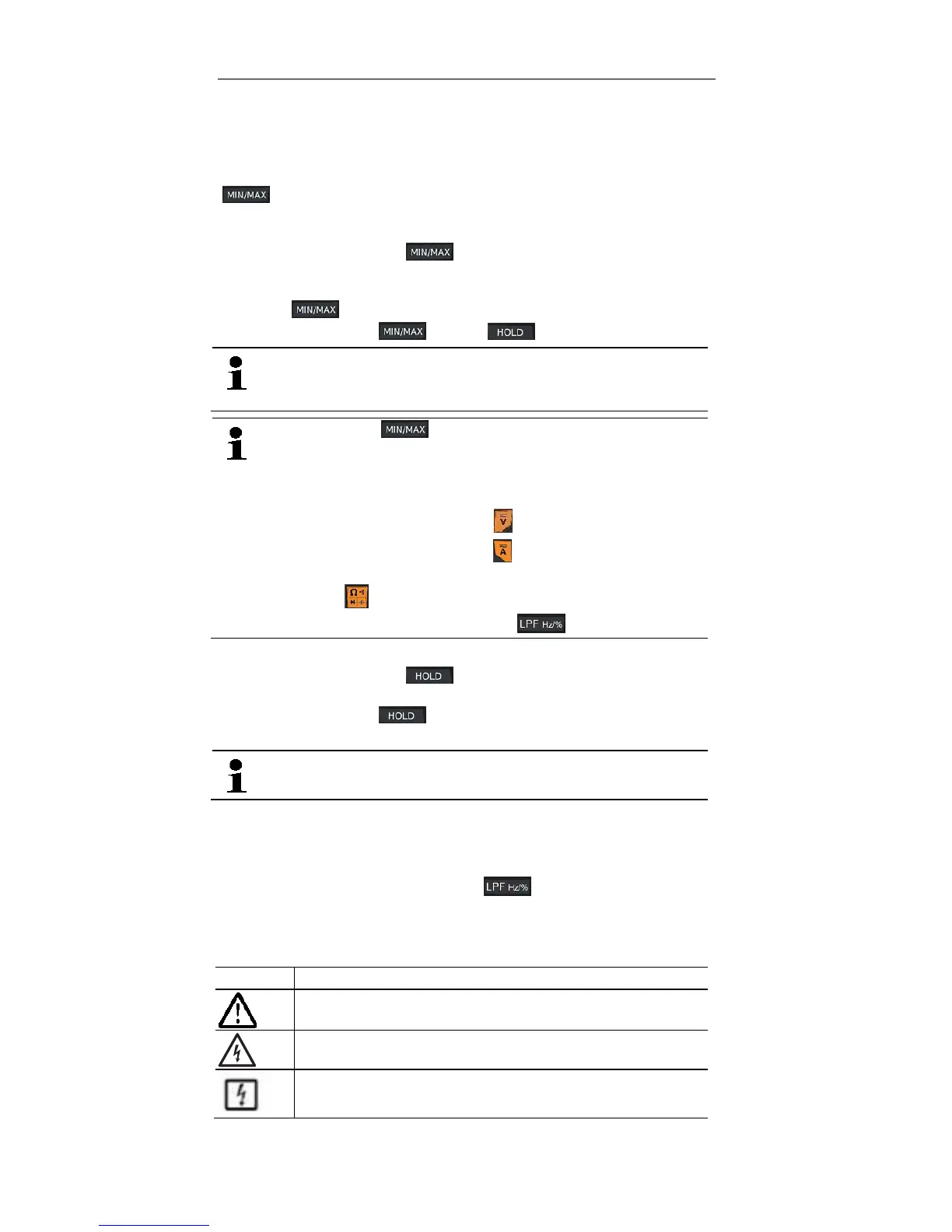
MAX/MIN/AVG
[] enables switching between maximum, minimum and the periodic
display of AVG values.
This function is disabled in the default setting.
> Activate function: press [] <1 s.
- Max value is displayed.
> Display min value and periodic display of AVG values:
press [] <1 s each time.
> Exit function: press [] >2 s or [].
This function can be activated in all measuring modes (this
function is not available for frequency and capacitance
measurement with testo 760-1).
When pressing [] in AUTO AC/DC voltage mode or AUTO
AC/DC current measurement mode, the instrument retains the
last-selected AC/DC setting. In all other operating modes, you can
select what you need by briefly pressing the relevant keys
themselves:
• Voltage measurement: press
• Current measurement: press
• Resistance, continuity, diode and capacitance measurement:
press
• Frequency and duty cycle: press
HOLD
> Activate function: press [] <1 s.
- the current reading is recorded and HOLD is shown on the LC display.
> Exit function: press [] <1 s.
- the current measurement is displayed.
This function is available in all measuring modes.
LPF (low-pass filter) function (testo 760-2/3)
The LPF function activates the low-pass filter (1 kHz). The low-pass filter
can be activated during the AC voltage measurement mode and also during
AC current measurement mode. It is switched off in the default setting.
> Activate LPF (low-pass filter): press [] <1 s.
- The corresponding value is shown on the LC display.
5.5. Explanation of icons
Icon Meaning
Attention! Warning about a danger spot, refer to instruction
manual
Caution! Dangerous voltage, risk of electric shock
Application around and removal from HAZARDOUS LIVE
conductors is permitted


 To Next Page