3 Description of the instrument
13
Element Function
3 - key
- Esc key
- Switch camera on and off
- Cancel action
4 - OK key
- Joystick
- Open menu, select function, confirm setting
- Navigate within the menu, highlight function,
select colour palette
5 Quick select button Opens the function assigned to the quick select
button; the icon for the selected function is
displayed bottom right
6 Infrared camera lens;
protective cap
Takes infrared images; protects the lens
7 Digital camera
(testo 871-2 only)
Takes real images
8 Trigger Saves the displayed image
9 Battery compartment Contains the rechargeable battery
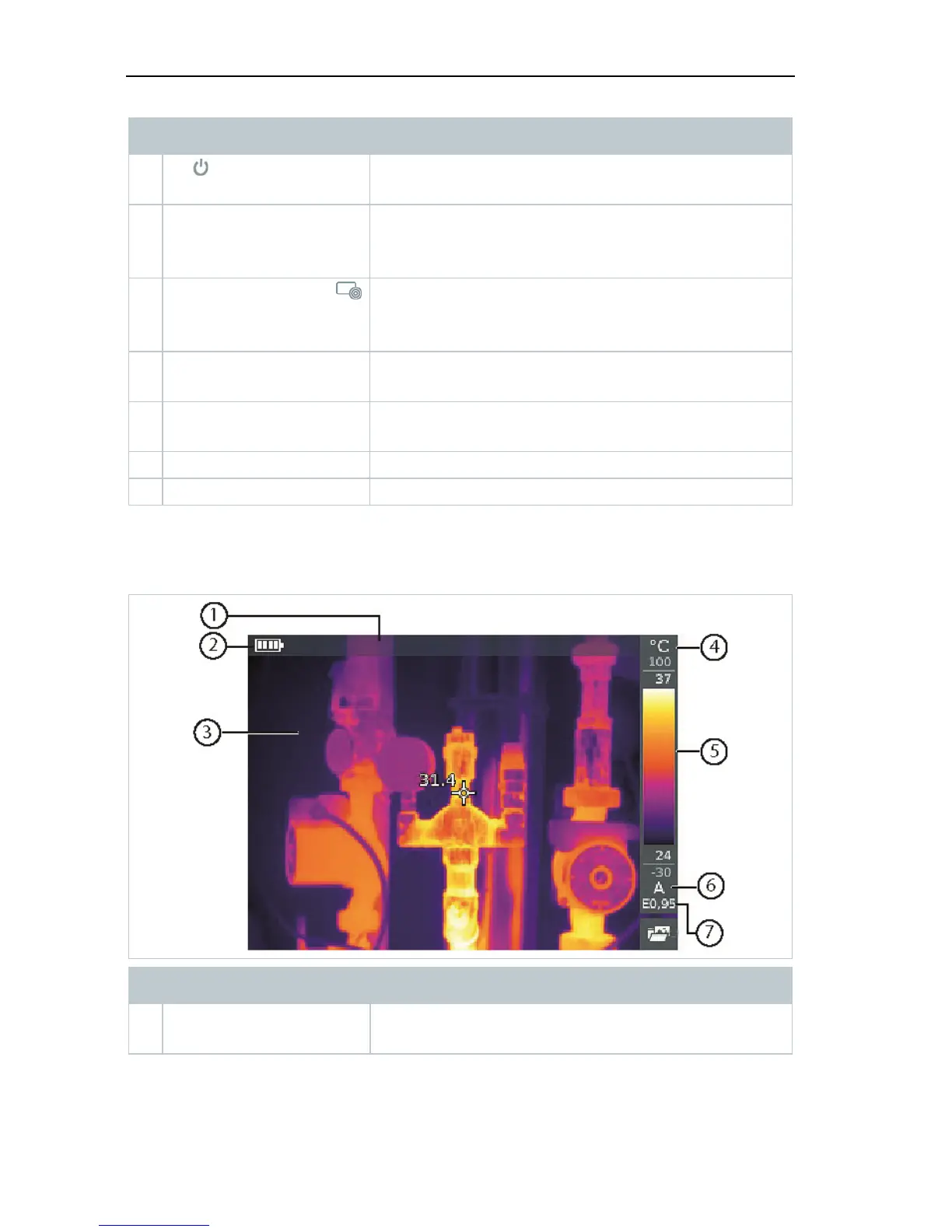
3.3 Displays overview
Element Function
1 Status bar In the status bar, values are displayed depending
on the setting.



 To Next Page