7 Performing the measurement
27
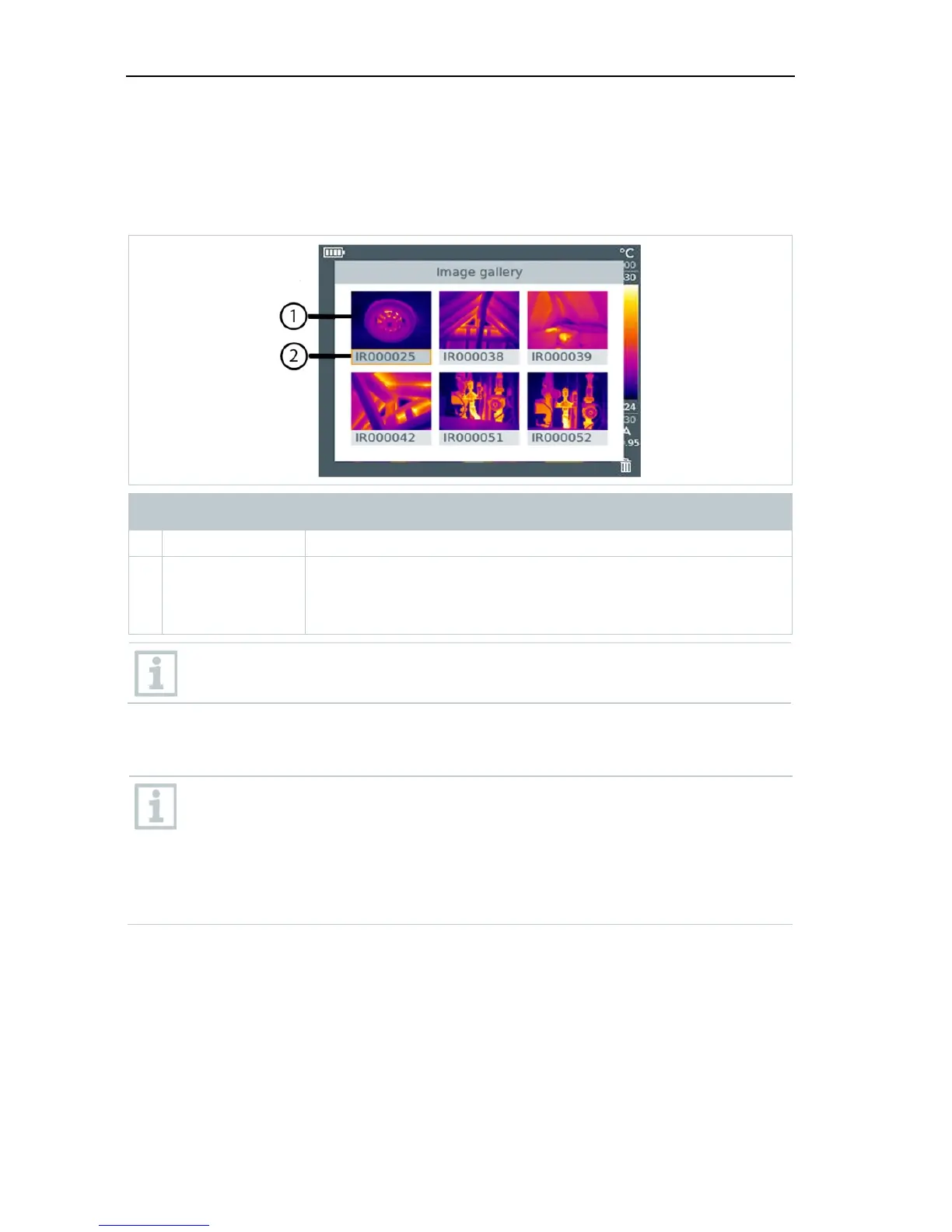
7.3 Image gallery
Saved images can be displayed, analysed or deleted.
File names
Designation Explanation
1 - Infrared image preview
2 IR
000000
SR
Infrared image with attached real image
Consecutive number
Images captured with SuperResolution
File names can be changed via the PC, e.g. in Windows Explorer.
Displaying a saved image
Saved images can be viewed and analyzed in the image gallery.
When SuperResolution is enabled, 2 images are saved in the image
gallery (an IR image, and an SR image). The high-resolution
SuperResolution image is saved in the background. In the status bar,
the number of SuperResolution images to be saved is displayed (for
example: SR(1) ). A maximum 5 SuperResolution images can be
processed simultaneously.



 To Next Page