8 Maintenance
44
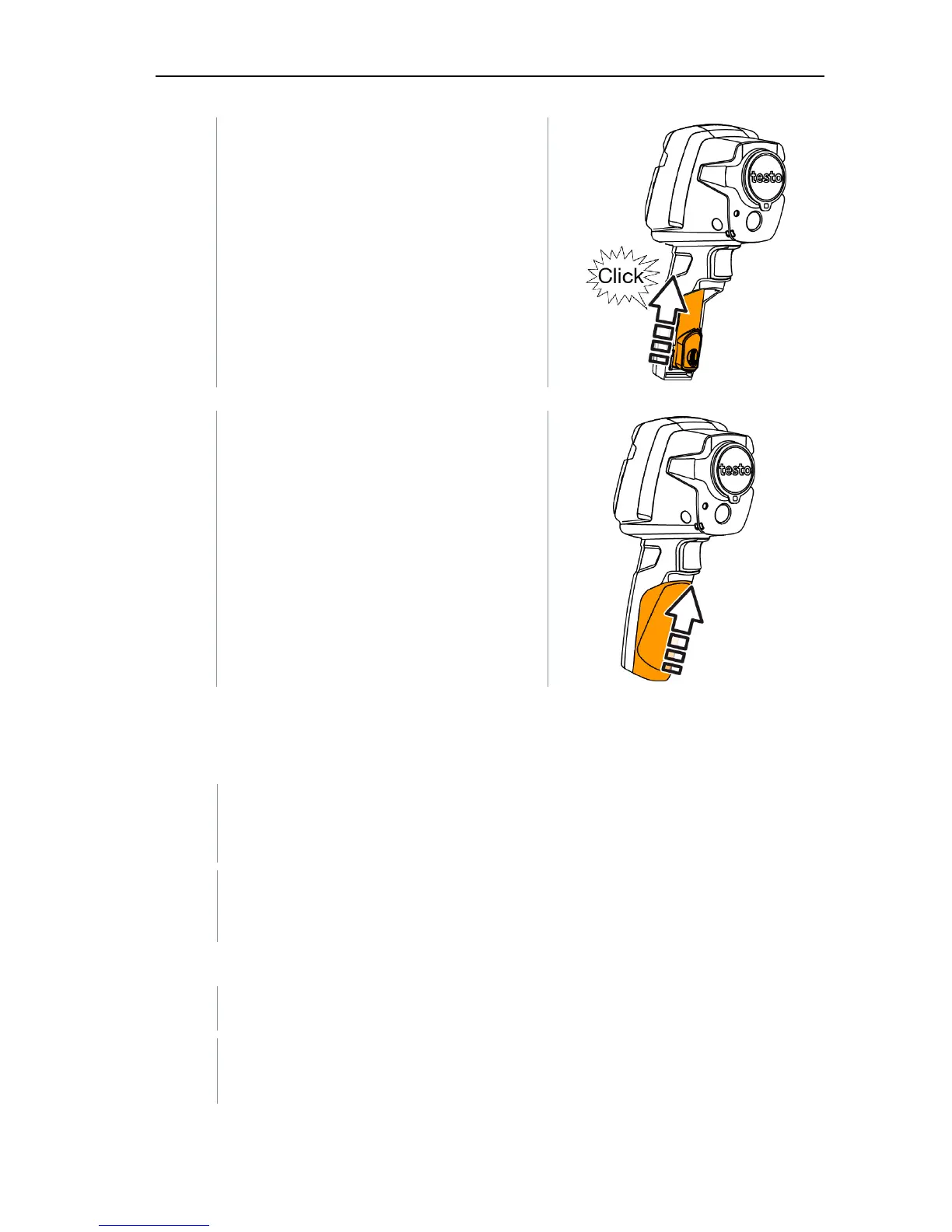
4 - Insert new battery and slide upwards
until it clicks into place.
5 - Close the battery compartment.
8.3 Cleaning the instrument
Cleaning the instrument housing
- The interface terminal is closed.
- The battery compartment is closed.
1 - Rub down the surface of the instrument with a damp cloth. Use mild
household cleaning agents or soapy water for this.
Cleaning the lens and display
1 - If the lens is dirty, clean it with a cotton bud.
2 - If the display is dirty, clean it with a cleaning cloth (e.g. microfibre
cloth).



 To Next Page