4 Operation
15
4 Operation
4.1 Initial operation
Please read the testo 871 1st steps commissioning instructions supplied
(0970 8652).
4.2 Switching instrument on and off
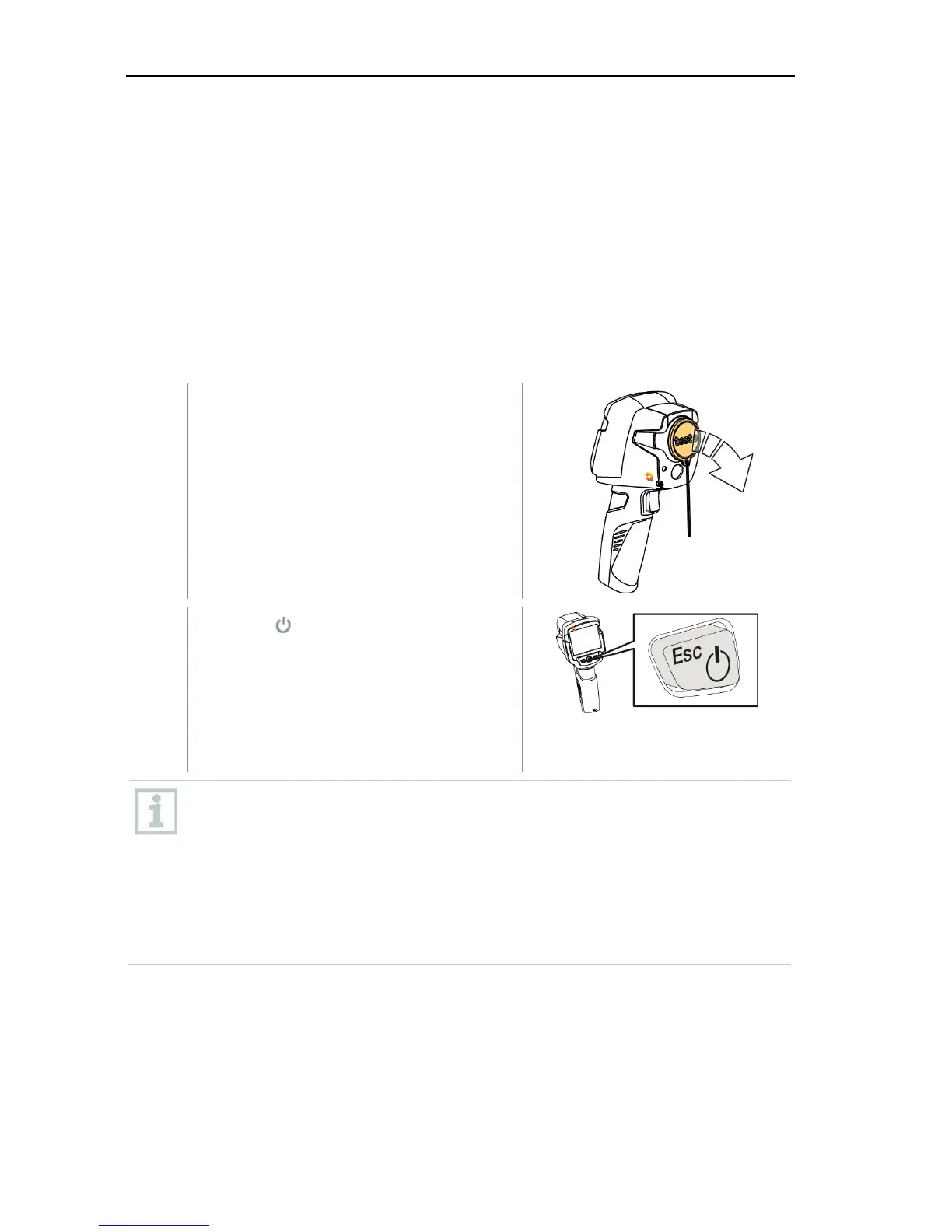
Switching on the camera
1 - Remove protective cap from the
lens.
2
- Press .
The camera starts.
The start screen appears on the
display.
The camera carries out automatic zeroing approx. every 60 seconds in
order to guarantee measuring accuracy. A "click" is heard when this
happens. The image freezes briefly when this occurs. Zeroing is carried
out more frequently during the camera warm-up period (takes
approx. 90 seconds).
During the warm-up period no measuring accuracy is guaranteed. The
image can already be used for indication purposes and saved.



 To Next Page