4 Operation
18
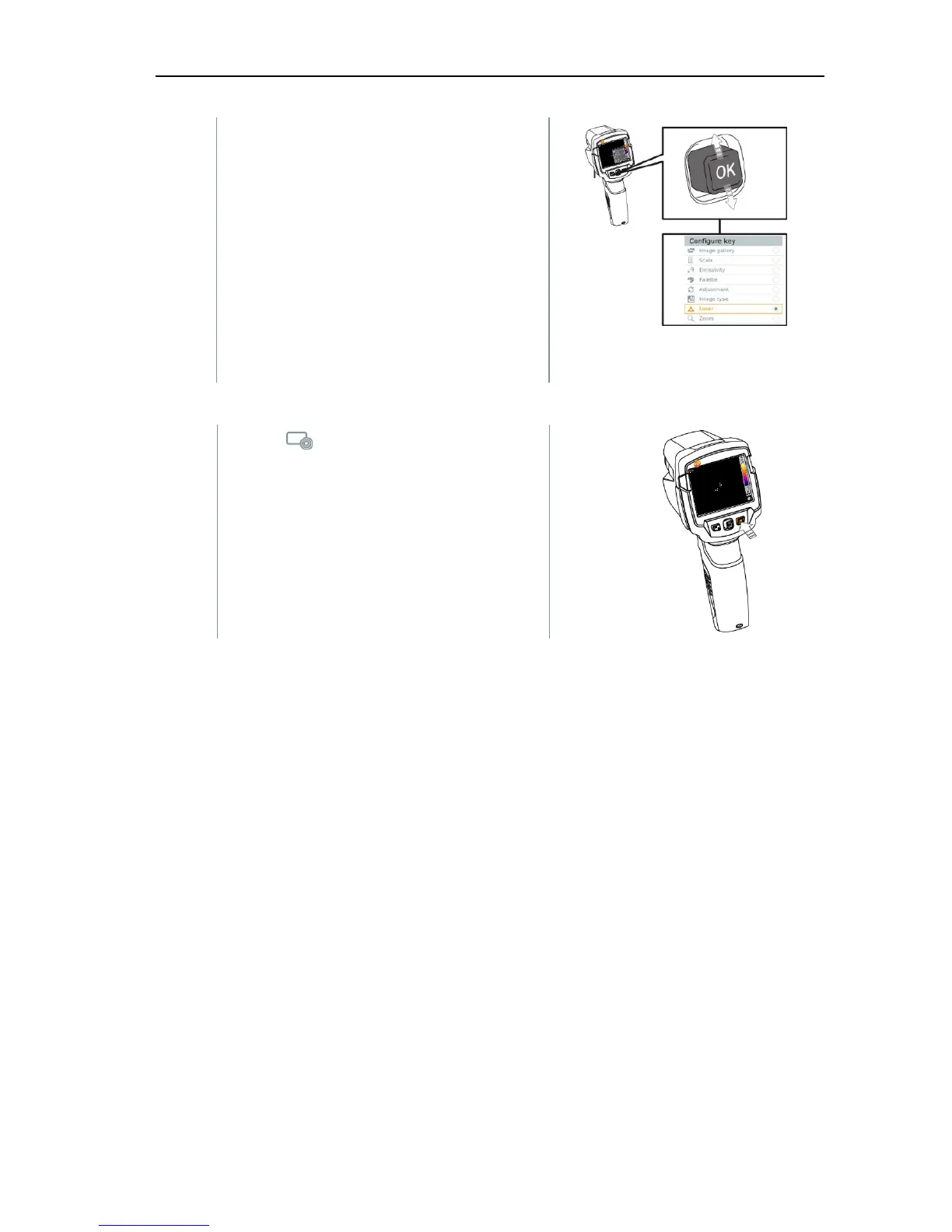
2 - Move the joystick up/down until the
orange box appears around the
required menu item.
- Press OK
The quick select button is assigned
to the selected menu item.
The icon for the selected function is
displayed bottom right.
Using the quick select button
1 - Press .
The function assigned to the quick
select button is carried out.



 To Next Page