7 Performing the measurement
29
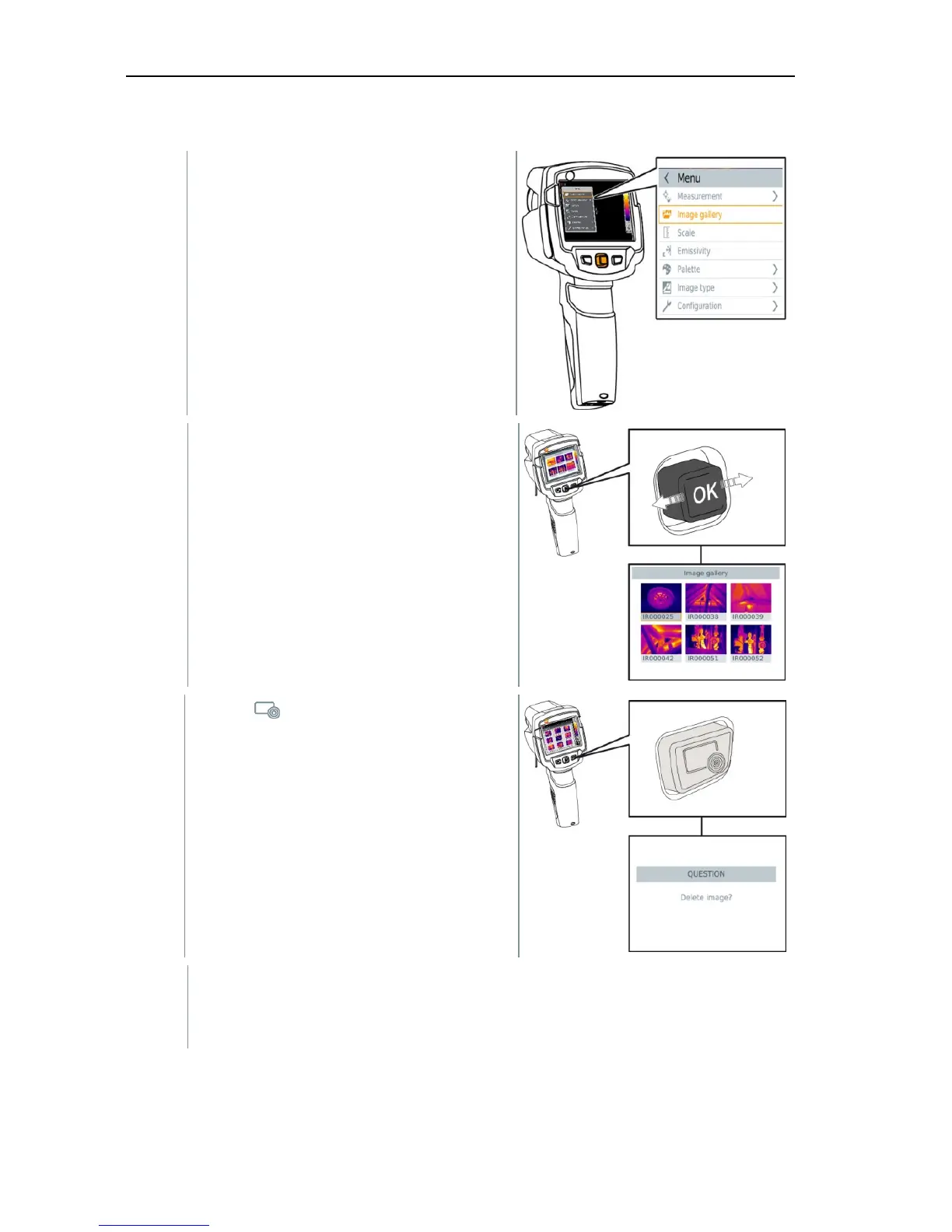
Deleting an image
1 - Select the Image gallery function.
All saved images are displayed in the
form of an infrared preview.
2 - Move joystick to select an image.
3 - Press .
Delete image? is displayed.
4 - Press OK to delete the image.
4.1 - Press Esc to cancel the process.



 To Next Page