6 Using the product
33
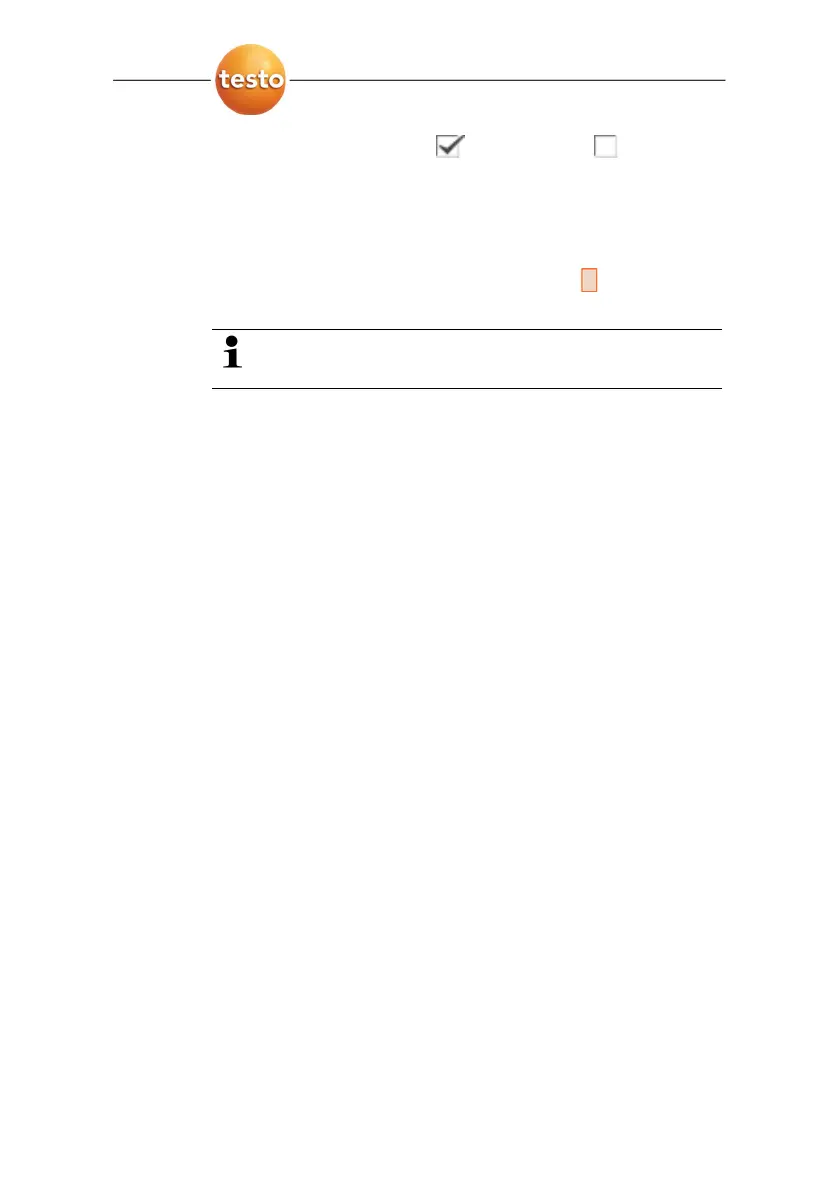
2. Press [OK] to activate ( ) or deactivate ( ) the radio
link.
3. Move Joystick to the right to jump to the list of found radio
probes.
4. Move Joystick up/down to select a probe.
- The selected probe is highlighted orange (
).
5. Confirm the selection with Apply.
If no readings appear during the measurement:
> Check the potential causes, see above.
Format…
The memory card can be formatted. During the formatting, all
saved data on the SD card is lost.
1. [OK] | Configuration… | [OK] | Format… | [OK].
- A confirmation request appears as to whether the memory
card should really be formatted.
2. Confirm with [OK] or cancel process with [Esc].
Factory reset
The instrument settings can be reset to the factory settings.
Time/date and country settings are not reset.
Please note: After a factory reset, the numbering of images
begins anew. When saving images, images that have already
been saved and have the same number are overwritten!
> Transfer all saved images onto a PC before performing a
reset to prevent possible overwriting.
1. [OK] | Configuration… | [OK] | Factory settings… | [OK].
- A confirmation request appears as to whether the
instrument should really be reset to the factory settings.
2. Confirm reset with [OK] or cancel process with [Esc].



 To Next Page