7 Using the product
10
Using the product
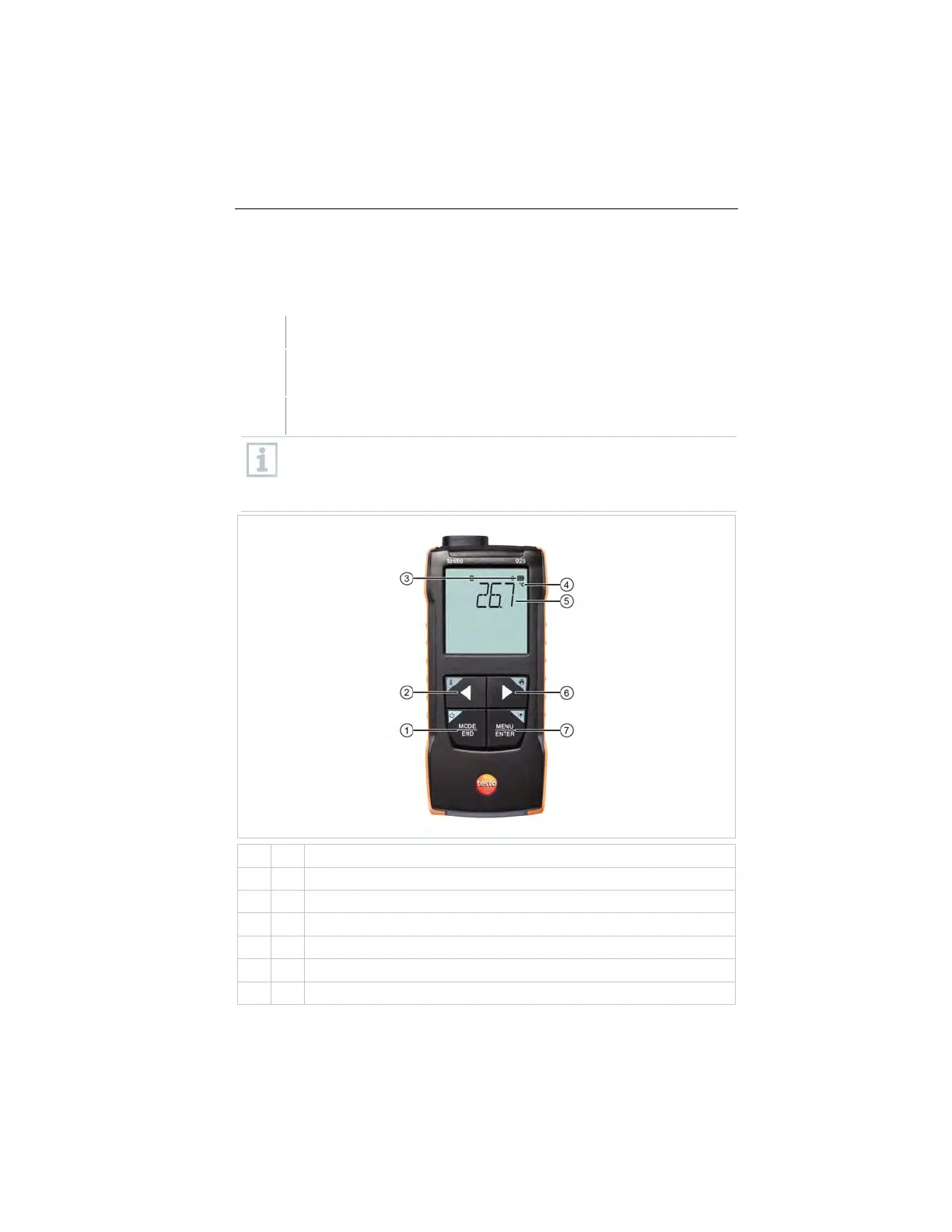
Controls on the measuring instrument
The instrument is switched on.
The testo Smart App is installed on the smartphone and connected
to the instrument via Bluetooth
®
.
Settings and controls are implemented either on the instrument or via
the app.
If the measuring instrument is connected to the testo Smart App,
settings can only be made via the app. The measuring instrument then
remains in the measurement view and other menus, e.g. Settings,
cannot be opened.
/
key
2
5
Current measured value
/
key
1.888.610.7664 sales@GlobalTestSupply.com
www.Testo-Direc t.com



 To Next Page