8 Controls via testo Smart App
25
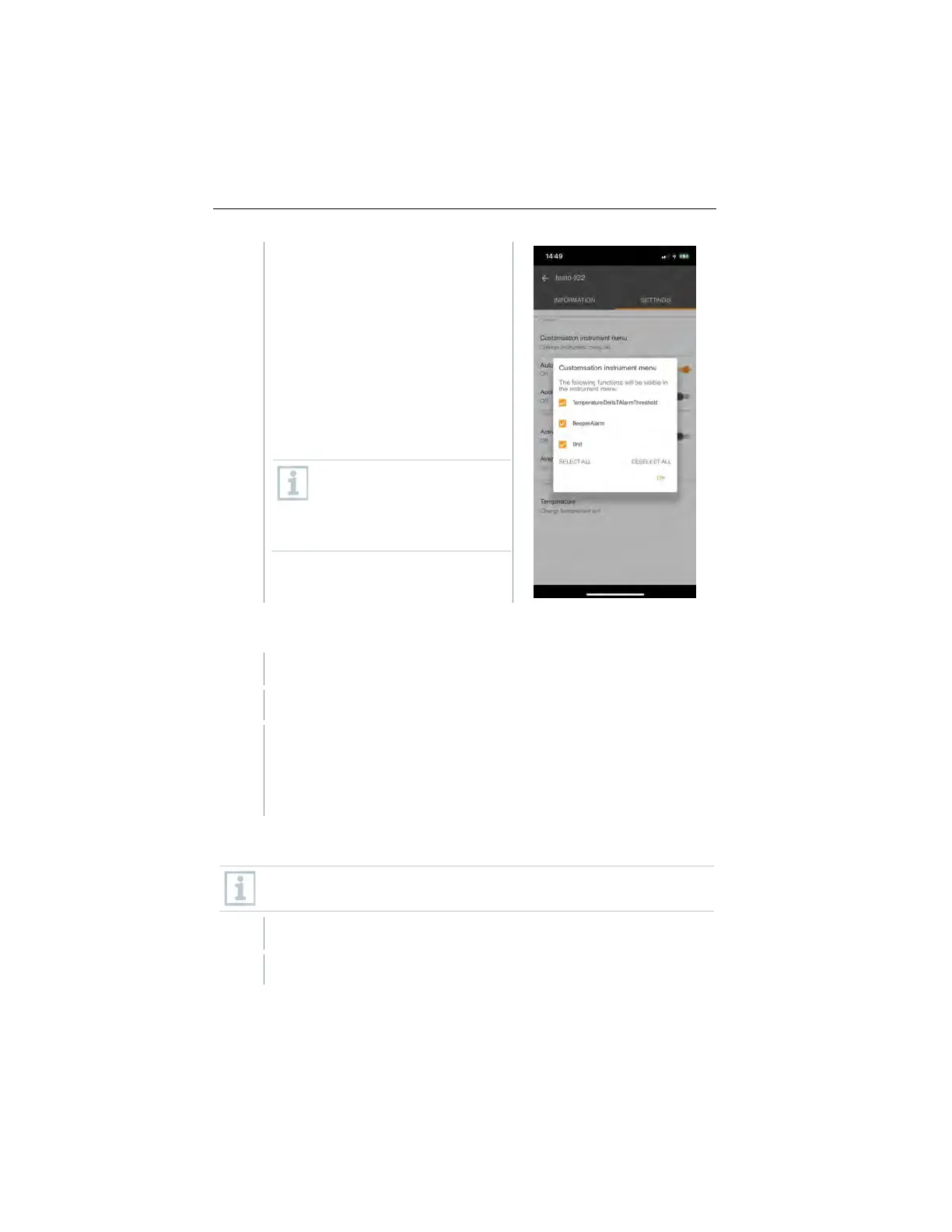
Deactivate the checkboxes for the
measuring instrument menus that
are no longer to be displayed on the
measuring instrument itself.
The menus belonging to the
deactivated entries will no longer be
displayed in the measuring
instrument menu after the next
synchronization.
These settings can be reset
via the menu reset “M.RES”
and then all settings menus
will be displayed on the
measuring instrument again.
Setting Auto Off
The Settings tab is open.
Enable Activate Auto-off using the slider.
The measuring instrument switches off automatically if no key is
pressed for 10 min.
Exception: a frozen reading is shown on the display (“Hold” is
displayed).
Activating damping
If the readings fluctuate wildly, it is advisable to damp the readings.
The Settings tab is open.
Enable Activate damping using the slider.
1.888.610.7664 sales@GlobalTestSupply.com
www.Testo-Direc t.com



 To Next Page