8 Controls via testo Smart App
19
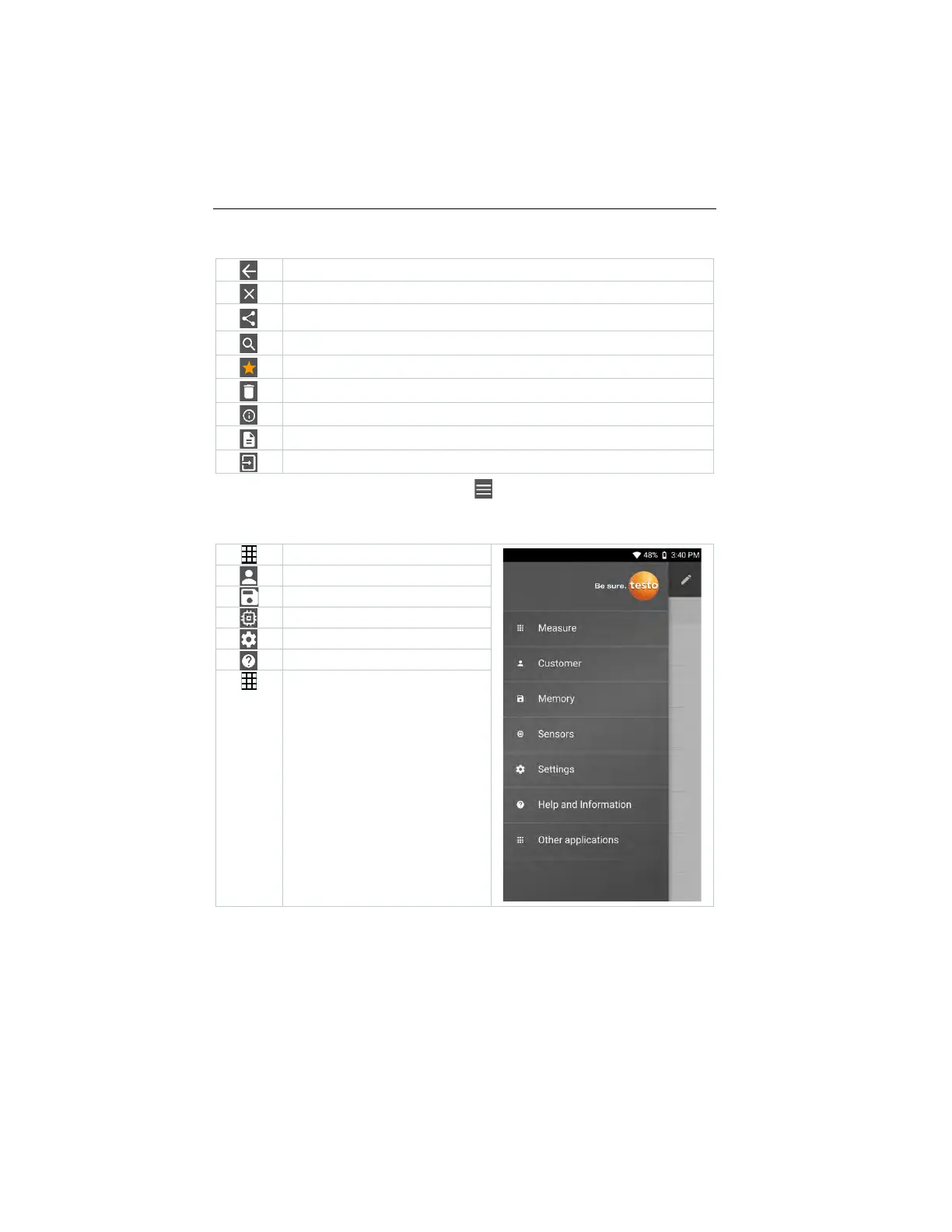
Additional symbols on the user interface of the app (not numbered)
One level back
Exit view
Share measurement data/report
Favourite
Deleting
Further information
Multiple selection
The Main menu can be accessed via the icon at top left. To exit the main
menu, select a menu or right-click on the guided menus. The last screen
displayed is shown.
1.888.610.7664 sales@GlobalTestSupply.com
www.Testo-Direc t.com



 To Next Page