8 Controls via testo Smart App
23
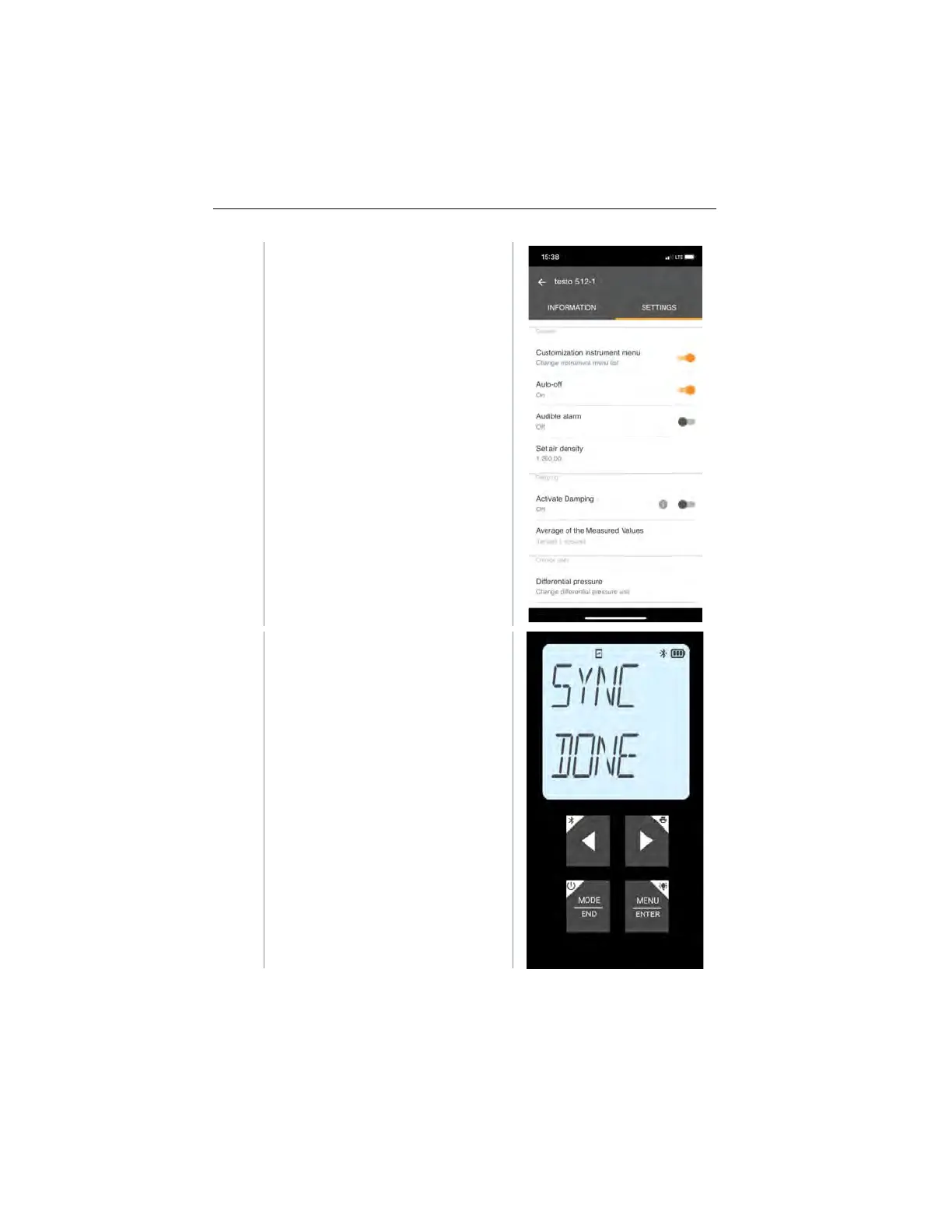
Click on the blue text under a
settings heading to activate or
disable settings or to open an input
window to enter a specific value or
select a unit.
For details on the settings options,
see the following sub-sections.
instrument settings in the app are
transferred directly to the measuring
instrument. Synchronization with the
app is confirmed on the measuring
instrument via “SYNC DONE”.
1.888.610.7664 sales@GlobalTestSupply.com
www.Testo-Direc t.com



 To Next Page