5 First steps
77
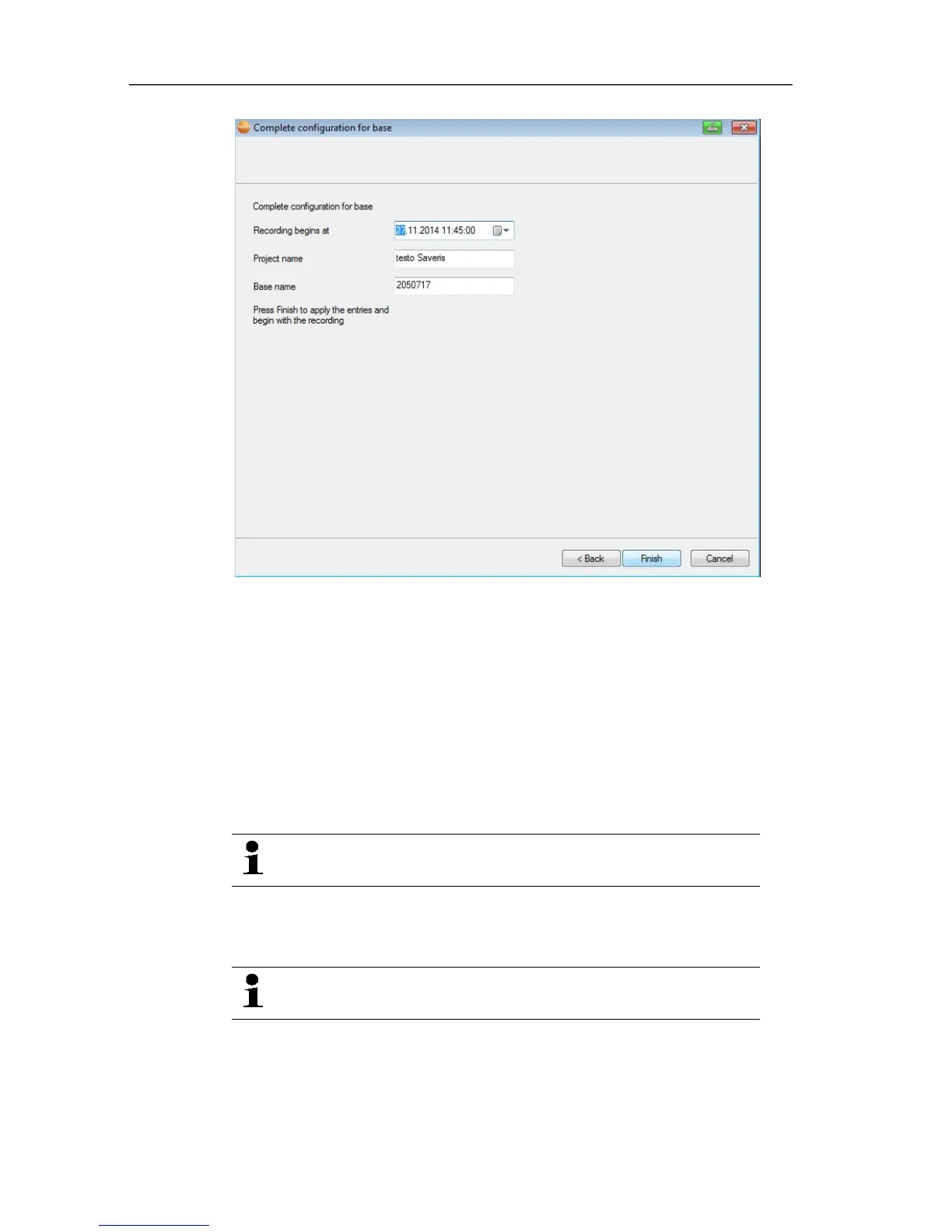
23. Postpone the start of measurement if necessary.
24. Click on [Finish] to end the hardware startup.
- A message about the successful configuration of the hardware
is displayed.
25. Confirm the message by clicking [OK].
- The new hardware is now ready to be used.
Pos: 79 /TD/Erst e Schritte/testo Saver is/06 ****Probelauf /00 Probelauf und Abnah me durchführen @ 0\mod_118 9157354187_79.doc x @ 4054 @ 3 @ 1
5.12. Performing the test run
The test run must be performed to ensure proper
operation of the measuring system.
Pos: 80 /TD/Erst e Schritte/testo Saver is/06 ****Probelauf /01 Systemverfügbar keit prüfen @ 0\mod_11891 57395875_79.doc x @ 4094 @ 3 @ 1
5.12.1. Checking system availability
Wait for the first connection between the Saveris base
and the probes to check the system availability.
> Click on System in the navigation area.
- The following entries are shown in the tree structure in the data
window:
• Base






 To Next Page