Shenzhen TestPad Electronic Co., Ltd. http://www.test-pad.com
7
Appearance
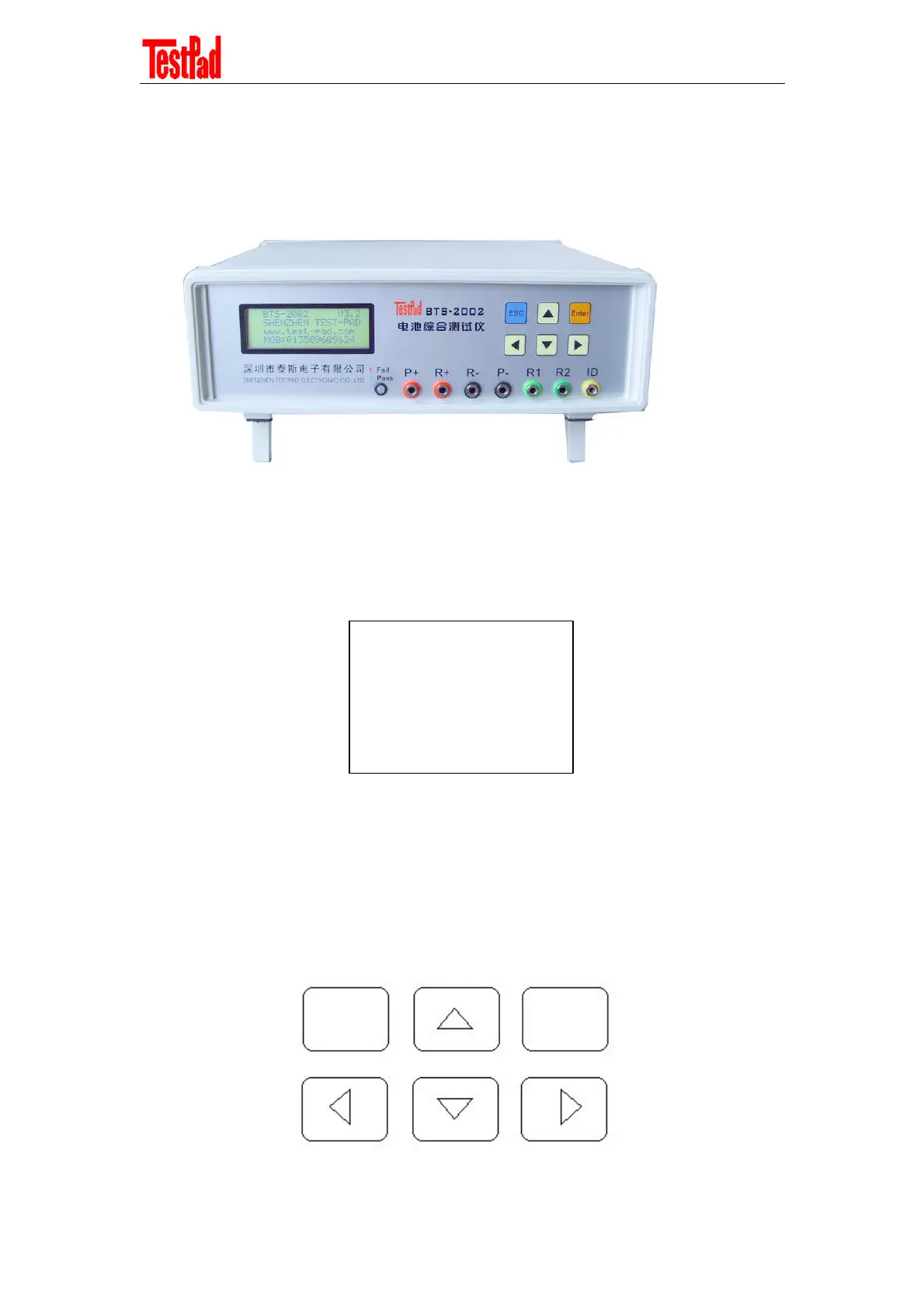
The appearance of the tester consists of three parts: LCD used for displaying operation and
measurement information, operating keypad, and connecting hole, as shown below.
Display Interface
The display interface of the tester is a large LCD. It can display four lines, each with 20 numbers
or letters. It can display much information. For details, see the operation description.
Operation Interface
On the input interface of the tester are six light touching buttons: UP, DOWN, LEFT (Decrease),
RIGHT (Increase), ESC (Cancel/Return), and ENTER (Confirm/Start/Pause), as shown below.
These buttons are easy to operate.
Cancel/
Return
UP
Confirm/
Start/Pause
LEFT
(Decrease)
DOWN
RIGHT
(Increase)
ESC
ENTER
->1. Static Test
2. Capacity Test
3. Battery charge
4. Battery discharge



 To Next Page