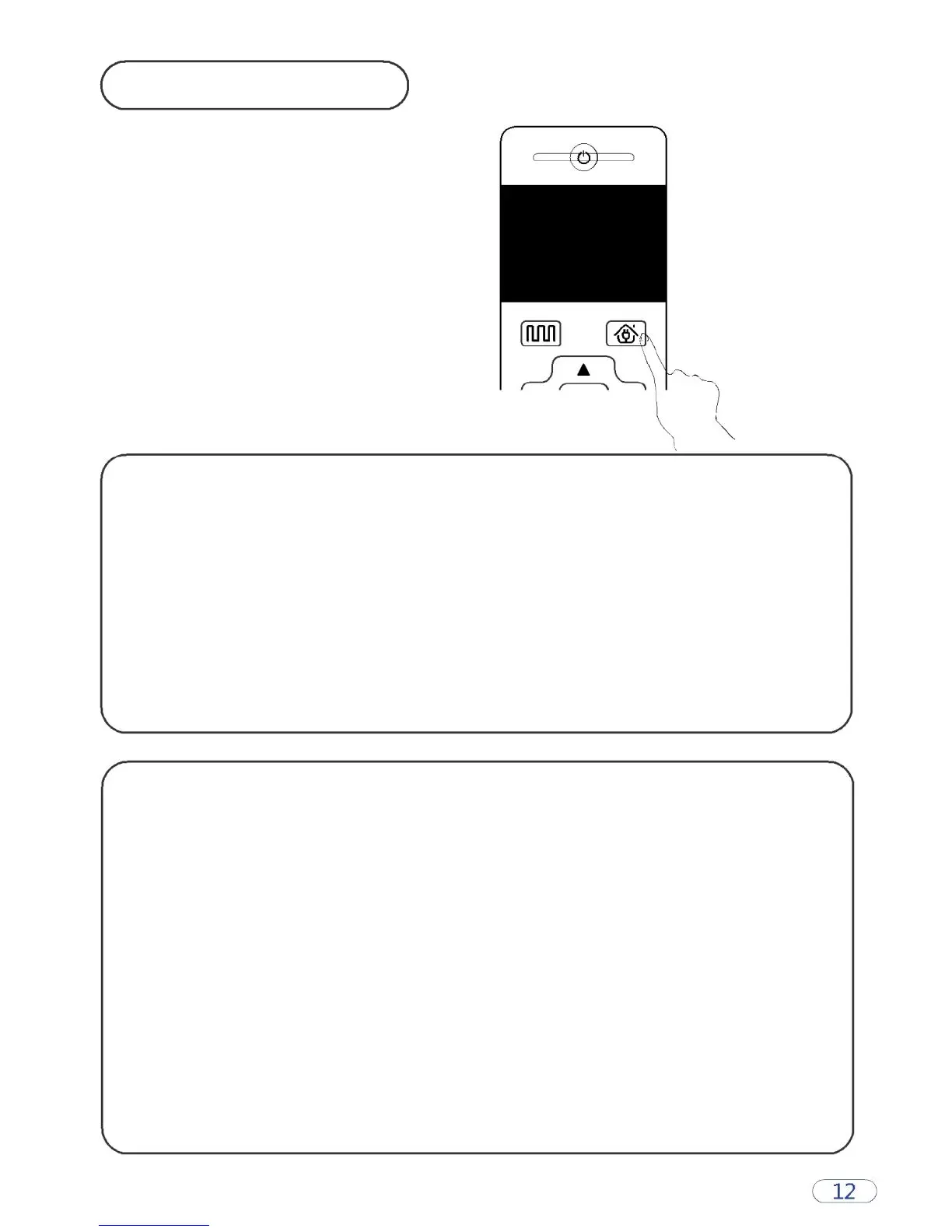
Auto Charging
The machine can be auto charged by pressing the recharging key
of the remote control.
When the cleaning is completed or the power is too low, the
machine will automatically locate the charging seat for charging.
Please keep the charging seat on power, or the machine will not
be able to find the charging seat.
Attention: When charging this way, the machine will stop charging
and sweeping if the remote’s “cleaning" key is pressed. However,
this operation is not available when the machine is being charged
with the charging adapter.
Notes on Charging
A. When the battery is low, the red light of A key turns on.
B. The green light of B key will be flashing when the machine is charging.
C. When charging has completed, the green light will turn on.
D. Please check the power level of the machine when the machine is out of
power.
E. When charging for the first time, make sure that the charging time is at
least 12h.
F. When the machine is not used for a long time, turn off the power.
G. For daily uses, place the machine on the cradle, and make sure that the
cradle is connected to the power supply.
H. The machine will find its own charging stand for charging when the
power level is low. Make sure that there is no obstacle around the
charging stand.



 To Next Page