12
SEASIDE
EN
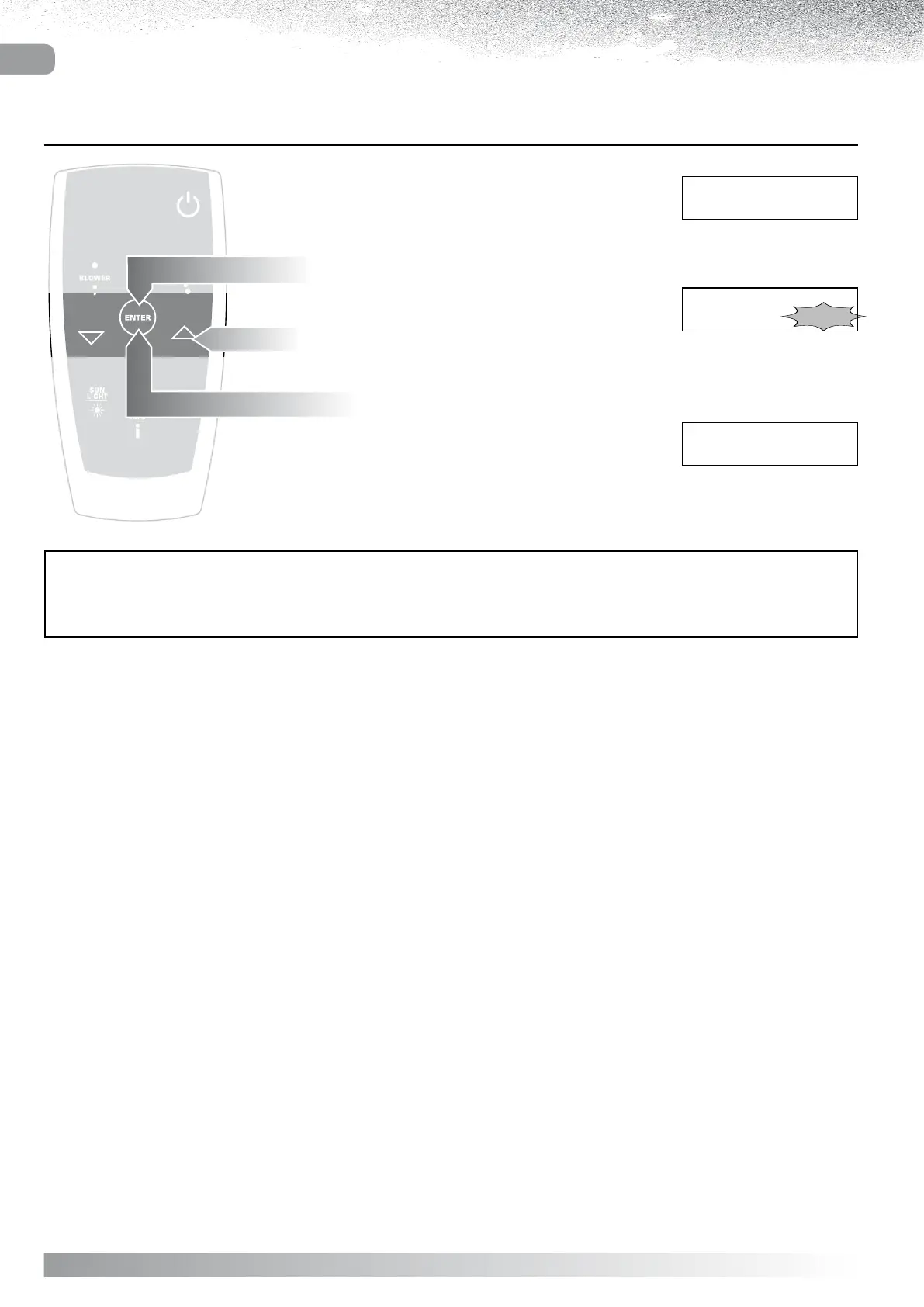
Select TIMER from the Blower menu.
Blower menu
B l o w e r
T I M E R 3 0 m
Blower menu
B l o w e r
T I M E R 3 0 m
Display showing TIMER
B l o w e r
T I M E R 3 0 m
AUTOCONFIRM:
If no button is pressed for 5 seconds while the Timer menu remains active, the current setting AUTOCONFIRMS and
the display reverts to the Blower menu.
CHANGING THE DURATION OF THE BLOWER SESSION
Press “ENTER”
the display will show the Timer.
Use the “ and ” buttons to increase or reduce
the duration between 1 and 30 minutes.
Confirm by pressing “ENTER”
the display will revert to the Blower menu.



 To Next Page