20
7. Troubleshooting
Problem Solution
No sound
1. Press
Play
on your mobile device to make sure the audio track
is playing.
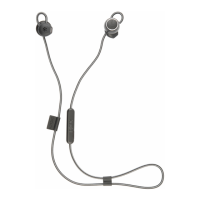
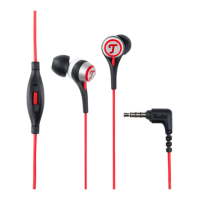
2. Make sure the in-ear headphone plugs into the audio jack
perfectly. (Hint: If the jack is not tting, remove the case of
your smartphone.)
3. Increase the volume on the mobile device.
Poor sound quality
1. Make sure that both ear tips t securely in your ear, and
make sure that you wear the earphone in a correct way
(Seepage14).
2. Use a different music source.
3. Sound settings of your device, such as Equalizer, Effects, may
affect the sound quality of your earphone negatively. Make
sure they are turned off rst to get the best sound quality.
4. Clear any debris or wax from the ear tips and ear tip nozzles.


 To Next Page