
 To Next Page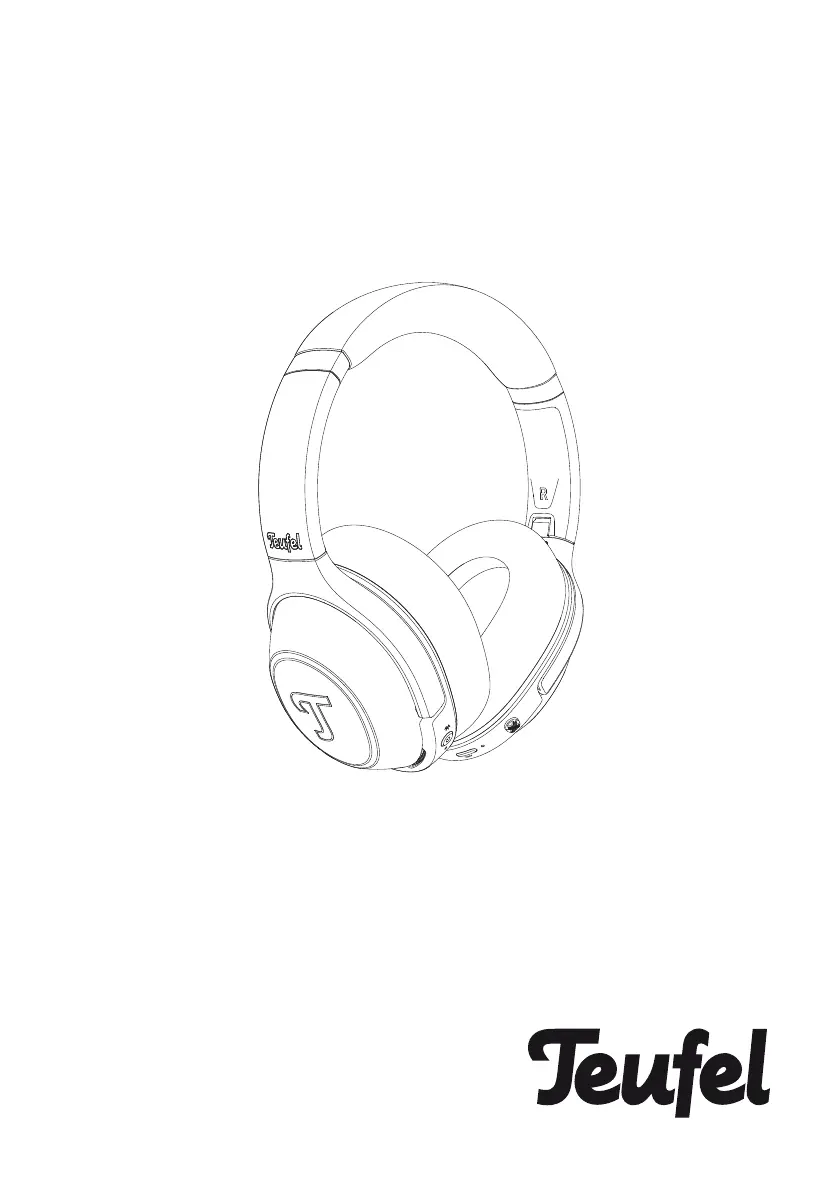


S
Stephanie MartinezAug 13, 2025
Why Teufel Headphones don’t connect with mobile device?
- RRichard DunnAug 13, 2025
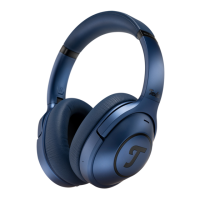
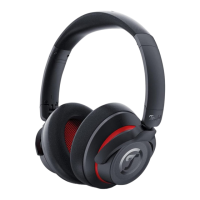
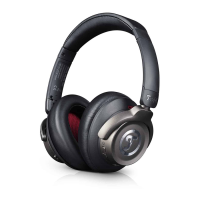
There could be several reasons why your Teufel headphones aren't connecting to your mobile device. First, confirm that your mobile device supports Bluetooth technology. If it does, try turning the Bluetooth feature off and then on again. Also, delete your Teufel REAL BLUE PRO headphones from the Bluetooth list on your mobile device and attempt to connect again. Make sure your mobile device is close to the headphones and free from obstructions. Try connecting a different mobile device to rule out compatibility issues. Clear the headphone pairing list and reconnect. To clear the BT device list, press and hold the power button for 8 seconds while the headphones are switched off.
 General
 Weight and Dimensions