EasyManua.ls Logo

Teufel REAL BLUE NC - User Manual

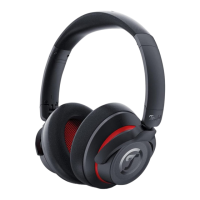
Teufel REAL BLUE NC
29 pages
Print Icon
To Next Page IconTo Next Page
Loading...
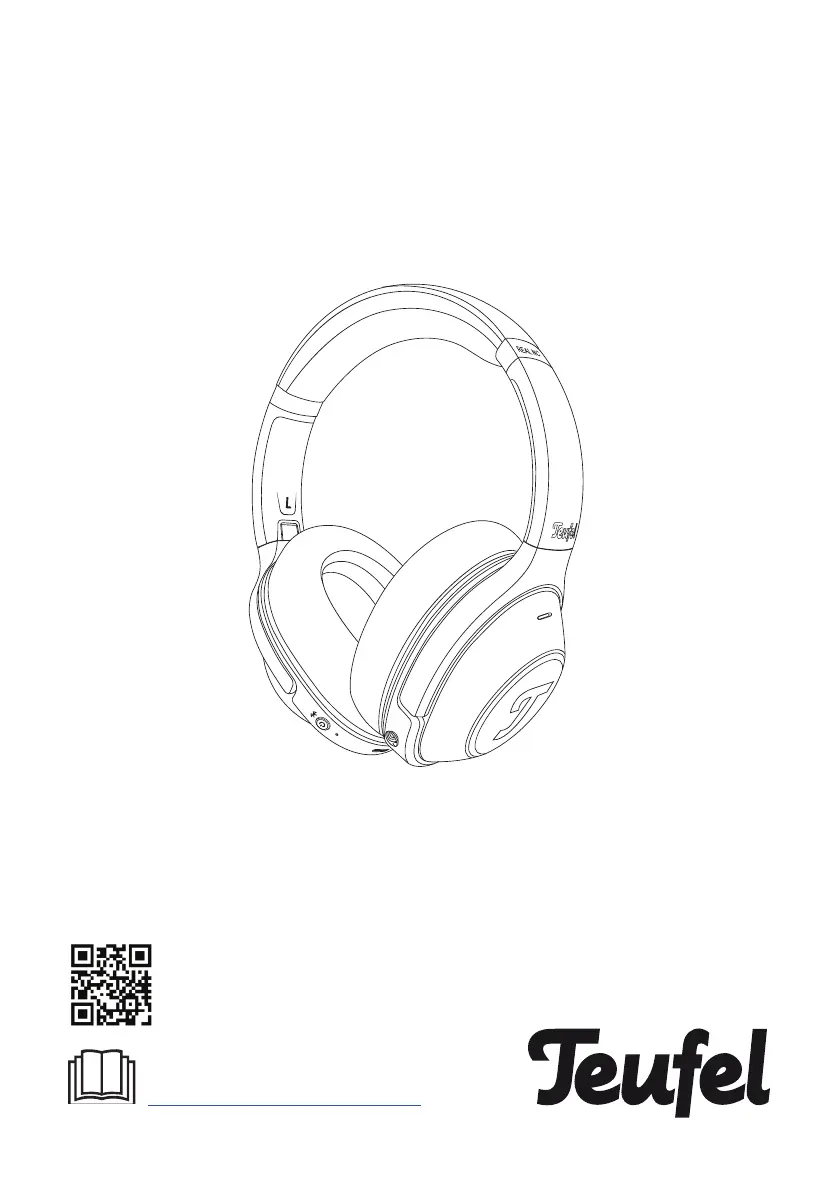
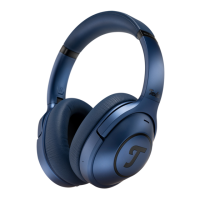
Teufel REAL BLUE NC
Bluetooth Over-Ear Headphone
You can find an extensive user manual
online at
www.teufelaudio.com/real-blue-nc
Technical Description And
User Manual

Other manuals for Teufel REAL BLUE NC

Questions and Answers

  • K
    Karla MurrayJul 28, 2025
    Why won't my Teufel REAL BLUE NC connect to my mobile device?
    • S
      Sean GibsonJul 29, 2025
      If your Teufel Headphones aren't connecting to your mobile device, first ensure your device supports Bluetooth. If it does, try these steps: * Turn the Bluetooth feature off and then on again. * Remove your Teufel REAL BLUE NC headphones from your mobile device's Bluetooth list and reconnect. * Bring your mobile device closer to the headphones, away from any obstructions. * Try connecting a different mobile device to rule out device-specific issues. * Clear the headphone's pairing list and reconnect. To clear the BT device list, press and hold the power button for 8 seconds while the headphones are switched off.
  • C
    Cassandra BrownAug 7, 2025
    What to do if there is no sound from my Teufel REAL BLUE NC?
    • K
      Kristin MaxwellAug 8, 2025
      If there is no sound from your Teufel Headphone, ensure the audio is playing on your mobile device. Also, increase the volume on your mobile device. Try moving your mobile device closer to the headphones, within 10 meters, and away from obstructions. You may also try using a different music source or connecting a different mobile device.
  • L
    Lori MorganAug 17, 2025
    How to improve poor sound quality on Teufel REAL BLUE NC Headphone?
    • K
      Karla BauerAug 17, 2025
      If the sound quality of your Teufel Headphone is poor, make sure that the headphones fit securely over your ear. Also, try using a different music source, connecting another mobile device, and moving your mobile device closer to the headphones (within 10 m) and away from any interference or obstructions.

Summary

For Your Safety

Proper Use

Defines intended use and liability for misuse of the headphones.

Safety Notes

Traffic and Suffocation Hazards

Warns about risks in traffic and suffocation from packaging.

Additional Safety Precautions

Electrical and Acoustic Hazards

Covers risks of explosion, interference, and hearing loss.

3.3 Headphone LED indications

4. Getting started

4.1 Powering on & off

Instructions for turning the headphones on and off.

4.2 Connecting with the headphones

Steps for pairing the headphones via Bluetooth.

5. How to use

ANC;Transparency Controls

How to use Active Noise Cancellation and Transparency modes.

5.2 ANC and Transparency Mode

6. Charging

8. Troubleshooting

9. Technical Data

Teufel REAL BLUE NC Specifications

General IconGeneral
Impedance16 Ω
Driver unit40 mm
Magnet typeNeodymium
Ear couplingCircumaural
Headphone frequency20 - 20000 Hz
Maximum input power40 mW
Headphone sensitivity93.5 dB
Continuous audio playback time60 h
Quantity1
Carrying caseYes
Cables includedAudio (3.5mm), USB
Wireless range10 m
6.35 mm connectorNo
Connectivity technologyWired
MaterialMetal, Plastic
Brand compatibilityAny brand
CertificationRoHS, CE
Product colorBlack, Red
Wearing styleHead-band
Weight and Dimensions IconWeight and Dimensions
Weight260 g

Related product manuals