TGT VDD
XDS110
Out
MCU101 Rev: B
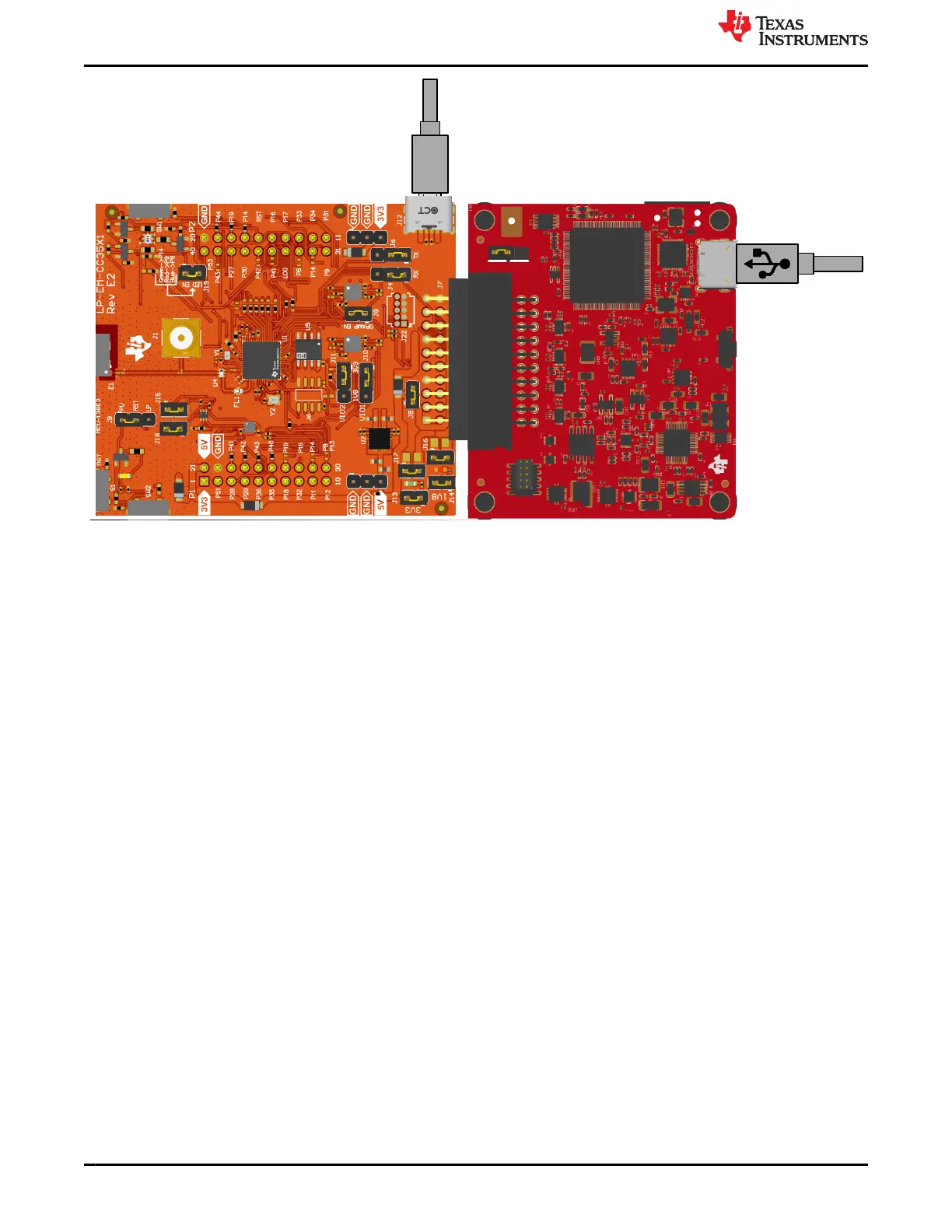
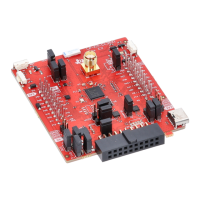
Figure 2-27. LP-EM-CC35X1 Connected to LP-XDS110(ET)
2.5.1 Wi-Fi Toolbox LP-EM-CC35X1 Hardware Setup
SimpleLink Wi-Fi toolbox is a GUI-based tool for evaluation ,programming, and testing of CC35xx designs during
development and certification. Radio Tool is one of the tools included in the toolbox which allows for RF testing.
The tool enables low-level radio testing capabilities by manually setting the radio into transmit or receive modes.
Usage of the tool requires familiarity and knowledge of radio circuit theory and radio test methods. To preform
conducted RF testing on the LP-EM-CC35X1, refer to Section 2.4. Note that a rework can be needed.
The user can download this tool from the CC35xx product page on ti.com.
HW Prerequisites
• Windows 10 64bit/ Ubuntu 18 (or higher) 64bit operation system
• Latest Chrome web browser
• Installation of Simplelink Wi-Fi Toolbox
• LP-EM-CC35X1
• LP-XDS110 or LP-XDS110ET debugger for SWD communication
The LP-XDS110 enables direct communication to the CC35xx device via the SWD interface. This allows external
tools, such as the Radio Tool, to send commands directly to the device without the use of flashing the application
image.
Hardware www.ti.com
22 CC35xxE LaunchPad™ Development Kit for SimpleLink™ Wi-Fi 6 and
Bluetooth® Low Energy Wireless MCU
SWRU629 – SEPTEMBER 2024
Submit Document Feedback
Copyright © 2024 Texas Instruments Incorporated









 To Next Page