© 1999 T
EXAS
I
NSTRUMENTS
I
NCORPORATED
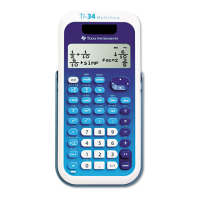
TI-34 Û: A Guide for Teachers
vi
About the TI
.
34
Ü
(Continued)
Resetting the TI
.
34
ÜÜ
Pressing
&
and
-
simultaneously or
pressing
%
, selecting
Y
(yes), and
then pressing
<
resets the calculator.
Resetting the calculator:
• Returns settings to their defaults:
Standard notation (floating decimal) and
degree mode.
• Clears memory variables, pending
operations, entries in history, statistical
data, constants (stored operations), and
Ans
(Last Answer).
Note
: The examples on the transparency
masters assume all default settings.
Automatic Power Down
TM
(APD
TM
)
If the TI-34
Û
remains inactive for about
5 minutes, Automatic Power Down (APD)
turns it off automatically. Press
&
after
APD. The display, pending operations,
settings, and memory are retained.



 To Next Page
 Loading...