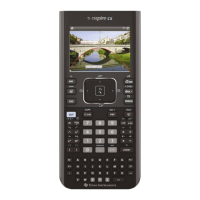
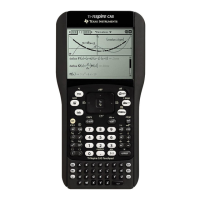
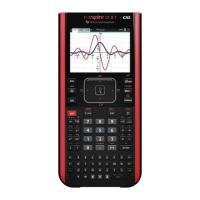
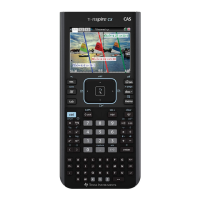
» Opens the Scratchpad for performing
quick calculations and graphing.
e Moves to the next entry field.
g Makes the next character typed
upper-case.
/ Provides access to the function or
character shown above each key. Also
enables shortcuts in combination with other
keys.
bDisplays the application or context
menu.
. Deletes the previous character.
h Displays stored variables.
· Evaluates an expression, executes an
instruction, or selects a menu item.
Note: A ¢ symbol on a key indicates access to multiple options. To access an option,
press º repeatedly or use the arrow keys on the calculator keypad. Press · or click
to select the option.
The TI-Nspire™ CX II Online Calculator Screen
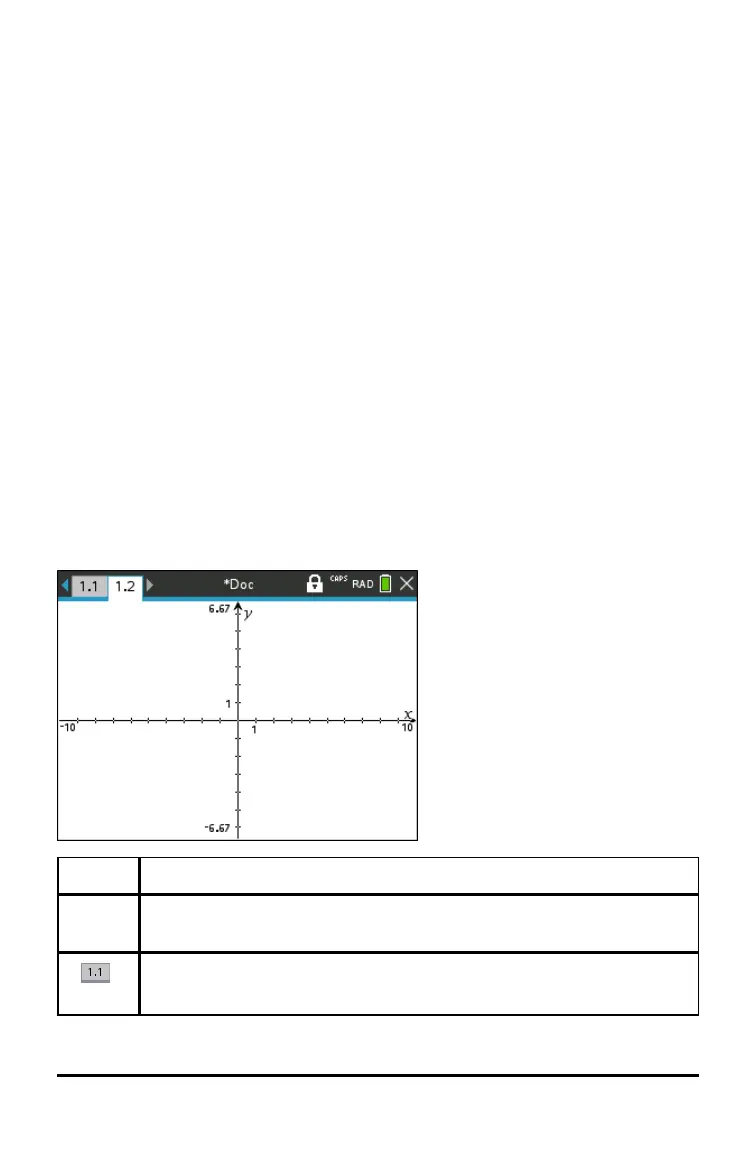
When you are working in a document, icons at the top of the screen provide
information about the status of operations and provide an easy way to change settings.
The icons are described below.
Icon Function
¡ ¢
Page scrolling arrows - Use the calculator keypad to click these arrows and
scroll through the pages in a document.
Page tab - Labels the problem number and page number of the active page.
For example, a label of 1.2 identifies Problem1, Page2. If problems are
TI-Nspire™ CX II Online Calculator 11



 To Next Page
 Loading...