EasyManua.ls Logo

Texas Smart G-Force SB900 - User Manual

Texas Smart G-Force SB900
163 pages
Go to English
Print Icon
To Next Page IconTo Next Page
Loading...
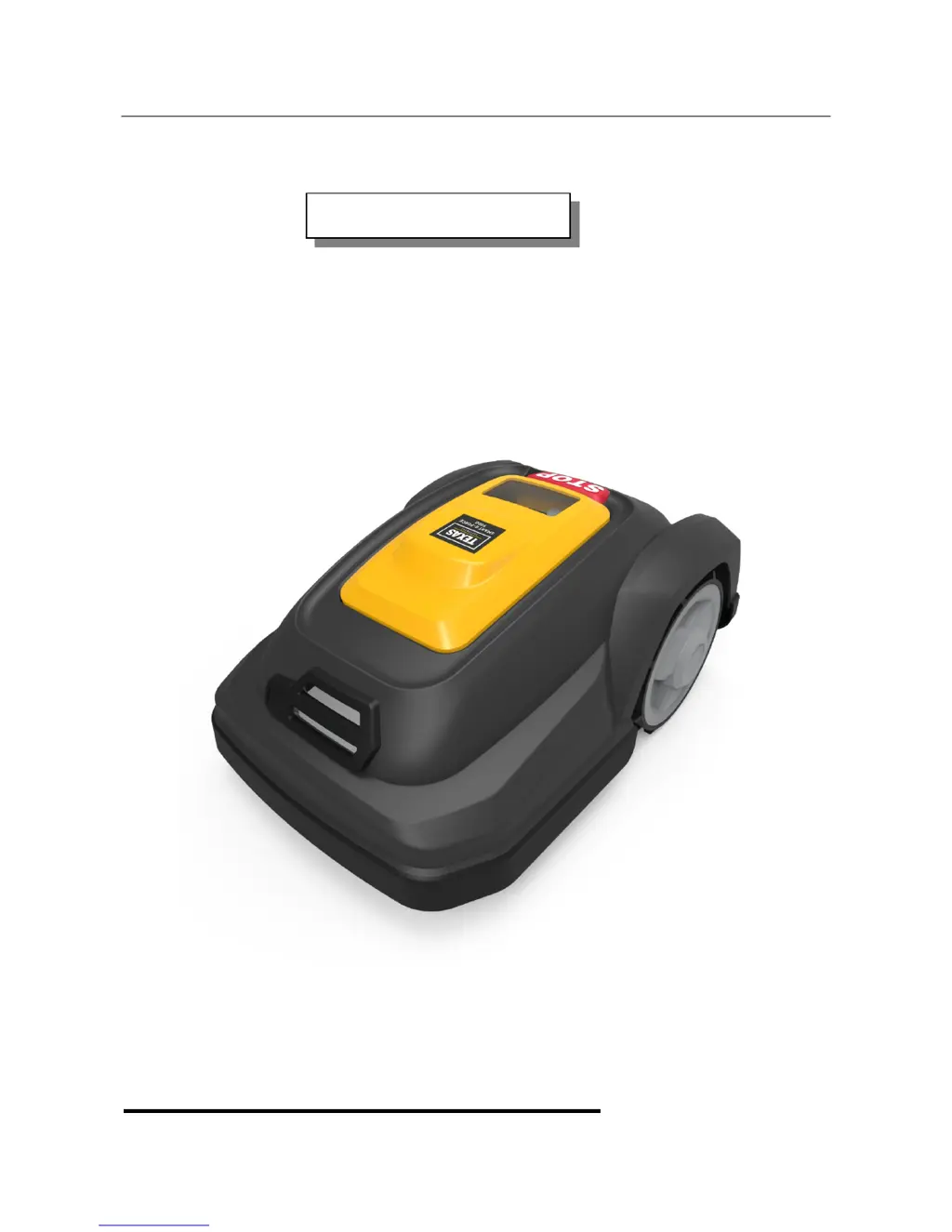
Smart G-Force SB900, SB1200
DK Brugsanvisning
Texas A/S - Knullen 22 - DK-5260 Odense S - Denmark Version 17.1
Tel. +45 6395 5555 - www.texas.dk - post@texas.dk

Table of Contents

Questions and Answers

  • S
    Scott AndersonAug 2, 2025
    What to do if my Texas Smart G-Force SB900 Lawn Mower is flashing red and the blue light is off?
    • A
      Adam FrenchAug 2, 2025
      If your Texas Lawn Mower shows a flashing red light while the blue light is off, it typically indicates a break in the boundary cable while the charging station cable is okay. Begin by inspecting the cable connections to ensure they are secure. Also, examine the charging station's cable input for any signs of damage or disconnection.
  • J
    James BeckAug 12, 2025
    Why is my Texas Lawn Mower flashing red and blue?
    • M
      michael21Aug 13, 2025
      If your Texas Lawn Mower exhibits flashing red and blue lights, this indicates a break or short circuit in both the boundary cable and the internal charging station cable. You should check the cable connections to ensure they are properly connected. Also, check the charging station’s cable input.
  • M
    Monique FreemanAug 21, 2025
    How to fix a flashing blue light on my Texas Lawn Mower when the red light is off?
    • D
      Denise AlvarezAug 21, 2025
      If your Texas Lawn Mower shows a flashing blue light while the red light is off, it suggests there's an internal cable break in the charging station, but the boundary cable is working fine. Check the cable underneath the charging station for any damage or disconnections.

Summary

Technical data

Safety symbols

Safety instructions

Use of the machine

Guidelines for safe operation and maintenance of the robot lawnmower.

Personal safety

Handling the robot lawnmower

Detecting the boundary cable

Starting and stopping mowing

Setting the mowing height

Installation guide

Garden Obstacles

Slopes

Flower beds

Garden ponds and swimming pools

Marking out and positioning of the robot lawnmowers working area

Positioning of charging station

Laying out the charging station

Connecting the boundary cable to the charging station

Start-up and test of installation

Programming

Description of the buttons

Touchscreen overview

Explanation of symbols on the touchscreen

Details the meaning of various icons displayed on the robot's touchscreen.

Entering the time and date

Mowing cycle setting

How to select the mowing days and time periods

Charging

Error icons

Rain sensor

Cleaning and replacing spare parts

The blades

Instructions for cleaning, reversing, or replacing the robot's blades.

Replacing the battery

Charging station troubleshooting

Robot lawnmower troubleshooting

Error codes

Texas Smart G-Force SB900 Specifications

General IconGeneral
BrandTexas
ModelSmart G-Force SB900
CategoryLawn Mower
LanguageEnglish

Related product manuals