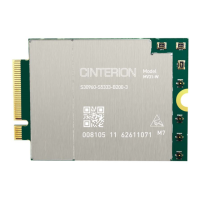
Getting Started with 4G Modem Card
2.3 Start Up the Modem Card
16
t MLx31_startup_guide_v01 2021-05-06
Confidential / Prelimenary
Page 11 of 17
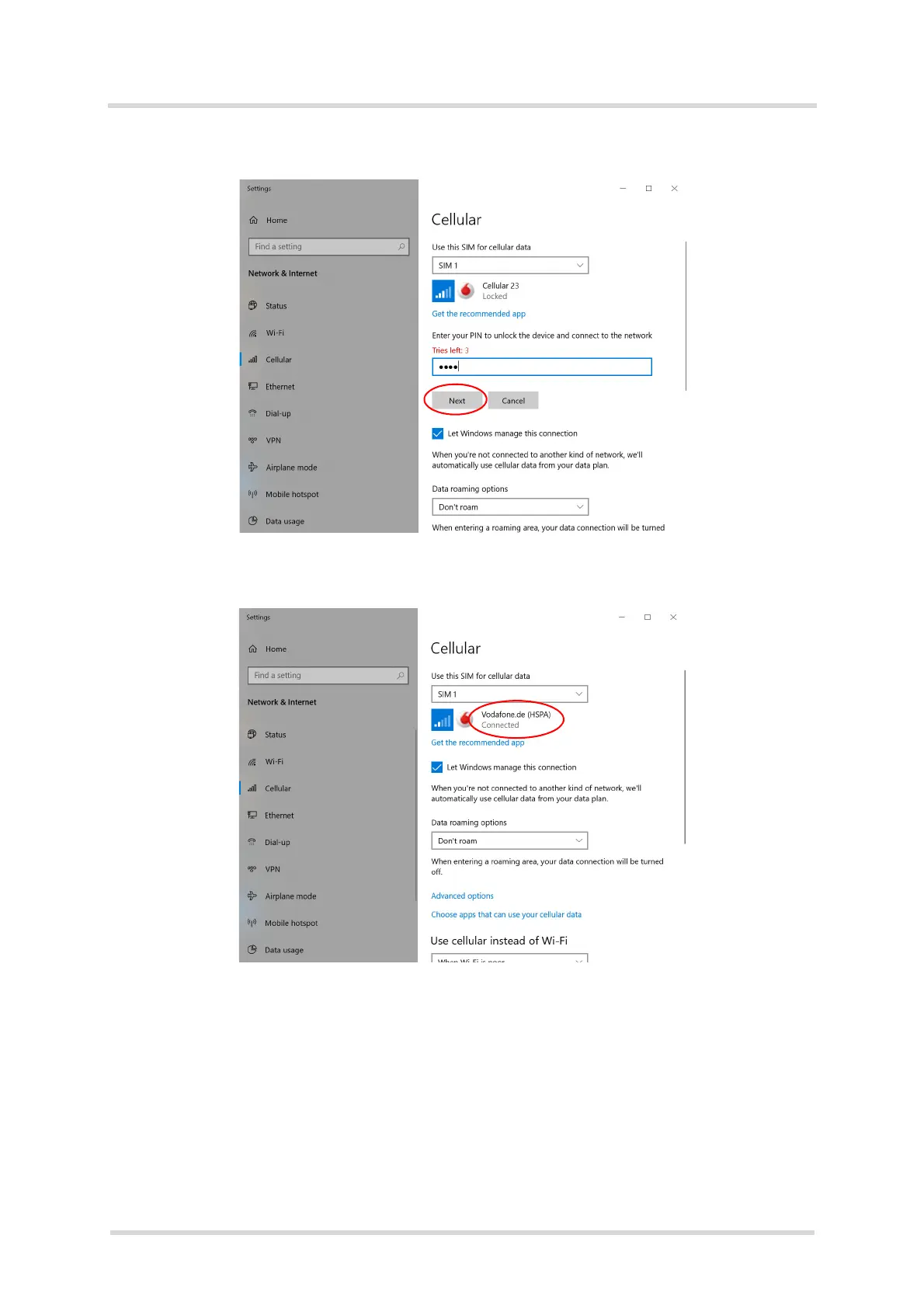
3. After entering the PIN press button "Next"
4. After successful registration to the network Windows 10 will show "Connected"
Now you can open a Internet Browser and go Online.



 To Next Page