Min length: 8
Max length: 30
Min number of upper cases: 1
Min number of lower cases: 1
Min number of digits: 1
Min number of other : 1
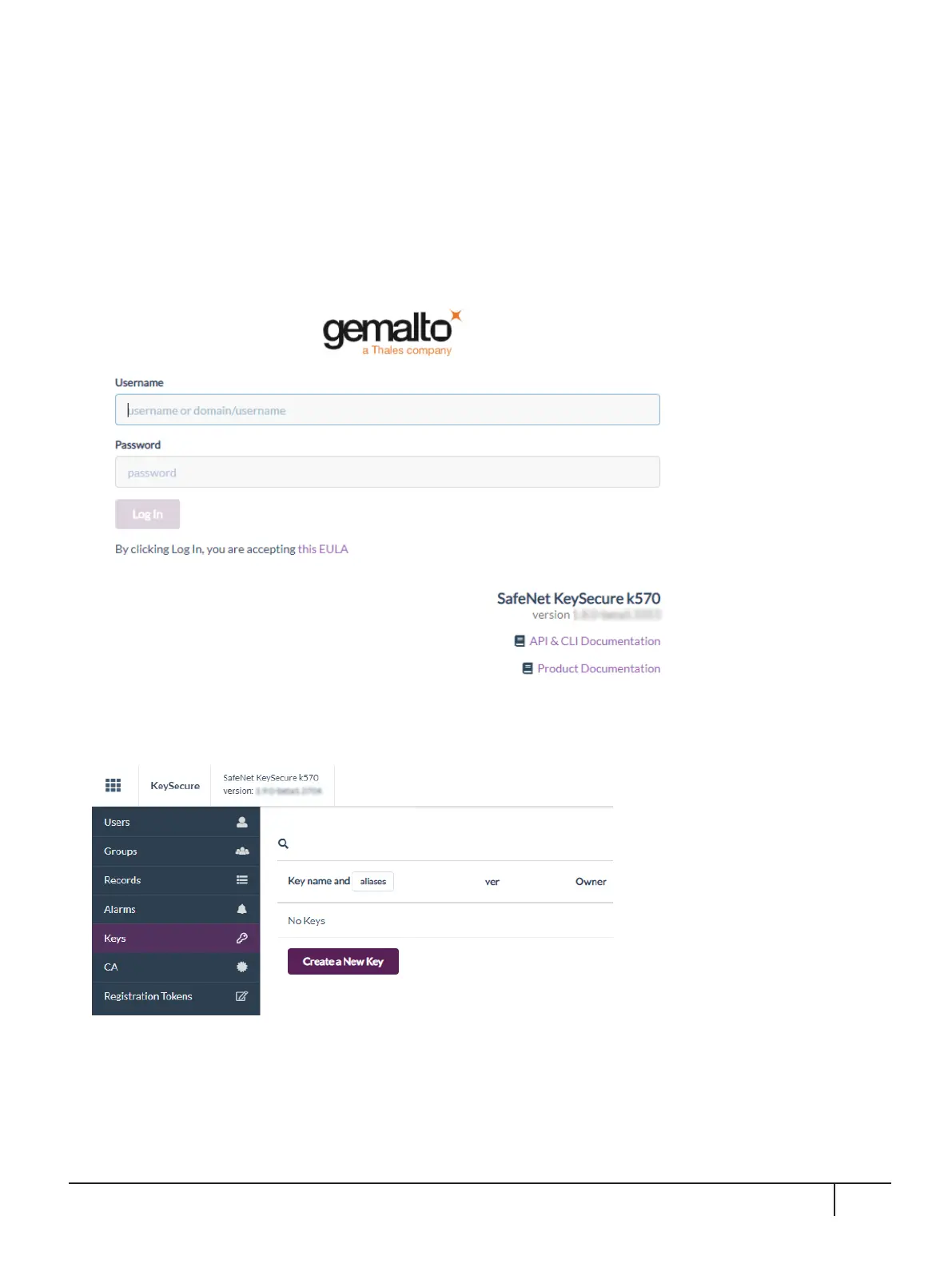
A new Log In screen appears:
4. Using your new password, log in again.
The KeySecure k570 Appliance GUI home page appears:
The KeySecure k570 Appliance has been activated. When you are ready, you can continue with the following
section to configure the PCIe HSM Card as Root of Trust.
KeySecure k570 Appliance : Installation Guide
16 June 2020,Copyright© 2020 Thales Group.All rights reserved.
32


 To Next Page