Configuring the HSM as Root of Trust
You can configure the HSM as Root of Trust using either the GUI or the CLI (KSCTL). This section uses the
GUI. For instructions on using KSCTL to configure the HSM as Root of Trust, refer to the NextGen KeySecure
Administrator Guide.
1. Browse to the KeySecure k570 Appliance GUI home page as you did in the "Activating the Appliance"on
page31 section above.
2.
Click Admin Settings to open the Admin Settings application.
3.
In the left pane, click System > HSMs.
The HSM Settings page is displayed.
4.
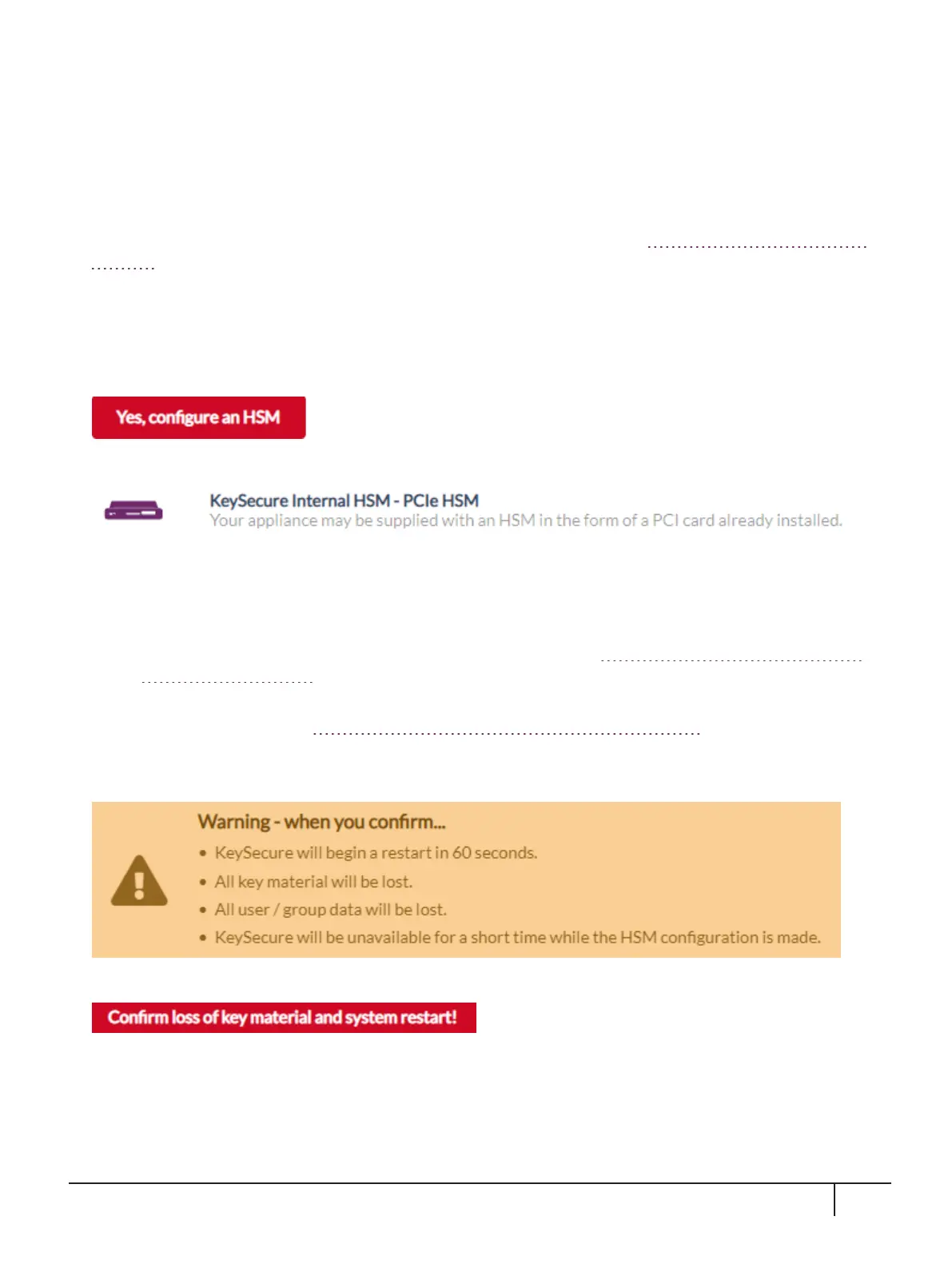
On the HSM Settings page, select:
5.
Select the HSM type and select Next.
6.
On the Configuring KeySecure Internal HSM - PCIe HSM page:
a.
Enter the HSM Partition Label and Password.
– The HSM Partition Label is the label that was assigned using the lunacm command partition
init -label <new partition label> in the section "Initializing the SafeNet Luna PCIe
HSM Card"on page26.
– The Password is the partition password (also known as the Crypto Officer password) that was
assigned in the section "Resetting the Crypto Officer Password"on page29.
b.
Select Next.
The following warning is displayed:
7. When ready to confirm, select:
The appliance restarts and the HSM configuration settings are applied. KeySecure is unavailable during this
period.
When the HSM configuration is complete, you are returned to the Log In screen.
KeySecure k570 Appliance : Installation Guide
16 June 2020,Copyright© 2020 Thales Group.All rights reserved.
33



 To Next Page