2 Printer Setup
14
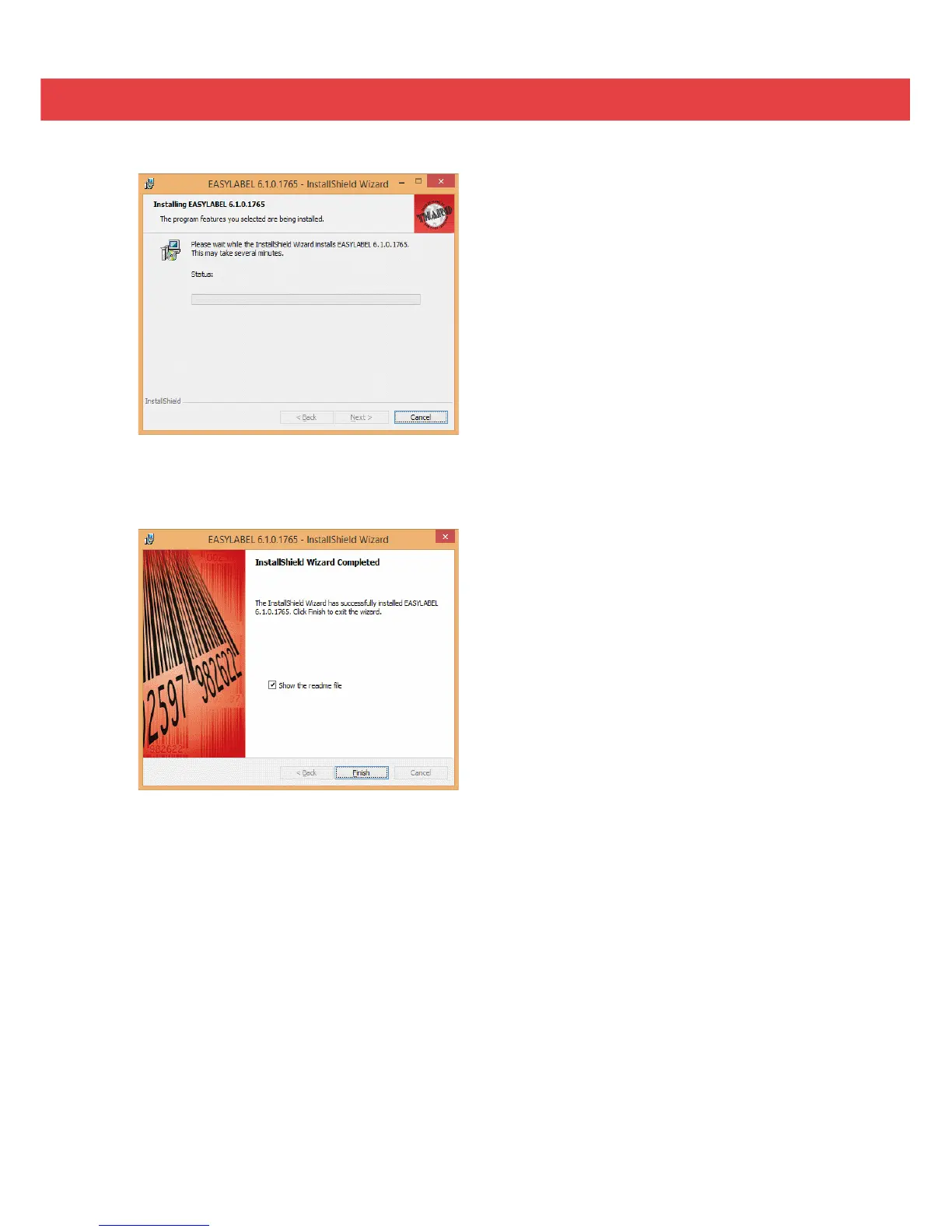
8. The installation is complete. Click “Finish” to close the InstallShield Wizard.
9. You are ready to start using EASYLABEL. If you are a new EASYLABEL user we recommend that you view the
EASYTutor tutorials. EASYTutor is the best way to get acquainted with your new labeling software. EASYTutor
can be found in the “EZtutor” folder on the product CD.
You may also view EASYTutor online at www.tharo.com/interactive.php
We suggest getting started with “Adding a USB printer” which is a great step-by-step walk through of how to
add a USB printer to EASYLABEL.
www.tharo.com/Interactive/adding_a_usb_printer/adding_a_usb_printer.htm
7. The Status screen will show the progress of the EASYLABEL Start installation.


 To Next Page