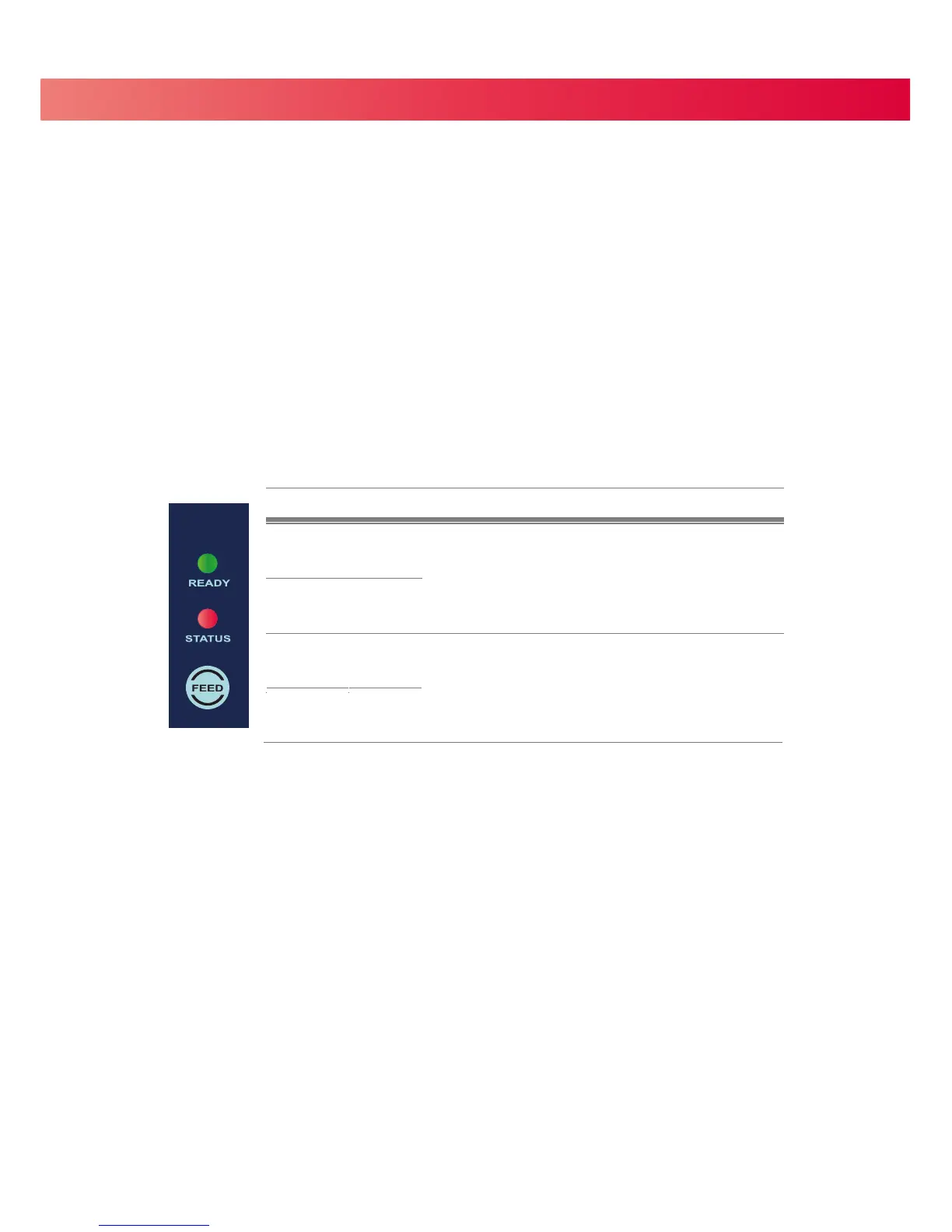
3 Operation Panel
3.1 Operation Panel
4 FEED Button
When you press the FEED button, the printer advances the label stock to a defined stop position.
If you are using continuous labels, pressing the FEED button will advance label stock until you release the button.
If you are using labels with gaps or black marks, pressing the FEED button will advance only one label.
If the label does not stop at the correct position the sensor must be calibrated. Follow the Label Calibration
instructions in section 3.2 of this manual
.
4 LED Indicators
17
LED indicator Status Description
Green
Standby mode
The printer is ready for operation.
READY
OFFSTATUS
OFFREADY
RedSTATUS
Error mode
There is an error.
(See Section 3-3. for a list of errors)
Beeps
2 x 2 beeps
2 x 3 beeps
2 x 4 beeps


 To Next Page