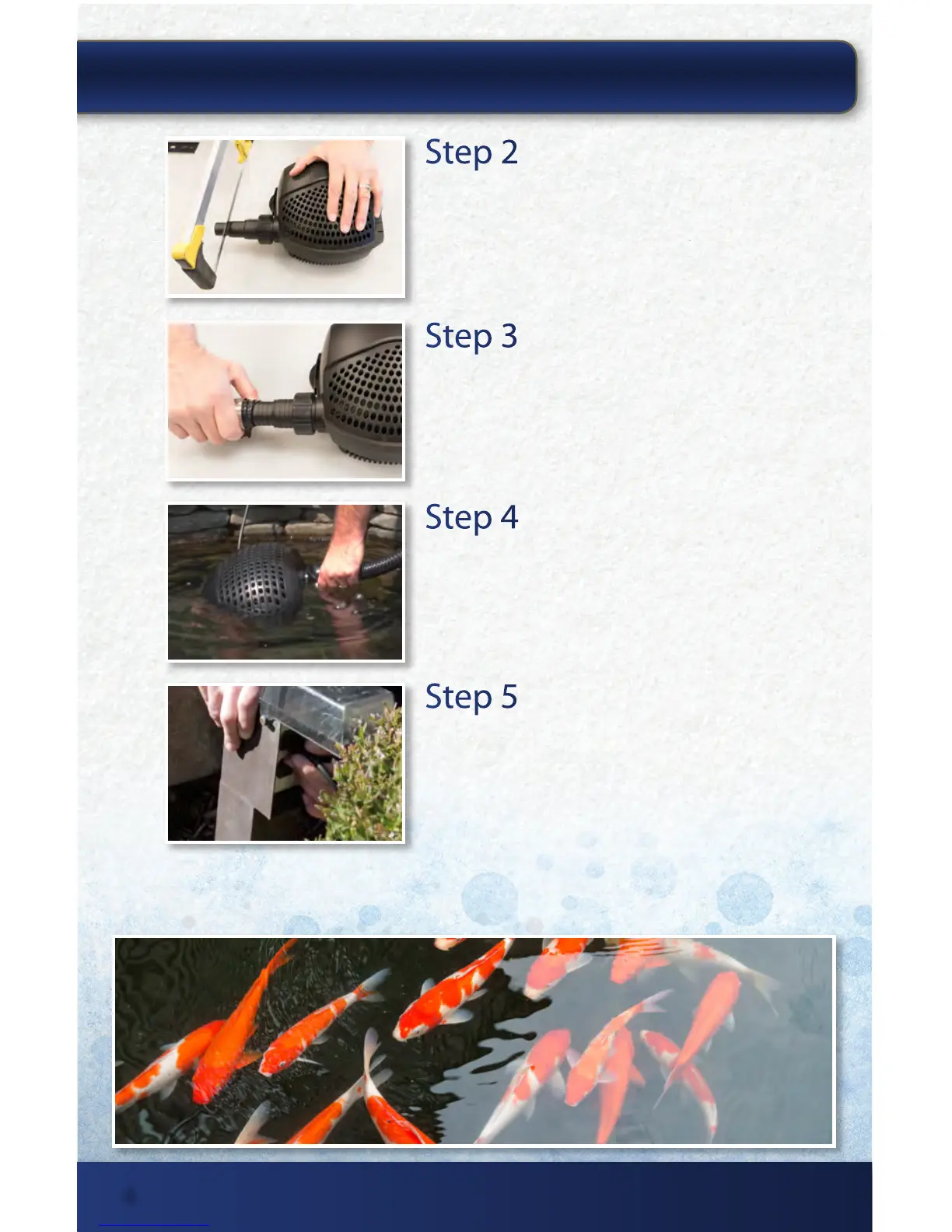
Step 2
Cut to Size
Cut the step down tting down to the largest
connection that will work with your plumbing. Step
down tting oers options for use with 1” and 1-1/4”
plumbing.
Step 4
Submerge Pump
Submerge the SolidFlo™ G2 Pump in a at area in your
pond. Ideally this should be at the opposite end of the
pond from where the water will discharge.
Step 5
Start your Pump
Plug the power cord into a standard 120-volt GFCI
protected outlet. When starting up, the pump
automatically performs a pre-programmed self-test
of approximately two minutes in length. If the pump
detects it is running dry or is blocked it will shut o
automatically after 90 seconds. If this occurs, unplug
the unit, ood the pump with water or remove
blockage and restart the pump.
Step 3
Connect Plumbing
Connect plumbing and secure with a hose clamp or glue.
INSTALLING YOUR SOLIDFLO
™
G2 PUMP:
thepondguy.com | 866-POND-HELP (766-3435)
4


 To Next Page