— E19 —
am
al
Using a Bluetooth Device (Continued)
Operation
12
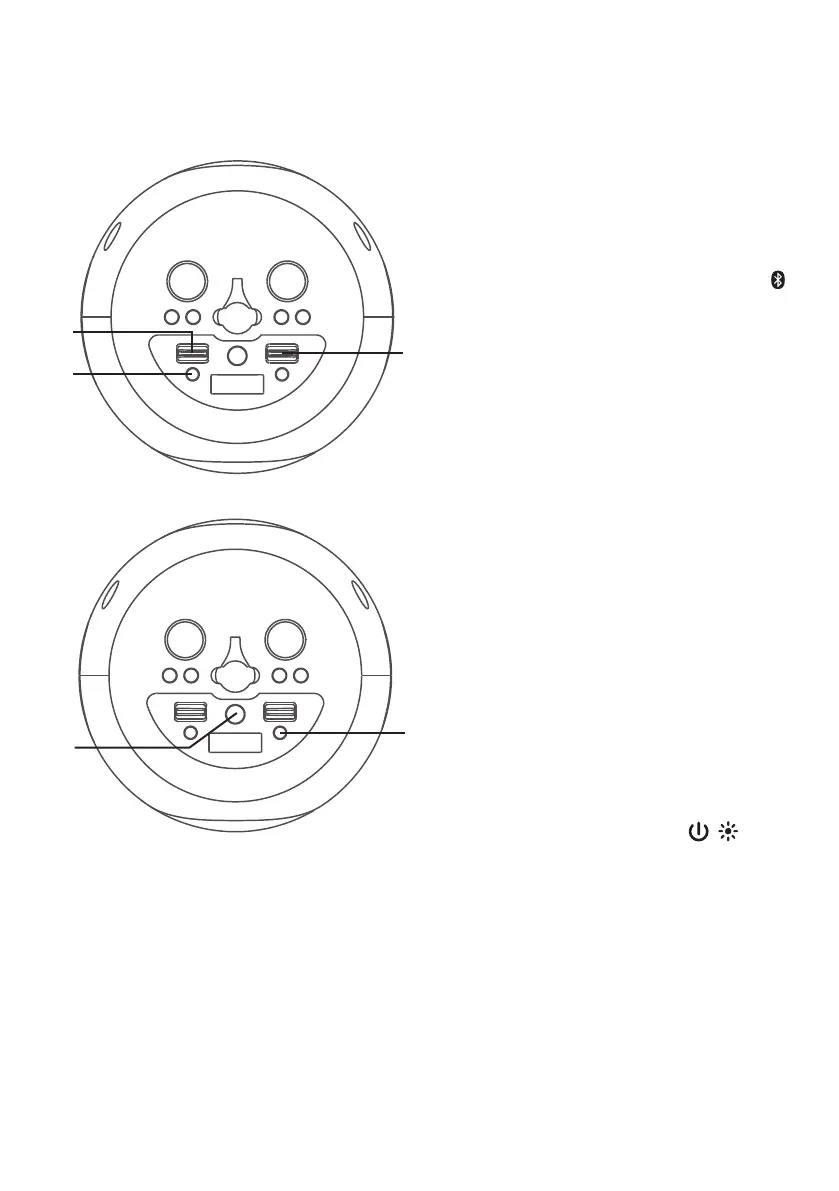
Toggle the VOICE EFFECTS
control to select a voice effect.
13
To sing without the lead singer
on the recording, press the /
VOCALS OFF button. To resume
the lead singer, press again.
NOTE: Lead vocal removal might work
better on some songs than others.
14
Toggle the EFFECTS STRENGTH
control to select the level of the
selected vocal effects.
15
Press the PERFECT PITCH button
to switch between the different
levels of voice pitch. Display will
show level.
NOTE: This function is only available for
either Wireless Mic 1 or Mic 3.
16
Press and hold the / (ON/
STANDBY/LIGHTS) button to
turn off the unit.
an
ao
ap



 To Next Page