EasyManua.ls Logo

The Singing Machine SMG-137 - User Manual

The Singing Machine SMG-137
52 pages
Print Icon
To Next Page IconTo Next Page
Loading...
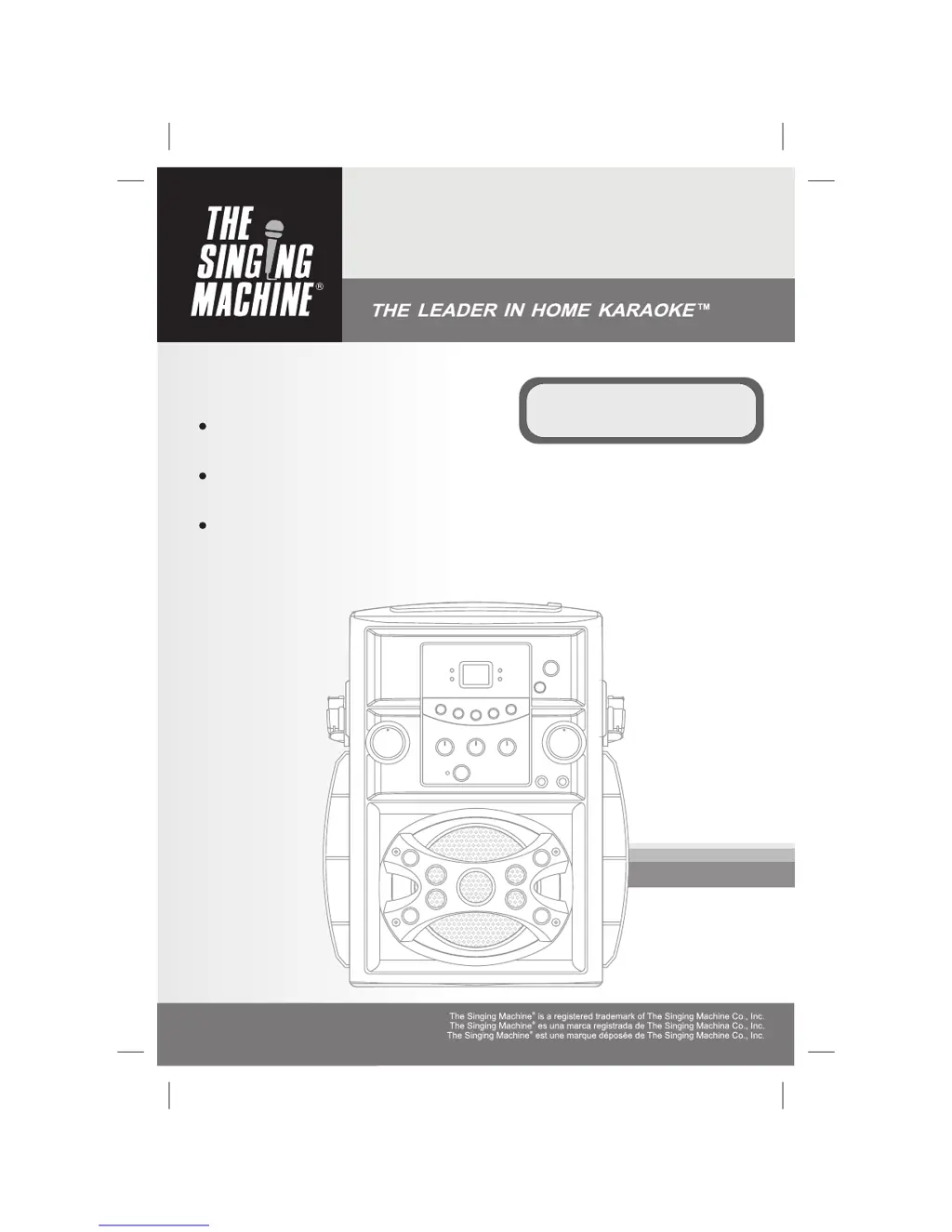
SMG-137
Compact Disc + Graphic
Karaoke Center
CD + Diseños
Karaoke System
Compact Disque + Graphiques
Système De karaoké
Please read before using this unit.
Lea antes de usar esta unidad.
Veuillez lire avant d'utiliser cet appareil.
Instruction Manual
Manual De Instrucción
Manuel D'instruction

Questions and Answers

  • K
    Kathryn RoyJul 30, 2025
    How to fix no sound from mic on The Singing Machine Karaoke System?
    • B
      Brandon GibsonJul 30, 2025
      If you're not getting any sound from The Singing Machine Karaoke System, first, make sure the microphone is turned on using the ON/OFF switch located on the microphone. If it's on, adjust the mic volume to the maximum level, then reduce it to a comfortable level.
  • B
    bryantjoshuaAug 4, 2025
    What to do if no song lyrics appear on The Singing Machine SMG-137 Karaoke System?
    • E
      Elizabeth LucasAug 4, 2025
      If no song lyrics appear on the TV screen when using The Singing Machine Karaoke System, ensure the video cable is correctly connected from the system's VIDEO OUT to the TV's VIDEO IN. Also, use your TV remote to select the correct VIDEO input. If your TV lacks a video line input, connect the system's VIDEO OUT to the VCR's VIDEO IN, or use an RF Modulator connected to the TV cable input. Finally, ensure the disc is a CDG and check that it is clean.
  • C
    campbellsharonAug 9, 2025
    Why is there no sound when The Singing Machine Karaoke System is connected to a home stereo?
    • A
      Adam BurnsAug 9, 2025
      If you have no sound when your Singing Machine Karaoke System is connected to a home stereo, make sure the source selection on your stereo is set to AUX IN. Also, check that the connection to the stereo system is properly set up.
  • B
    Brittany OsbornAug 13, 2025
    What to do if there is no sound when audio is going through TV or VCR on The Singing Machine Karaoke System?
    • K
      kevin94Aug 13, 2025
      If there is no sound when your Singing Machine Karaoke System audio is going through the TV or VCR, ensure the source selection on the TV or VCR is correct.
  • D
    Dawn WellsAug 19, 2025
    How to fix The Singing Machine Karaoke System CD Player when it does not work normally?
    • F
      fernandezbrettSep 12, 2025
      If your Singing Machine Karaoke System's CD player isn't working normally or the LED displays “ddd”, “dd” or “ddd”, try the following: 1. Ensure the disc is inserted correctly. 2. Wipe the disc clean with a soft cloth. 3. Try a new disc if the current one is scratched or warped. 4. Use only discs bearing the standard logo. 5. Wait 20-30 minutes if moisture has formed inside the CD deck. 6. Disconnect the machine from the power source for 30 seconds then reconnect.
  • D
    danielwillisAug 25, 2025
    Why is there no sound from The Singing Machine SMG-137?
    • Q
      qfreemanAug 25, 2025
      If there is no sound coming from The Singing Machine Karaoke System, first, check if the volume control is set to minimum and turn it up. If you're connected to a TV or PA system, ensure that the volume on that device is also turned up and that the power is on. Also, make sure the AUX OUT jacks are properly connected.

Summary

Safety Warnings

Fire, Shock, and Laser Hazards

Details warnings about fire, electric shock, and laser safety precautions.

Important Safety Instructions

Operational Safety Guidelines

Covers instructions for reading, retaining, heeding warnings, and following usage directions.

Electrical and Servicing Safety

Focuses on power cord protection, grounding, lightning, object entry, servicing, replacement parts, and safety checks.

Control Locations

Making Connections

CD and CD+G Operation

Care and Maintenance

Trouble Shooting Guide

Common Issues and Solutions

Lists common operational issues and their corresponding fixes.

The Singing Machine SMG-137 Specifications

General IconGeneral
TypeKaraoke System
MicrophoneYes
Power SourceAC Adapter or Battery
AC AdapterIncluded
Microphone Inputs1
USB PortYes
SD Card SlotYes
Battery OperatedYes
ConnectivityBluetooth
Speaker Output5W

Related product manuals