EasyManua.ls Logo

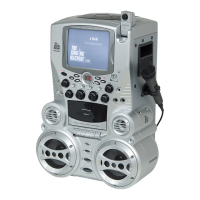
The Singing Machine STVG-513 - User Manual

The Singing Machine STVG-513
20 pages
Print Icon
To Next Page IconTo Next Page
Loading...
STVG-513
Please read before using this unit.
Instruction Manual
Please read before using this unit.
Compact Disc + Graphics
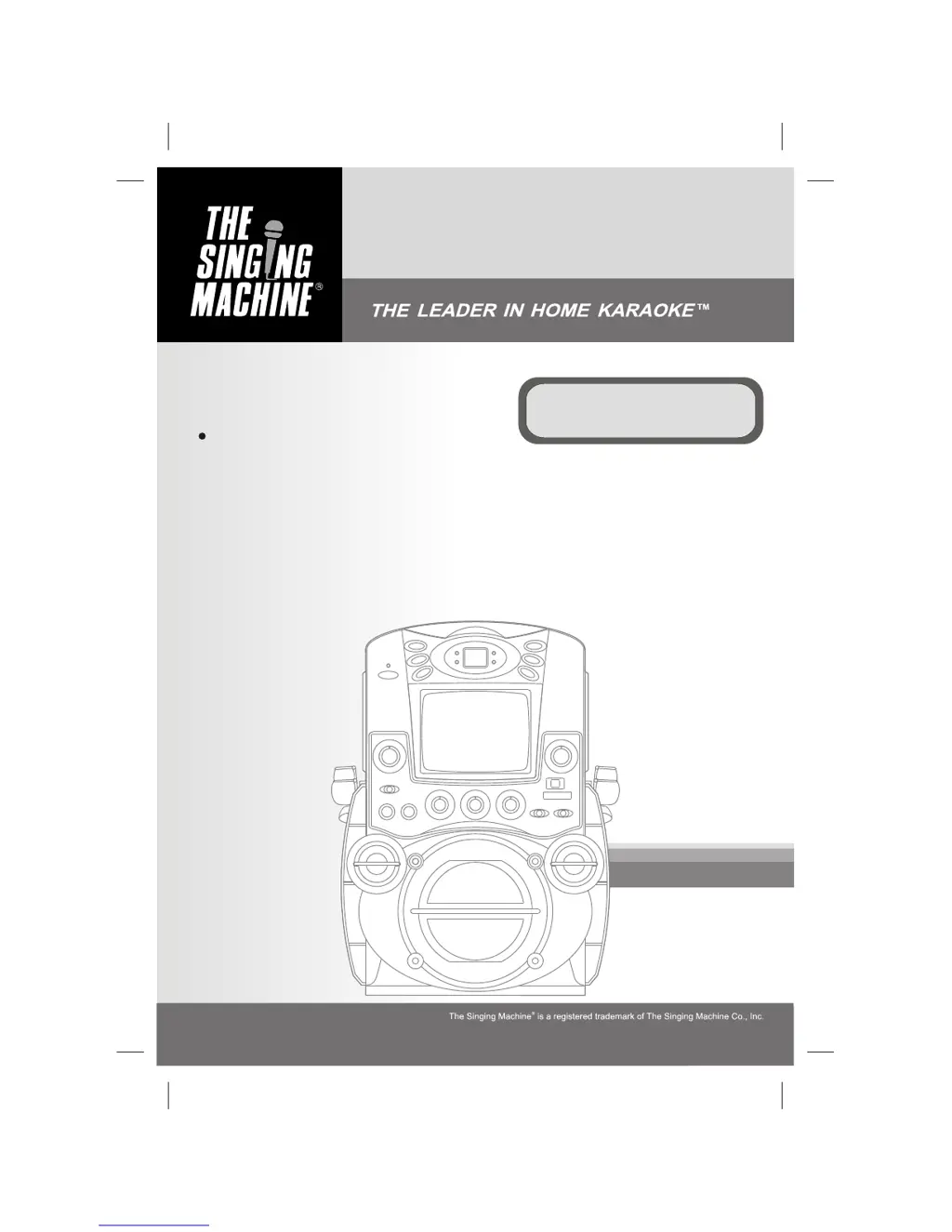
with Built-In TV Karaoke Center

Questions and Answers

Summary

STVG-513 Karaoke System

WARNINGS AND SAFETY PRECAUTIONS

Electrical and Environmental Hazards

Warnings against electric shock, fire, moisture, dripping, and splashing.

Laser Product and Ventilation Safety

Information on Class 1 Laser Product safety and ventilation requirements.

IMPORTANT SAFETY INSTRUCTIONS

CONTINUED SAFETY INSTRUCTIONS

Operational and Servicing Safety

Precautions for overloading, object entry, servicing, and replacement parts.

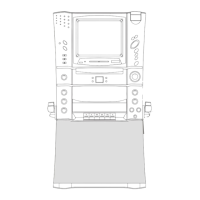
CONTROL LOCATIONS - FRONT VIEW

CONTROL LOCATIONS - REAR VIEW

MAKING THE CONNECTIONS

Power and TV Connection

Steps to connect the unit to a power outlet and a TV for displaying lyrics and audio.

MAKING THE CONNECTIONS (Continued)

Connecting Video Components and Audio Output

Guidance on connecting external video sources and outputting audio to stereo systems.

Connecting Audio Input Sources

Instructions for connecting external audio sources to the unit's AUX IN jacks.

CD OR CD+G OPERATION

CD OR CD+G OPERATION (Continued)

CARE AND MAINTENANCE

TROUBLE SHOOTING GUIDE

Common Operational Issues and Solutions

Troubleshooting for power, sound, and CD player errors with corresponding solutions.

TROUBLE SHOOTING GUIDE (Continued)

Audio;Video Connectivity and Lyrics Problems

Solutions for audio issues with TV/VCR and problems with song lyrics display.

The Singing Machine STVG-513 Specifications

General IconGeneral
TypeKaraoke System
ModelSTVG-513
Power SupplyAC Adapter
Display TypeLCD
Built-in SpeakersYes
Microphone Inputs2
USB PortYes
SD Card SlotYes
Power SourceAC Adapter
Display7-inch color display
ConnectivityBluetooth
MicrophoneWired microphone included
Audio OutputBuilt-in Speakers, Headphone Jack
Disc CompatibilityCD, CD+G
Video OutputComposite Video

Related product manuals