EasyManua.ls Logo

The Singing Machine STVG-999 - User Manual

The Singing Machine STVG-999
88 pages
Print Icon
To Next Page IconTo Next Page
Loading...
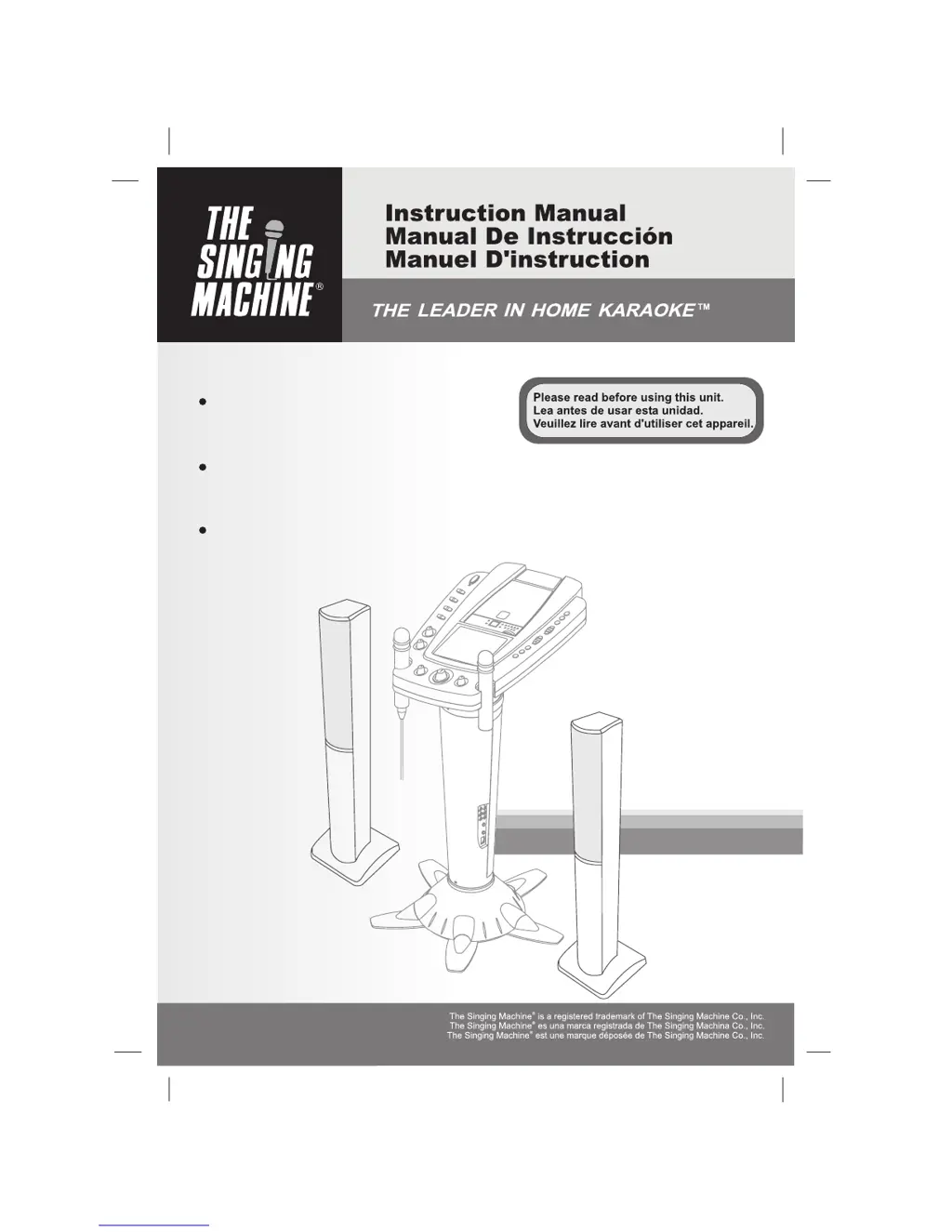
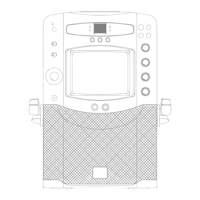
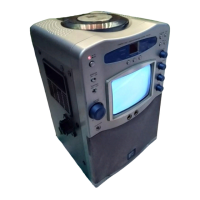
STVG-999
Pedestal CDG Karaoke System with
built-in video camera & TV monitor.
Wireless & wired microphone included.
Base del Sistema de Karaoke con
cámara de filmación integrada y Monitor de TV.
Micrófono inalámbrico & con cordón incluso
Base du Système de Karaoké avec
caméra vidéo encastrée et moniteur de TV .
Micro sans fil & avec fil compris

Questions and Answers

  • D
    Dennis DanielsAug 17, 2025
    Why is there no sound from my TV or PA with The Singing Machine Karaoke System?
    • T
      Timothy BuckleyAug 17, 2025
      If your The Singing Machine Karaoke System has no sound from the TV or PA, first, select the correct function on the system. Then, increase the volume on the TV or PA system and ensure it is powered on. Finally, check that the white and red patch cords are securely connected to both The Singing Machine and the TV/PA system.
  • C
    Craig GuzmanAug 20, 2025
    How to fix no sound when connecting The Singing Machine STVG-999 Karaoke System to a home stereo?
    • R
      Richard JonesAug 20, 2025
      If there's no sound when your The Singing Machine Karaoke System is connected to a home stereo, first, ensure that the source selection on your stereo is set to AUX IN. Also, make sure you've properly connected the system to the stereo, following the directions on page E15. Finally, verify that the white and red patch cords are securely inserted into both The Singing Machine and the home stereo system.
  • A
    Anna RamirezAug 22, 2025
    How to troubleshoot no sound with The Singing Machine STVG-999 through TV or VCR?
    • O
      ogonzalesAug 22, 2025
      If there is no sound when your The Singing Machine Karaoke System audio is going through the TV or VCR, ensure that the source selection on your TV or VCR is correct by following the directions on page E13 for 'Making the Connections'. Also, verify that the patch cords are securely inserted into both The Singing Machine and the home stereo system.
  • M
    Megan RamosAug 25, 2025
    How to display song lyrics on TV screen using The Singing Machine STVG-999?
    • A
      Amanda GreenAug 26, 2025
      If no song lyrics appear on the TV screen when using The Singing Machine Karaoke System, ensure the video cable is correctly connected from the system's VIDEO OUT to the TV's VIDEO IN. Also, check that the TV's source selector is set to VIDEO. If your TV lacks a video line input, connect the system's VIDEO OUT to the VCR's VIDEO IN or use an RF Modulator connected to the TV cable input. Confirm you are using standard CD+G discs and that the disc is clean.
  • T
    Taylor RiosAug 27, 2025
    What to do if CD player on The Singing Machine Karaoke System not working?
    • C
      Cameron TurnerAug 28, 2025
      If the CD Player on your The Singing Machine Karaoke System isn't working correctly or the LED displays “aai”, “aa”, or “aaa”, make sure the disc is inserted correctly (label side up). Try cleaning the disc with a soft cloth, or use a new disc if it's scratched or warped. Ensure you're using a standard disc. If moisture has formed inside the CD deck, wait 20-30 minutes for it to dry. As a last resort, disconnect the machine from power for 30 seconds, then reconnect it to reset.
  • C
    christianherreraAug 30, 2025
    Why does the music cut out on The Singing Machine Karaoke System when singing?
    • A
      April AndrewsAug 30, 2025
      If the music or vocals cut out while playing a CDG and singing with the microphone on your The Singing Machine Karaoke System, try adjusting the AVC to the minimum setting. Also, make sure you're playing a track that includes both music and vocals, not just a music-only track.
  • S
    Samantha HernandezSep 1, 2025
    What to do if The Singing Machine Karaoke System has no power when plugged in?
    • J
      Joseph WhiteSep 2, 2025
      If your The Singing Machine Karaoke System has no power when plugged in, ensure the power cord is securely connected to the machine.
  • D
    denise41Sep 4, 2025
    Why is the wireless microphone not working on The Singing Machine Karaoke System?
    • M
      Michelle SmithSep 4, 2025
      If the wireless microphone for The Singing Machine Karaoke System is not working but the LED is illuminated, first, ensure the microphone is in the “ON” position and not in the ‘STN’ position. If it still doesn't work, replace the battery.
  • K
    Kevin BruceSep 6, 2025
    How to fix no image on The Singing Machine STVG-999 camera?
    • T
      tcampbellSep 7, 2025
      If your The Singing Machine Karaoke System has no image on the monitor when attempting to use the camera function, make sure the camera lens is up and the MONITOR Selector is set to CAMERA mode. Also, remove the lens cap and adjust the Brightness control on The Singing Machine.
  • J
    Jonathan ParkerSep 9, 2025
    How to fix blurry image on The Singing Machine Karaoke System?
    • E
      Emily CraigSep 9, 2025
      If the image on your The Singing Machine Karaoke System is blurry, allow the camera a minute to warm up. If the issue persists, clean the camera lens. If it's still blurry, adjust the lens by slightly rotating it left or right until the display is clear.

Summary

Warnings

General Safety Warnings

Covers warnings about fire, shock, laser exposure, and proper ventilation.

Important Safety Instructions

Key Safety Guidelines

Essential instructions for safe operation, including setup, usage, and maintenance.

Installation

Control Locations

Making the Connections

Connecting Audio and Video Devices

Guide to connecting the karaoke system to TVs, VCRs, and audio systems for sound and display.

CD or CD+G Operation

Wireless Microphone Information

Care and Maintenance

Trouble Shooting Guide

Common Operational Issues and Solutions

Addresses common problems with power, sound, disc playback, and connections with solutions.

The Singing Machine STVG-999 Specifications

General IconGeneral
TypeKaraoke System
DisplayYes
MicrophoneYes
Power SupplyAC Adapter
Dimensions14.5 x 10.5 x 5.5 inches
Disc PlaybackCD/CDG
Microphone InputYes
Number of Microphone Inputs2
Echo ControlYes
AVC (Auto Voice Control)Yes
Display TypeLCD
LED DisplayNo
Built-in SpeakersYes
USB PortYes
SD Card SlotYes
Power SourceAC adapter

Related product manuals