EasyManua.ls Logo

The Singing Machine STVG-718 - User Manual

The Singing Machine STVG-718
24 pages
Print Icon
To Next Page IconTo Next Page
Loading...
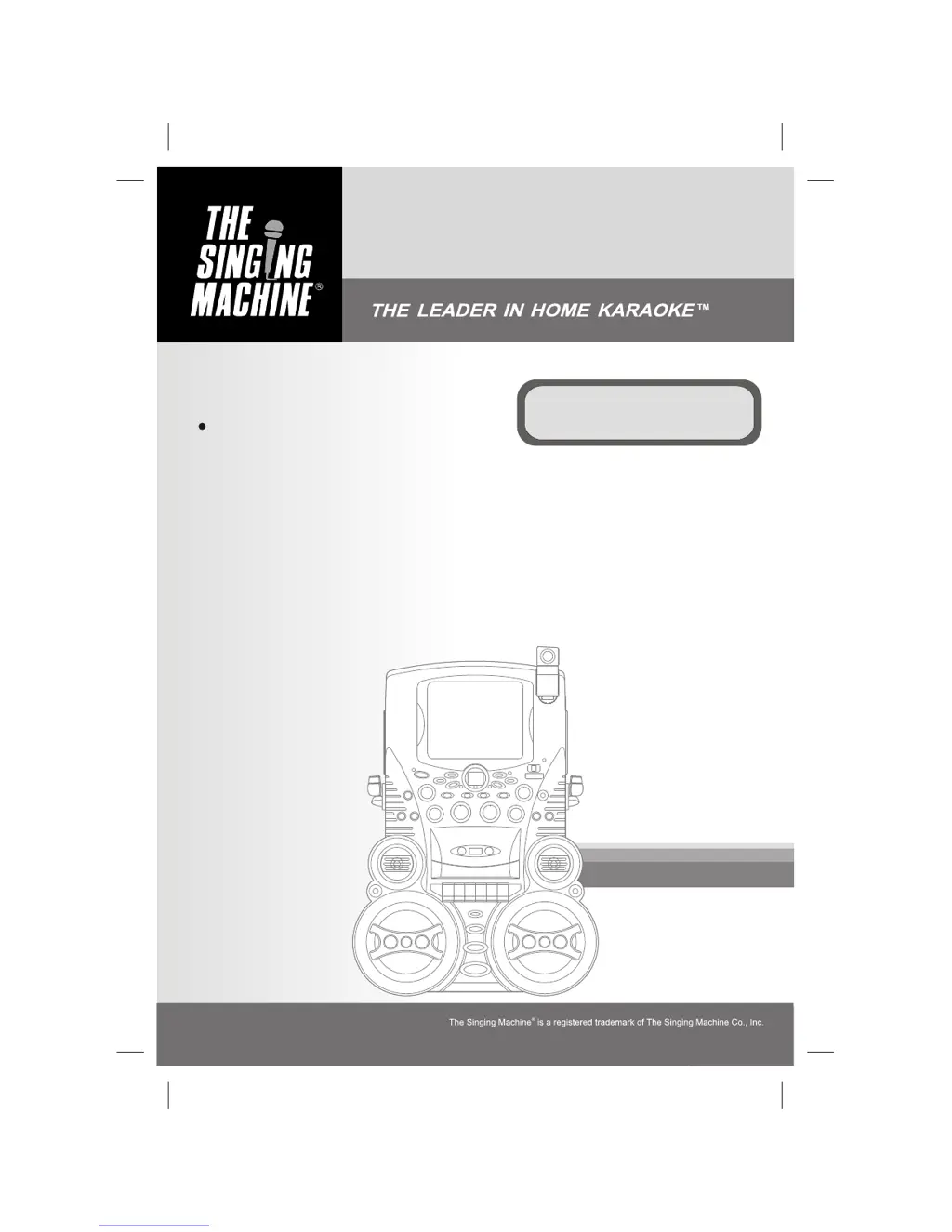
STVG-718
Semi-Pro Compact Disc +
Graphics with Built-In TV, Video
Camera Karaoke Center
Please read before using this unit.
Instruction Manual

Questions and Answers

  • D
    David WilsonSep 23, 2025
    Why is there no image display on my Singing Machine Karaoke System's monitor?
    • J
      Jeffrey WillisSep 23, 2025
      If there's no image display on your Singing Machine Karaoke System's monitor, check if the camera lens is down and lift it up. Also, ensure the MONITOR Selector is set to CAMERA mode.
  • A
    Andrew ChungAug 23, 2025
    Why is there no sound coming from The Singing Machine Karaoke System?
    • R
      ramirezmichaelAug 23, 2025
      If you're not getting any sound from your Singing Machine Karaoke System, here are a few things to check: 1. Make sure the volume isn't set too low on the Karaoke System itself. 2. Check the volume on your TV or PA system. 3. Ensure your TV or PA system is powered on. 4. Check the AUX OUT jacks are connected according to the instructions. 5. Make sure the correct function is selected on the Karaoke System.
  • K
    Kathleen WilsonAug 25, 2025
    How to display song lyrics on TV screen using The Singing Machine Karaoke System?
    • C
      Charles CastilloAug 26, 2025
      If you're not getting any song lyrics on the TV screen when using The Singing Machine Karaoke System, make sure the video cable is properly connected from the Karaoke System's VIDEO OUT to the TV's VIDEO IN. Also, ensure your TV's source selector is set to VIDEO. If your TV lacks a video line input, connect the system's VIDEO OUT to the VIDEO IN of your VCR or to an RF Modulator, then to the TV cable input. Check that the disc is a CDG and clean it if necessary.
  • E
    Erica CarrollAug 26, 2025
    Why The Singing Machine STVG-718 Karaoke System has no power when POWER is on?
    • J
      John HubbardAug 27, 2025
      If there's no power when the POWER is on for The Singing Machine Karaoke System, make sure the power plug is properly inserted into the AC outlet.
  • C
    Christopher Stokes MDAug 27, 2025
    What to do if The Singing Machine STVG-718 has no power when plugged in?
    • E
      Emma HolmesAug 27, 2025
      If The Singing Machine Karaoke System has no power even when plugged in, ensure the power cord is securely connected to the machine.
  • B
    Bryan LopezSep 17, 2025
    Why is the image blurry on my Singing Machine Karaoke System?
    • P
      penny75Sep 17, 2025
      If the image on your Singing Machine Karaoke System is blurry, give the camera a minute to warm up. If it's still blurry, try cleaning the camera lens. If that doesn't work, adjust the lens of the camera slightly by rotating it left or right until the display is clear, but be careful not to overturn the lens.
  • K
    katrina92Sep 14, 2025
    Why can't I record on my Singing Machine Karaoke System?
    • Z
      Zachary GonzalezSep 14, 2025
      If you can't record on your Singing Machine Karaoke System, it might be because the erasure prevention tabs on the cassette are broken. Replace the tape or cover the tab openings with adhesive tape. Also, when recording, ensure that both the Record and Play buttons are pressed down simultaneously.
  • J
    jeffreykaneSep 15, 2025
    Why is the recorded tape sound distorted on my Singing Machine Karaoke System?
    • A
      ashleylaurenSep 16, 2025
      If the recorded tape sound is distorted on your Singing Machine Karaoke System, try cleaning the capstan. If the issue persists, the cassette tape might be faulty, so try replacing it.
  • T
    todd28Sep 6, 2025
    How to fix blurry image on The Singing Machine Karaoke System?
    • J
      Jennifer KnappSep 6, 2025
      If the image is blurry on The Singing Machine Karaoke System, allow a minute for the camera to warm up, clean the camera lens, and adjust the lens by slightly rotating it left or right until the display is clear.
  • S
    Sharon GentrySep 3, 2025
    How to fix picture jumping up and down on The Singing Machine STVG-718?
    • G
      Gabrielle AllenSep 3, 2025
      If the picture is jumping up and down on The Singing Machine Karaoke System, adjust the VERTICAL HOLD Control.

Summary

WARNINGS

General Safety Warnings

General safety precautions to prevent hazards like fire, shock, and damage.

Laser Safety Precautions

Warnings and precautions regarding the use of the laser light beam and potential radiation exposure.

Electrical Safety Precautions

Instructions to prevent electrical shock, including not opening the unit and proper plug insertion.

IMPORTANT SAFETY INSTRUCTIONS

Product Placement, Power, and Electrical Safety

Safety rules for product placement, power sources, grounding, and plug usage.

Outdoor Installation and Environmental Hazards

Safety instructions for outdoor installations, lightning, power lines, and preventing object/liquid entry.

CONTROL LOCATIONS

MAKING THE CONNECTIONS

Connecting Power

Instructions for powering the karaoke system using the supplied AC power cord.

Connecting to TV;VCR for Video and Audio

Steps to connect the unit to a TV or VCR for displaying lyrics and audio.

TV;VCR Configuration for Input Selection

Guidance on setting TV/VCR input selection to display karaoke signals.

CD OR CD+G OPERATION

Playing CD and CD+G Discs

Instructions for playing CD and CD+G discs, including volume and balance adjustments.

Playback and Pause Controls

How to use the play, pause, stop, skip, search, and repeat functions for disc playback.

CASSETTE OPERATIONS

TROUBLE SHOOTING GUIDE

No Power or No Sound Issues

Solutions for problems related to the unit not powering on or producing sound.

CD Player Operation Problems

Troubleshooting steps for common CD player issues like display errors or non-operation.

Cassette Playback and Recording Issues

Solutions for cassette playback problems, recording issues, and distorted tape sound.

CDG Lyric and Video Display Problems

Troubleshooting steps for issues with CDG lyrics not displaying or video picture instability.

The Singing Machine STVG-718 Specifications

General IconGeneral
TypeKaraoke System
Disc CompatibilityCD+G
Microphone Inputs2
DisplayLED
BluetoothYes
USB PortYes
Built-in SpeakersYes
SD Card SlotNo
Power SourceAC Adapter
Audio OutputRCA
Video OutputRCA video output

Related product manuals