EasyManua.ls Logo

The Singing Machine STVG-718 - User Manual

The Singing Machine STVG-718
24 pages
Print Icon
To Next Page IconTo Next Page
Loading...
STVG-718
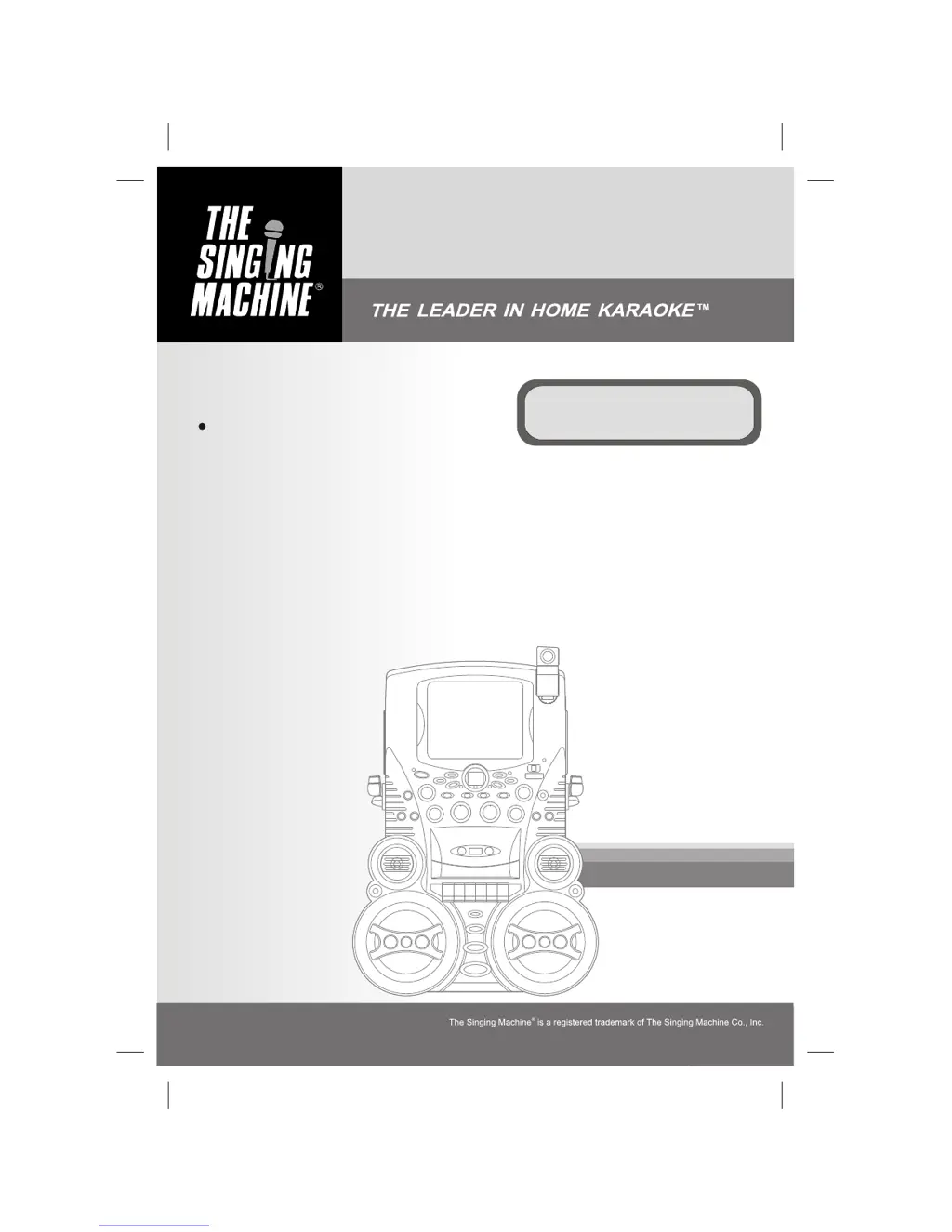
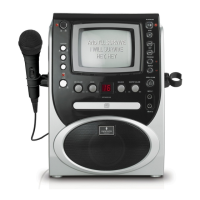
Semi-Pro Compact Disc +
Graphics with Built-In TV, Video
Camera Karaoke Center
Please read before using this unit.
Instruction Manual

Questions and Answers

  • S
    Stephen GallagherSep 7, 2025
    Why no song lyrics appear on the screen of my Singing Machine Karaoke System?
    • K
      Kyle AcostaSep 7, 2025
      If the lyrics aren't showing up on the screen of your Singing Machine Karaoke System, ensure the video cable is correctly connected from the VIDEO OUT of the machine to the VIDEO IN of your TV. Also, make sure the source selector on your TV is set to VIDEO. If your TV lacks a video line input, connect the system's VIDEO OUT to the VCR's VIDEO IN, or use an RF Modulator connected to the TV cable input. Finally, ensure the loaded disc is a clean CDG disc and the CDG indicator is lit.
  • J
    Jonathan FoleyAug 22, 2025
    What to do if CD player does not work normally on The Singing Machine STVG-718 Karaoke System?
    • C
      christopherterrellAug 22, 2025
      If the CD player on your Singing Machine Karaoke System isn't working correctly or the LED displays “aai”, “aa” , or “aaa”, try these steps: * Make sure the disc is inserted correctly. * Clean the disc with a soft cloth. * Try a new disc in case the current one is scratched or warped. * Use only standard discs. * If moisture has formed inside the CD deck, wait 20-30 minutes. * Reset the machine by disconnecting it from the power for 30 seconds, then reconnect.
  • M
    Molly DennisSep 4, 2025
    What to do if no image display on The Singing Machine Karaoke System's monitor?
    • M
      Mr. Joseph House MDSep 5, 2025
      If there is no image display on The Singing Machine Karaoke System’s monitor, lift up the Camera Lens and set the MONITOR Selector to CAMERA mode.
  • S
    Sharon GentrySep 3, 2025
    How to fix picture jumping up and down on The Singing Machine STVG-718?
    • G
      Gabrielle AllenSep 3, 2025
      If the picture is jumping up and down on The Singing Machine Karaoke System, adjust the VERTICAL HOLD Control.
  • R
    rtaylorSep 2, 2025
    Why The Singing Machine STVG-718 Karaoke System cannot record?
    • E
      Evan OlsonSep 2, 2025
      To resolve recording issues on The Singing Machine Karaoke System, replace the tape or cover tab openings with adhesive tape if the erasure prevention tabs are broken out. When recording, ensure both the Record and Play buttons are pressed down simultaneously.
  • M
    Matthew BrownAug 31, 2025
    What causes distorted sound on recorded tape on The Singing Machine STVG-718 Karaoke System?
    • D
      David BoltonAug 31, 2025
      To fix distorted sound on recorded tapes with The Singing Machine Karaoke System, try cleaning the capstan or replacing the cassette tape.
  • H
    henryandrewAug 30, 2025
    How to fix unsteady tape sound on The Singing Machine STVG-718 Karaoke System?
    • S
      Sarah BlakeAug 30, 2025
      If you're experiencing unsteady tape sound with the CASSETTE player on your Singing Machine Karaoke System, try cleaning the capstan, replacing the tape if the winding is irregular, and adjusting the PITCH Control.
  • L
    leblancandreaAug 29, 2025
    Why is there no sound when The Singing Machine Karaoke System is connected to a home stereo?
    • B
      barbaralittleAug 29, 2025
      If you're not getting any sound when your Singing Machine Karaoke System is connected to a home stereo, make sure the source selection on your stereo is set to AUX IN.
  • C
    Christopher Stokes MDAug 27, 2025
    What to do if The Singing Machine STVG-718 has no power when plugged in?
    • E
      Emma HolmesAug 27, 2025
      If The Singing Machine Karaoke System has no power even when plugged in, ensure the power cord is securely connected to the machine.
  • E
    Erica CarrollAug 26, 2025
    Why The Singing Machine STVG-718 Karaoke System has no power when POWER is on?
    • J
      John HubbardAug 27, 2025
      If there's no power when the POWER is on for The Singing Machine Karaoke System, make sure the power plug is properly inserted into the AC outlet.

Summary

WARNINGS

General Safety Warnings

General safety precautions to prevent hazards like fire, shock, and damage.

Laser Safety Precautions

Warnings and precautions regarding the use of the laser light beam and potential radiation exposure.

Electrical Safety Precautions

Instructions to prevent electrical shock, including not opening the unit and proper plug insertion.

IMPORTANT SAFETY INSTRUCTIONS

Product Placement, Power, and Electrical Safety

Safety rules for product placement, power sources, grounding, and plug usage.

Outdoor Installation and Environmental Hazards

Safety instructions for outdoor installations, lightning, power lines, and preventing object/liquid entry.

CONTROL LOCATIONS

MAKING THE CONNECTIONS

Connecting Power

Instructions for powering the karaoke system using the supplied AC power cord.

Connecting to TV;VCR for Video and Audio

Steps to connect the unit to a TV or VCR for displaying lyrics and audio.

TV;VCR Configuration for Input Selection

Guidance on setting TV/VCR input selection to display karaoke signals.

CD OR CD+G OPERATION

Playing CD and CD+G Discs

Instructions for playing CD and CD+G discs, including volume and balance adjustments.

Playback and Pause Controls

How to use the play, pause, stop, skip, search, and repeat functions for disc playback.

CASSETTE OPERATIONS

TROUBLE SHOOTING GUIDE

No Power or No Sound Issues

Solutions for problems related to the unit not powering on or producing sound.

CD Player Operation Problems

Troubleshooting steps for common CD player issues like display errors or non-operation.

Cassette Playback and Recording Issues

Solutions for cassette playback problems, recording issues, and distorted tape sound.

CDG Lyric and Video Display Problems

Troubleshooting steps for issues with CDG lyrics not displaying or video picture instability.

The Singing Machine STVG-718 Specifications

General IconGeneral
TypeKaraoke System
Disc CompatibilityCD+G
Microphone Inputs2
DisplayLED
BluetoothYes
USB PortYes
Built-in SpeakersYes
SD Card SlotNo
Power SourceAC Adapter
Audio OutputRCA
Video OutputRCA video output

Related product manuals