EasyManua.ls Logo

The Singing Machine STVG-559 - User Manual

The Singing Machine STVG-559
40 pages
Print Icon
To Next Page IconTo Next Page
Loading...
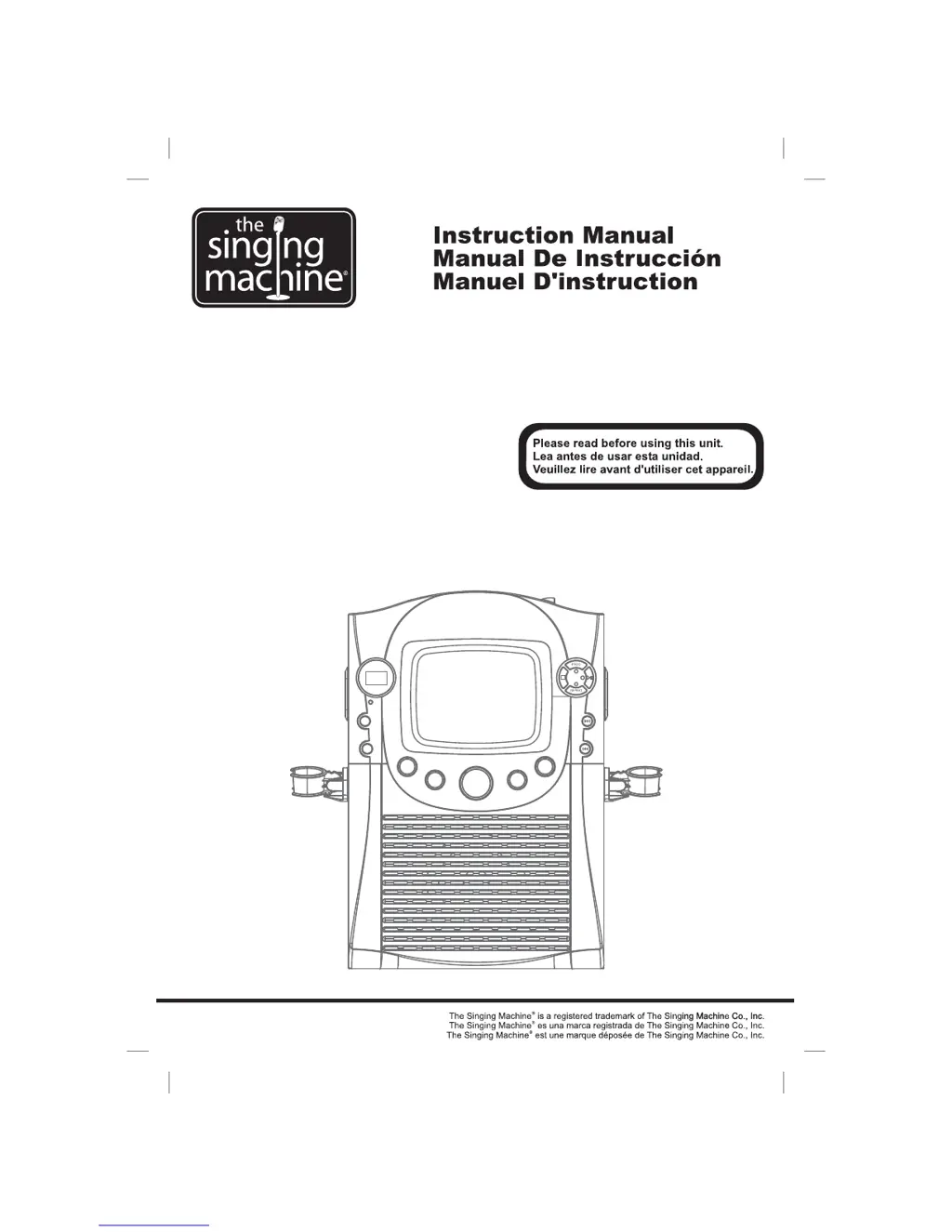
STVG-559
Compact Disc Graphics
with Built in TV Karaoke Center
Disque Compact + Graphiques
Avec TV Centre Karaoke Encastre
+
-
Disco Compacto + Gráficos
Con El Central De Karaoké En La TV

Questions and Answers

  • A
    Alex CoxAug 13, 2025
    What to do if there is no sound from The Singing Machine STVG-559 Karaoke System?
    • H
      Henry JonesAug 13, 2025
      If you're not getting any sound from your Karaoke System, there are several possible causes: * The volume control might be set to minimum - turn up the volume. * An audio cable might be connected to the AUX IN jack - remove the cable. * The volume control on your TV or PA system might be set too low - increase the volume on those devices. * The TV or PA system might be turned off - turn them on. * The AUX OUT jack may not be properly connected - follow the audio connection instructions.
  • L
    Lisa MillsAug 17, 2025
    How to fix The Singing Machine STVG-559 Karaoke System when CD player cannot work normally?
    • J
      john07Aug 17, 2025
      If your CD player isn't working correctly or displays a blank, try these solutions: * Make sure the disc is inserted correctly, with the label facing up. * Clean the disc with a soft cloth if it's dirty. * Try a new disc if the current one is scratched or warped. * Ensure you are using a standard disc with the appropriate logo. * Clean the lens with a CD lens cleaner. * If moisture has formed inside the CD deck, wait 20-30 minutes for it to dry out. * As a last resort, reset the Singing Machine by disconnecting it from the power source for 30 seconds.
  • H
    Holly GreenAug 21, 2025
    What to do if no song lyrics appear on the TV screen when using The Singing Machine STVG-559 Karaoke System?
    • S
      swilliamsAug 21, 2025
      If the lyrics aren't showing up on your TV screen, check the following: * Ensure the video cable is properly connected from the Karaoke System's VIDEO OUT to the TV's VIDEO IN. * Make sure your TV's source selector is set to VIDEO. * If your TV lacks a video line input, connect the system's VIDEO OUT to the VCR's VIDEO IN, or use an RF modulator connected to the TV cable input. Also, verify that the disc is a CDG. * If a CDG disc is loaded, but the CDG indicator isn't lit, ensure the disc is clean.
  • K
    Kevin PetersonAug 25, 2025
    How to troubleshoot no sound issue on The Singing Machine if audio is going through TV, VCR or home stereo?
    • J
      Julia KelleyAug 25, 2025
      If you're experiencing sound issues while routing audio through your TV, VCR, or home stereo, ensure that: * The source selection on your TV, VCR, or home stereo is correctly set to AUX IN. * The connection to your stereo system or PA is properly configured; refer to the 'Audio Connection' instructions.
  • H
    hebertkathleenAug 28, 2025
    How to fix The Singing Machine STVG-559 Karaoke System when there is no sound from mic?
    • A
      Allison HayesAug 28, 2025
      If you're not getting any sound from the microphone, try these steps: * Adjust the mic volume control to the maximum level, then readjust to a comfortable level. * Make sure the microphone is turned on using the ON/OFF switch located on the microphone.
  • C
    Christopher SchneiderSep 1, 2025
    Why The Singing Machine Karaoke System has no power even when plugged in?
    • G
      Grant ZamoraSep 1, 2025
      If your Karaoke System has no power even when plugged in, the AC outlet itself may not be working. Test the outlet by plugging in a working lamp or another electrical appliance to see if it receives power.
  • R
    Ronald RomeroSep 4, 2025
    What to do if picture is jumping up and down on The Singing Machine Karaoke System?
    • K
      Karen SchwartzSep 5, 2025
      If the picture on your Karaoke System is jumping up and down, the VERTICAL HOLD Control is likely not set correctly. Adjust the VERTICAL HOLD Control until the picture stabilizes.
  • J
    Justin HollandSep 8, 2025
    How to resolve no power issue on The Singing Machine STVG-559 when POWER is on?
    • C
      Courtney SheppardSep 8, 2025
      If your Karaoke System isn't powering on even when the POWER switch is on, make sure the power plug is fully inserted into the AC outlet.

The Singing Machine STVG-559 Specifications

General IconGeneral
TypeKaraoke System
Microphone2 microphones included
Power SupplyAC Adapter
Built-in SpeakersYes
USB PortYes
SD Card SlotYes
FM RadioYes
BatteryNo
ConnectivityAUX Input
Weight5.5 pounds
Disc PlaybackCD+G
Microphone Input2
Display7-inch color LCD

Related product manuals