7
Installation Instructions:
Step 1:
Step 2:
Step 3:
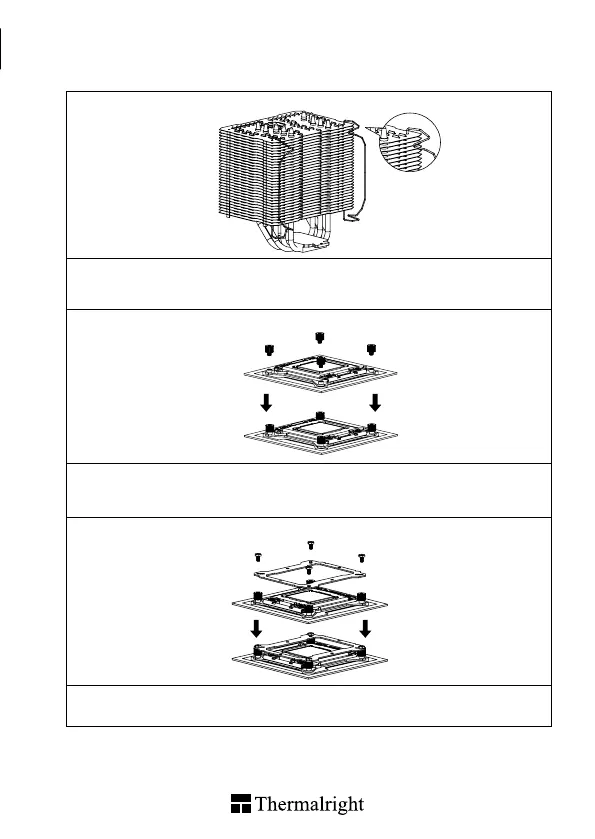
Step 1 : Fan clips installaion
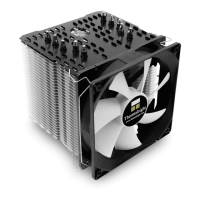
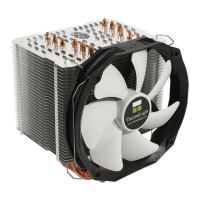
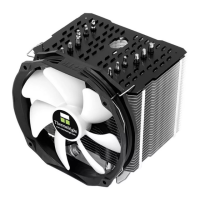
Take out Macho Direct Heat-sink from the color box. Pull both ends of the fan clip and make them go
through holes on the corners of the heat-sink (as shown in the picture.) Repeat for the other fan clip.
Leave both fan clips on the heat-sink body for fan installation later on . Do not remove them.
Step 2 : Screw Pillar Installation
Place the motherboard (the processor installed) on top of the desk or a workbench. Fix the four included
LGA2011 Type B Screw Pillars into the heat-sink studs on the Intel ILM Assembly Frame around the
processor socket in a criss-cross pattern.
Step 3 : Anchoring Mount Installation
Place the Anchoring Mount on the Screw Pillars. Use the four M3L6 Screws to x the Anchoring Mount
on to the Screw Pillars, also in a criss-cross pattern to ensure balanced mounting.
1
1
2
2
4
4
3
3


 To Next Page