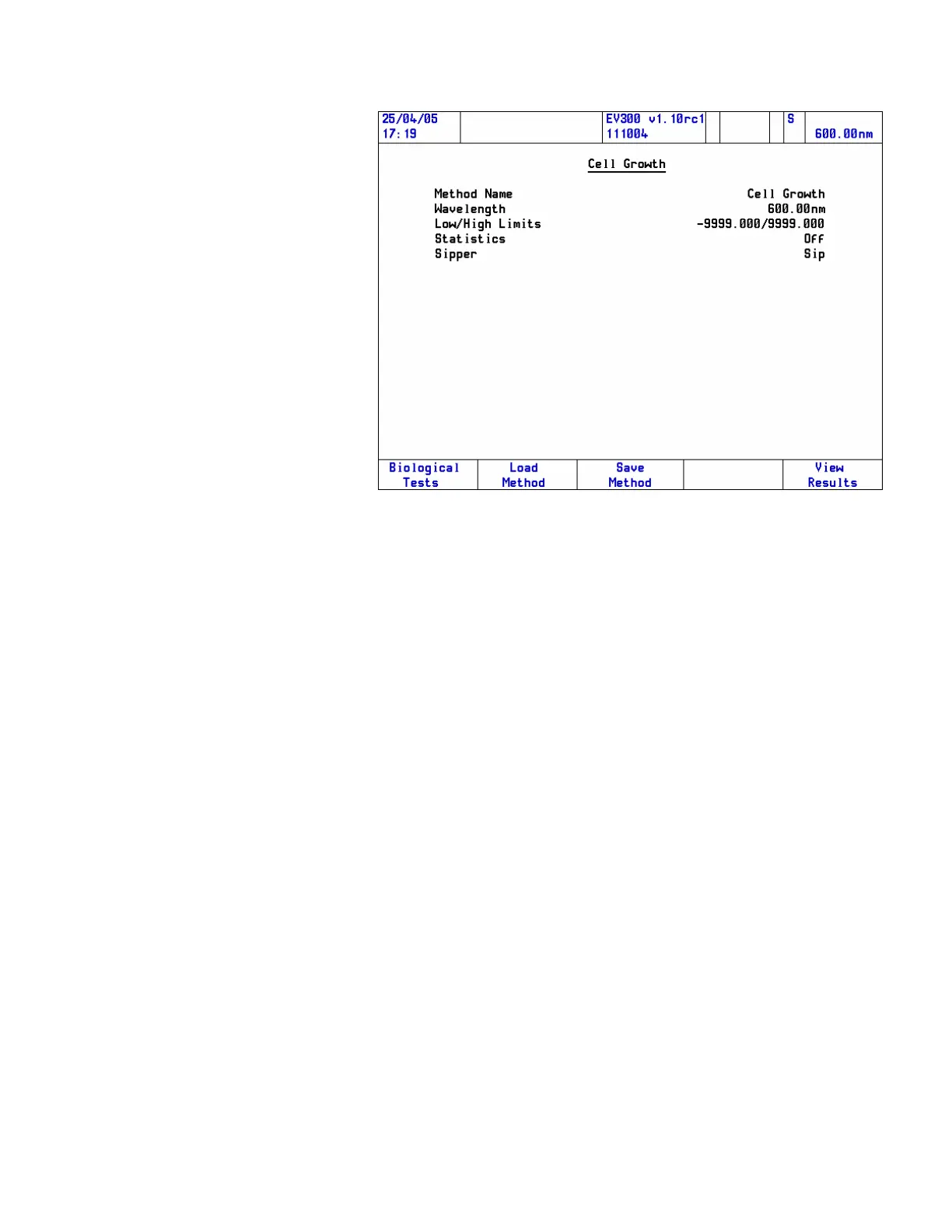
The relevant test page opens. The content and layout of the page will
depend on the way the software is configured and which accessories are
installed.
3. Clear the beams or insert suitable blank(s) and close the lid of the
sample compartment.
4. Press Zero.
A message “Zeroing” appears.
5. Place the unknown(s) in the correct cell position(s) and close the
lid of the sample compartment.
6. Press Run.
The sample number and absorbance are displayed on the Results page.
Thermo Fisher Scientific Evolution 300 and Evolution 600 User Guide 63










 To Next Page