1756.001.599 - rev. 02 - 2019
English
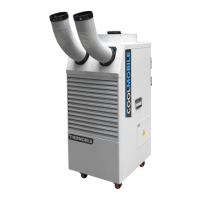
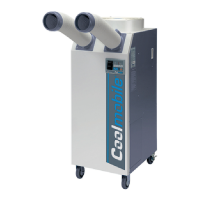
Coolmobile 21-25
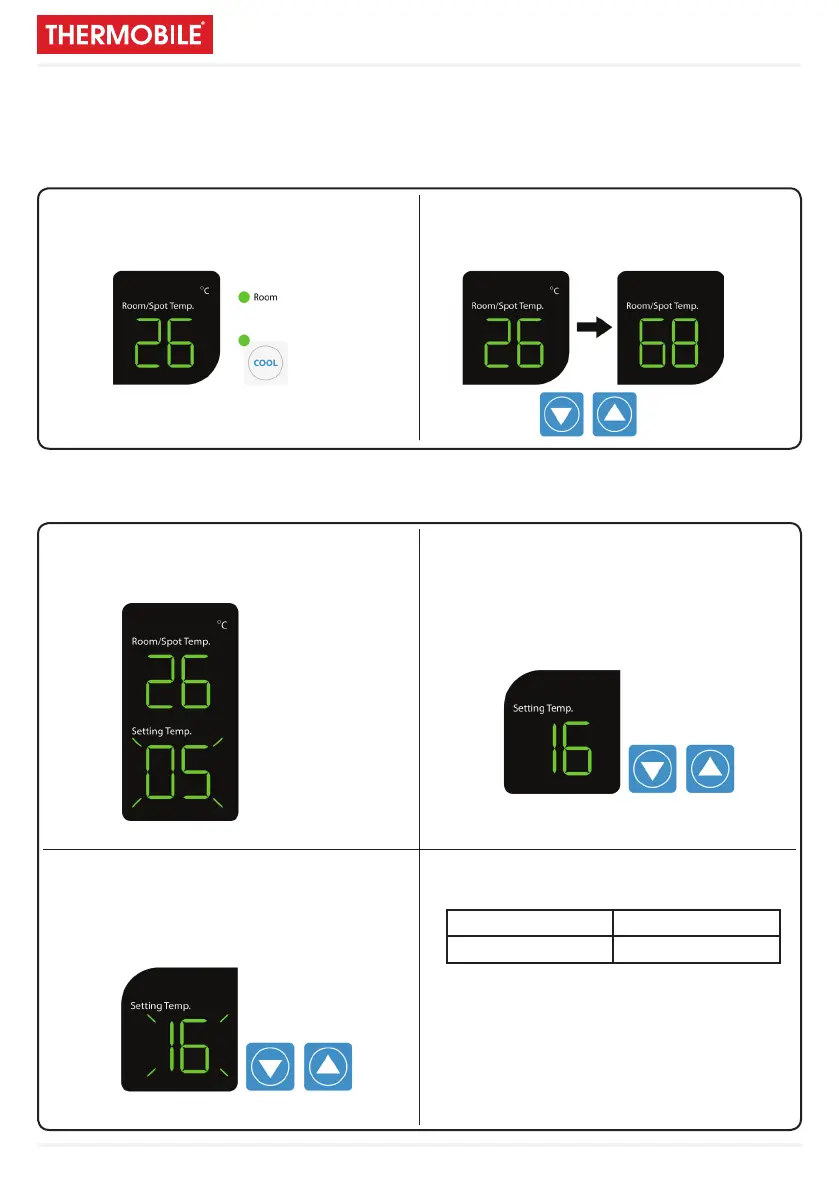
1. If you want to display room temperature,
push cool and ▼ button simultaneously
for three seconds.
1. When power is ON, the setting temperature is
displayed. Default of setting temperature is 5 °C.
3. The display showing the set temperature will
blink 3 times.
2. If you want to change temperature unit (°C of °F),
push power O button, and then push ▼ and ▲
button simultaneously for three seconds.
2. When you push either ▼ or ▲ button,
the setting temperature is changed.
4. Limits of Room/Spot and Setting temperatures.
Cooling operates when
Room/Spot temperature is more than set temperature.
Cooling stops when
Room/Spot temperature is less than set temperature.
Selection of area/room or spot cooling
To reduce the temperature of the entire room, select ‘Area/Room’.
For ‘Targeted’ cooling of machinery, servers, or people etc. select ‘Spot Cooling’.
Instellen van de temperatuur
Room/Spot temp. Setting range
0°C - 50°C 1°C - 30°C


 To Next Page