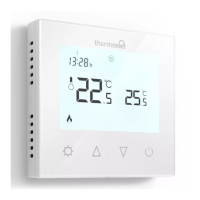
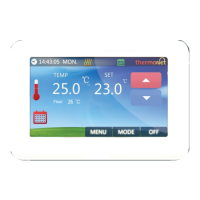
If you would like to know more about our products or services,
you can view our complete range online, WWW.THERMOGROUPUK.COM
7
Stage 2: Programming your thermostat
12 Tap to advance to (period 5) and select the desired time
using and .
13 Tap to save your start time and set the Comfort Temperature
to between 20
0
C and 27
0
C.
14 Tap to advance to (period 6) and select the desired time
using and .
15 Tap to save your start time and set the Eco Temperature
between 18
0
C and 20
0
C.
16 Now you have a set schedule for 5 days. Tap to set your
weekend heating.
17 Select a later start time if you like a lie in. This time will apply to
both days.
18 Tap to save your start time and set the Comfort Temperature
between 20
0
C and 27
0
C.
19 Tap to save your temperature and advance to
(Period 2).
20 Set the desired start time and set the Eco Temperature between
18
0
C and 20
0
C.
21 You should now have a complete 7 day heating schedule!
22 Simply tap (Power) to activate your schedule and you’re
done.
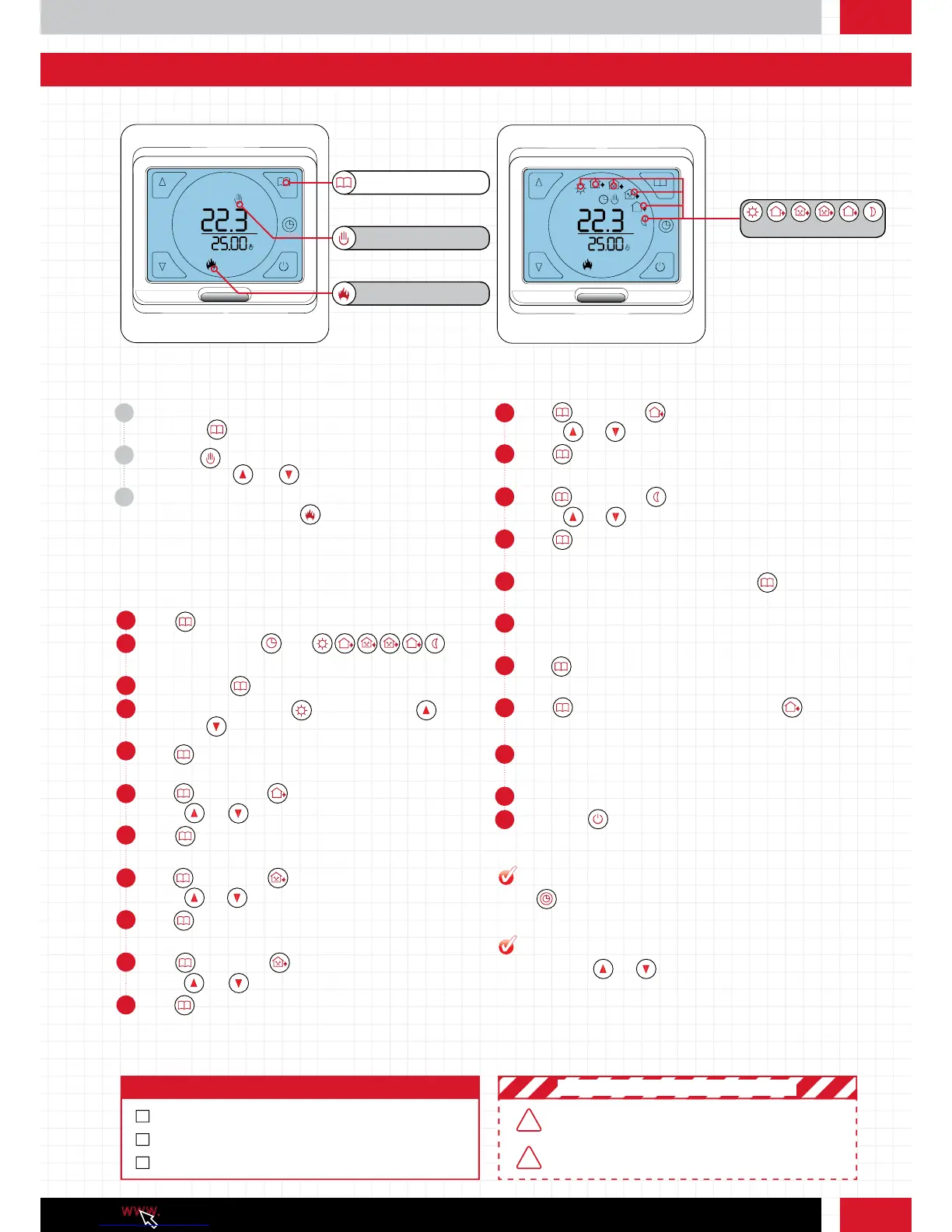
1 Tap button to switch the unit into Schedule mode.
2 You will see both the and
(Period 1- 6) symbols displayed.
3 Press and hold for 7 seconds to edit your schedule.
4 Firstly, set the start time for (period 1) using the up
and down buttons.
5 Tap to save your start time and set the Comfort Temperature
to between 20
0
C and 27
0
C.
6 Tap to advance to (period 2) and select the desired time
using and .
7 Tap to save your start time and set the Eco Temperature
between 18
0
C and 20
0
C.
8 Tap to advance to (period 3) and select the desired time
using and .
9 Tap to save your start time and set the Comfort Temperature
to between 20
0
C and 27
0
C.
10 Tap to advance to (period 4) and select the desired time
using and .
11 Tap to save your start time and set the Eco Temperature
between 18
0
C and 20
0
C.
1 You can switch between Manual mode and your custom Schedule
by tapping .
2 When in (Manual control mode), set a target temperature
manually using and .
3 When the target temperature is set above the ambient
temperature, you will see the (Heating on) symbol below the
target temperature. You may also hear a ‘click’.
Function 2: Manual Mode
Function 3: Heating schedule
Function 3: Heating schedule continued
Manual control mode
Heating on
Periods 1 - 6
Menu button
Tap the icon to switch on the backlight
Press and hold the and to lock the screen, press and hold again
to unlock.
PRO TIP
PRO TIP
BE SURE TO PRESS THE MENU/ POWER BUTTON TO SAVE
YOUR SETTINGS. SETTINGS MAY BE LOST OTHERWISE
!
!
SETUP YOUR HEATING SCHEDULE TO FIT WITH YOUR
LIFESTYLE, THIS WILL GIVE YOU THE BEST RESULTS
! IMPORTANT SAFETY PRECAUTIONS !
Step 4: Checklist
ASSIGN HEATING SCHEDULE
RECOGNISE MINIMUM AND MAXIMUM TEMPERATURE
EXPLORE ALL ICONS AND BUTTONS



 To Next Page