thermopatch.com
Manual HS-4-C V.2.1 ENG Original Version QC/TDPT/mn March 2020 9
3. Operating the HS-4-C
and provided with two fuses (3.15 A).
3.1 STARTING UP
You can start operating the Thermoseal HS-4-C as soon as it
is connected to the electricity mains. Switch on the HS-4-C
by pressing the on/off (I-0) switch, which is placed on the
back of the machine, to “on (I)”. Wait until the set tempera
-
ture has been reached, which will take about one minute.
The Thermoseal HS-4-C has been factory set for:
TEMPERATURE 204°C
TIME 12 seconds
POWER SAVER TIMER 30 minutes
POWER SAVER TEMPERATURE 149°C
3.2 FUNCTIONALITY
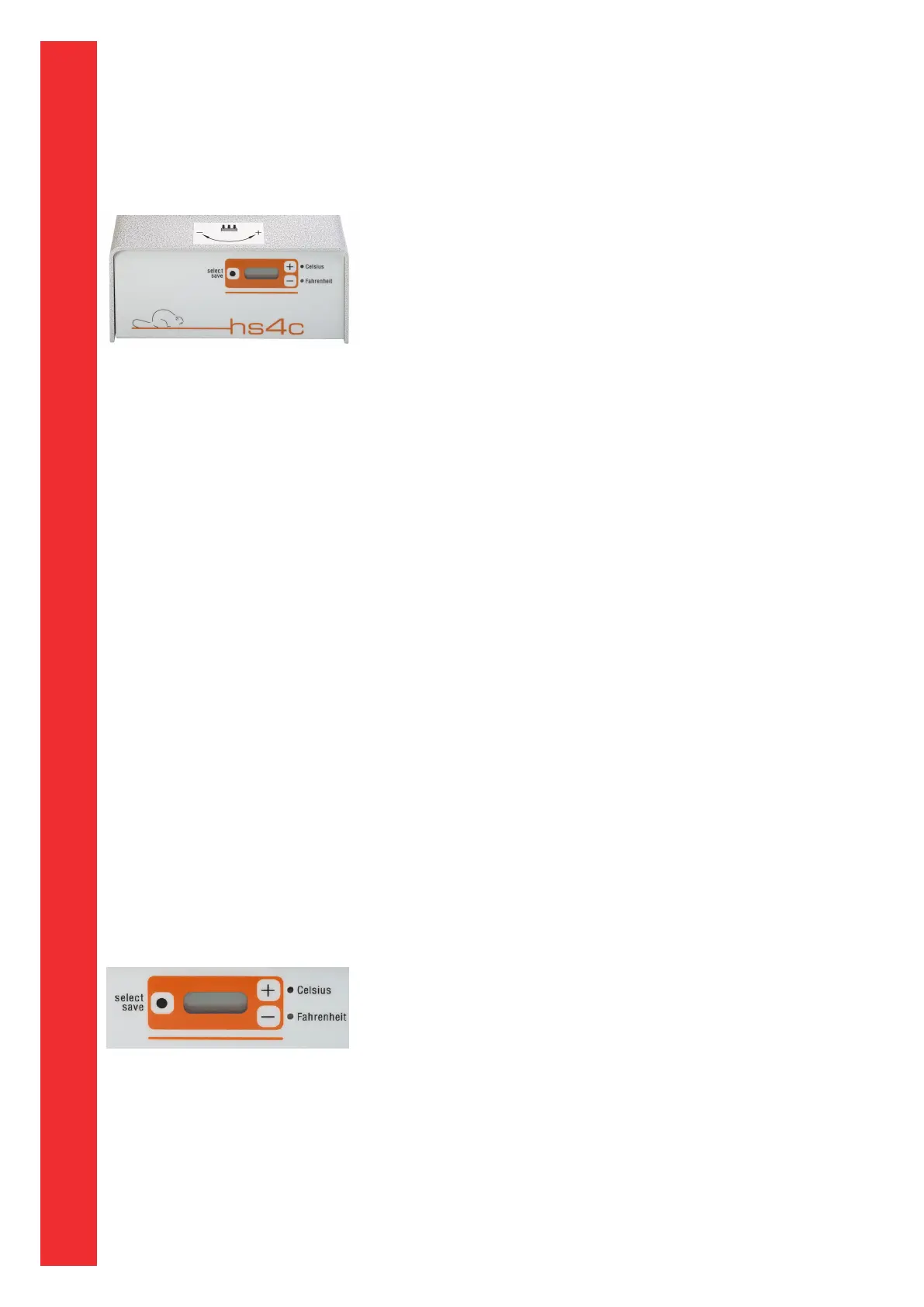
Switch the machine to the “On” position. Either the Celsius
or Fahrenheit LED will blink depending upon the machine
settings. The actual temperature of the Heater Element is
displayed. During the heat up phase, and when the machine
has achieved “Set Temperature”, changes to the machine
settings can be made for: Set Temperature, Temperature
Display in Celsius or Fahrenheit, Sealing Cycle Time, Power
Saver Time and Power Saver Temperature. Changes cannot
be made to the machine settings when the machine is active
during a Sealing Cycle.
LCD Display Functions:
The following describes the LCD Display functions and
displays: The Celsius or Fahrenheit LED will light up
continuously once the temperature is within range of the
setting. Range is +/- 7°C or +/-15°F. When not in a sealing
cycle, the actual temperature of the Heater Element is
displayed. During the Sealing Cycle, the LCD will display a
countdown of the time in seconds from the preset Sealing
Cycle Time.
Procedure to change desired set temperature:
The SET TEMPERATURE of the HS-4-C heat seal machine
has been set at the factory to 204°C. To change the SET
TEMPERATURE, please follow the procedures below:
1. Press select/save button once.
2. Press + or - button to set the desired Set Temperature.
3. Press select/save to save the setting.
Note: If the + or - button is not touched for 3 seconds the
display will change to the actual temperature of the Heater
Element and no changes will be saved.
thermopatch.com


 To Next Page