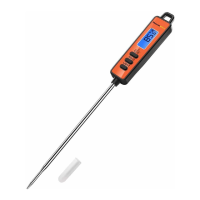
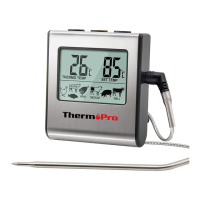
Keys Definition
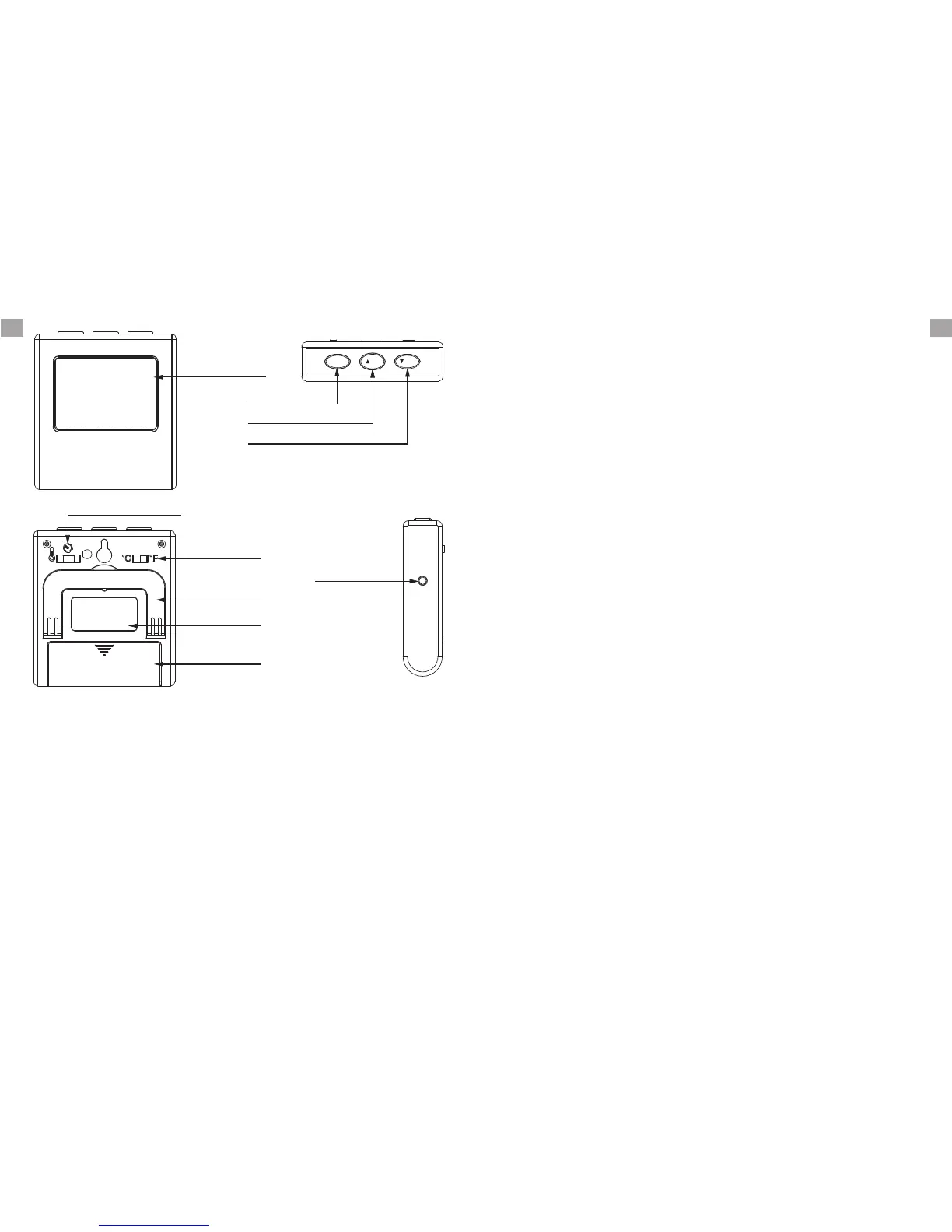
1. Temperature Probe Socket: Insert temperature
probe into this socket to measure meat
temperature.
Key Definition
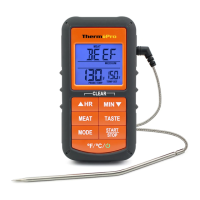
Down Arrow/ MIN Button
LCD Screen
Temperature
Probe Socket
Battery
Compartment
Flip-out Counter
Top Stand
˚F or ˚C Selector
Mode Selector
Magnet
MEM/S/S
/HR
/MIN
MEM S/S Button
Up Arrow/HR Button
4. Up Arrow/HR Button: Press the up arrow to
select food types while in quick temperature
setting. Press the up arrow to set your desired
cooking temperature while in manual tempera-
ture setting. Press the HR button to set hours
while in timer mode. To clear time, press the
HR and MIN buttons at the same time.
5. Down Arrow/ MIN Button: Press the down arrow
to select food types while in quick temperature
setting. Press the down arrow to set your desired
cooking temperature while in the manual tem-
perature setting. Press the MIN button to set
minutes while in timer mode. To clear time,
press the HR and MIN buttons at the same time.
6. F or ˚C Selector: Move the switch towards ˚F
or ˚C, depending on how you would like your
temperature displayed.
˚
-3-
button mode
temperature settings. Press again to save selec-
tion. In Timer mode, press the S/S button to
begin the count-down or count-up timer. Press
the S/S button to pause or restart the timer.
When the countdown timer hits 0:00 press the
S/S button to silence the unit.
to enable the option to adjust quick
2. LCD Screen: Displays meat temperature and
set temperature while in cook mode. Displays
countdown when in timer mode.
3. MEM|S/S Button: In Cook mode, press the MEM
7. Mode Selector: Move the position of the selector
to select cook mode, timer mode or power off
the device.
-2-
ENEN


 To Next Page