21
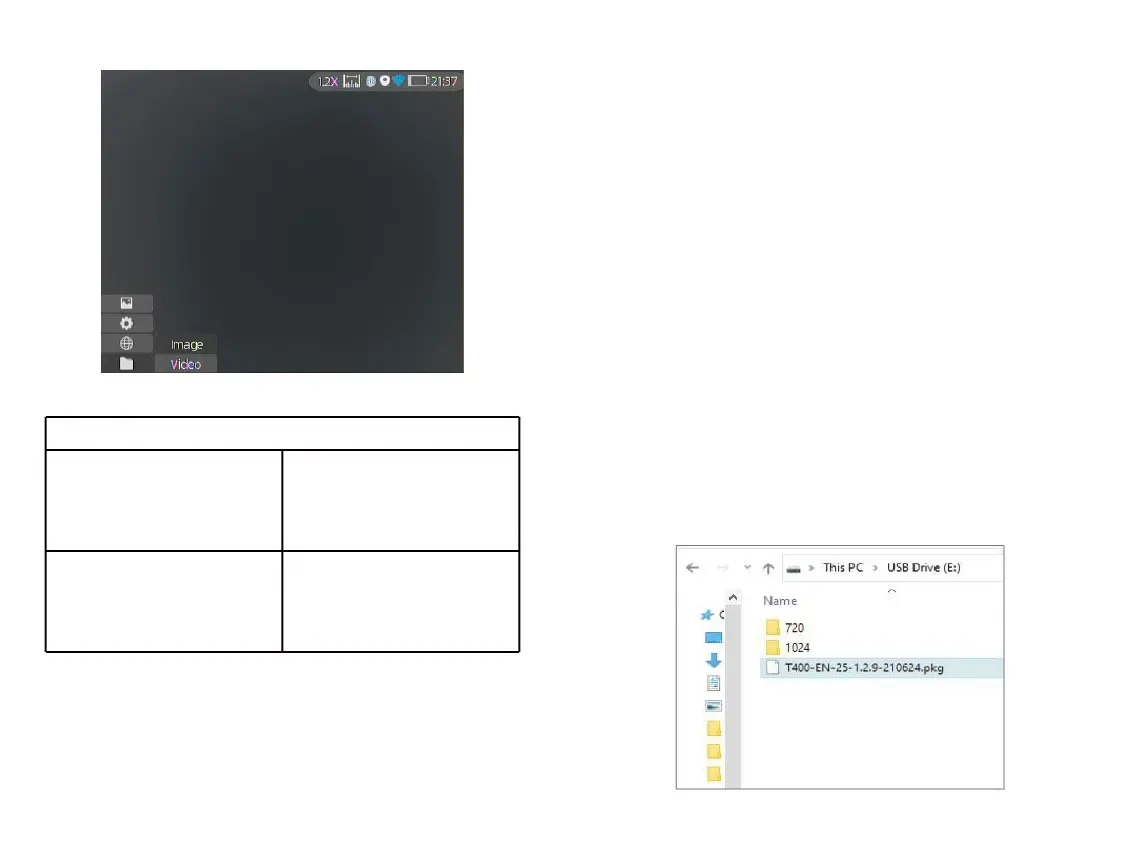
Access the Image sub-menu,
and select photo files
through the joystick for
management.
Access the Video sub-menu,
and select video files
through the joystick for
management.
3.5 External Video & Data Reading
Power on the device before using a type-C to AV
video cable to output analog video. When external
display is connected, the OLED of the device
automatically turns off the display.
Power on the device, use a type-C to USB cable to
connect with the computer to read the video and
image data in the memory.
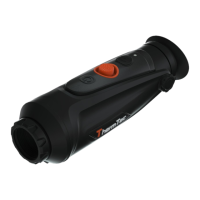
Note: video and image taken in analog format
(usually taken by external display with analog
output) will be saved in folder named “720”,
video and image directly taken by monocular will
be saved in folder named “1024”.
3.6 System Software Upgrade
① Connect the device to your computer and
drag the upgrade file to the folder.
3.6 ①



 To Next Page