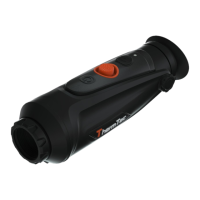
AI Ranging Function
3.3.3.4 AI Ranging
Use the joystick towards left to enable or
disable AI ranging function (before this
function is enabled, please make sure the
device is in AI ranging mode. Otherwise, refer
to Section 3.4 for setting).
13
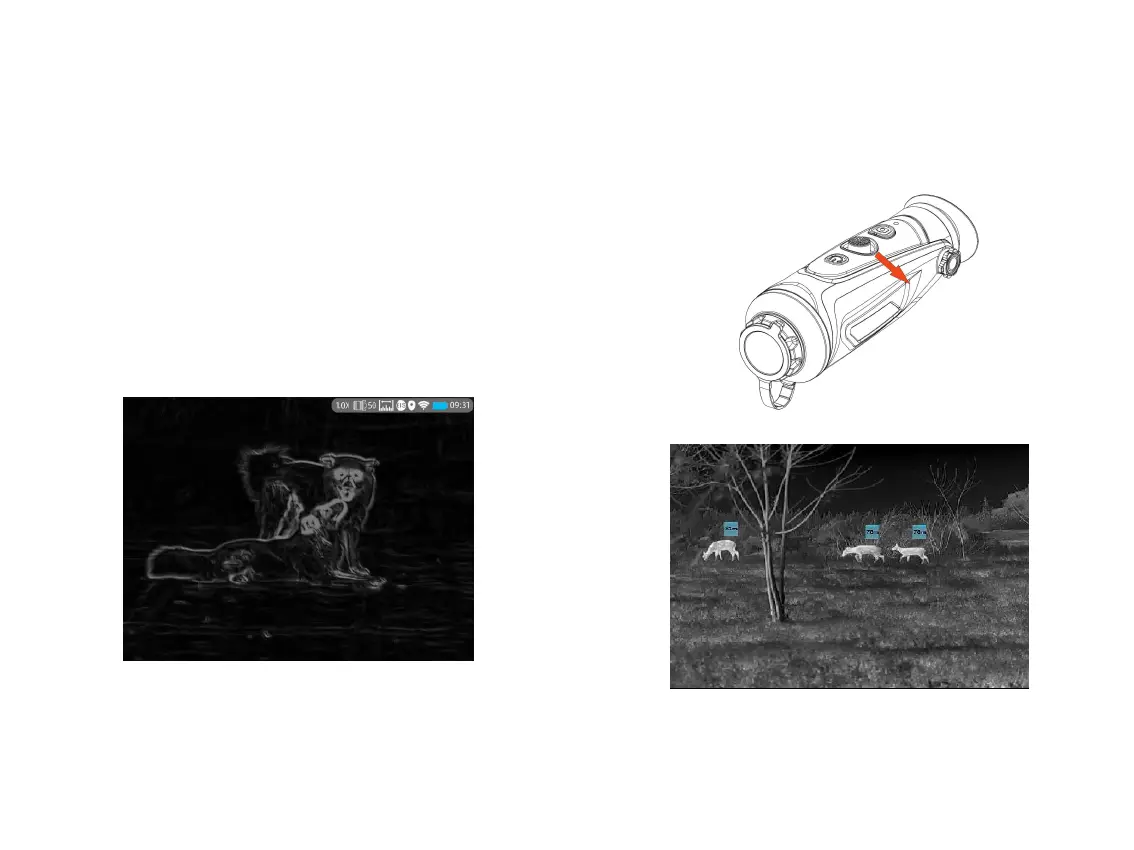
Long press the joystick towards right to activate the
Target Outline Mode. You can clearly observe the
outline of your targets in darkness, and it will help
to reduce the strong light contrast to your eyes.
Long press the joystick towards right for one more
time to exit the Outline Mode.
Notes: This function is applicable to Cyclops D &
Cyclops Pro Series.
3.3.3.3 Target Outline Function



 To Next Page