15
3.4 Settings
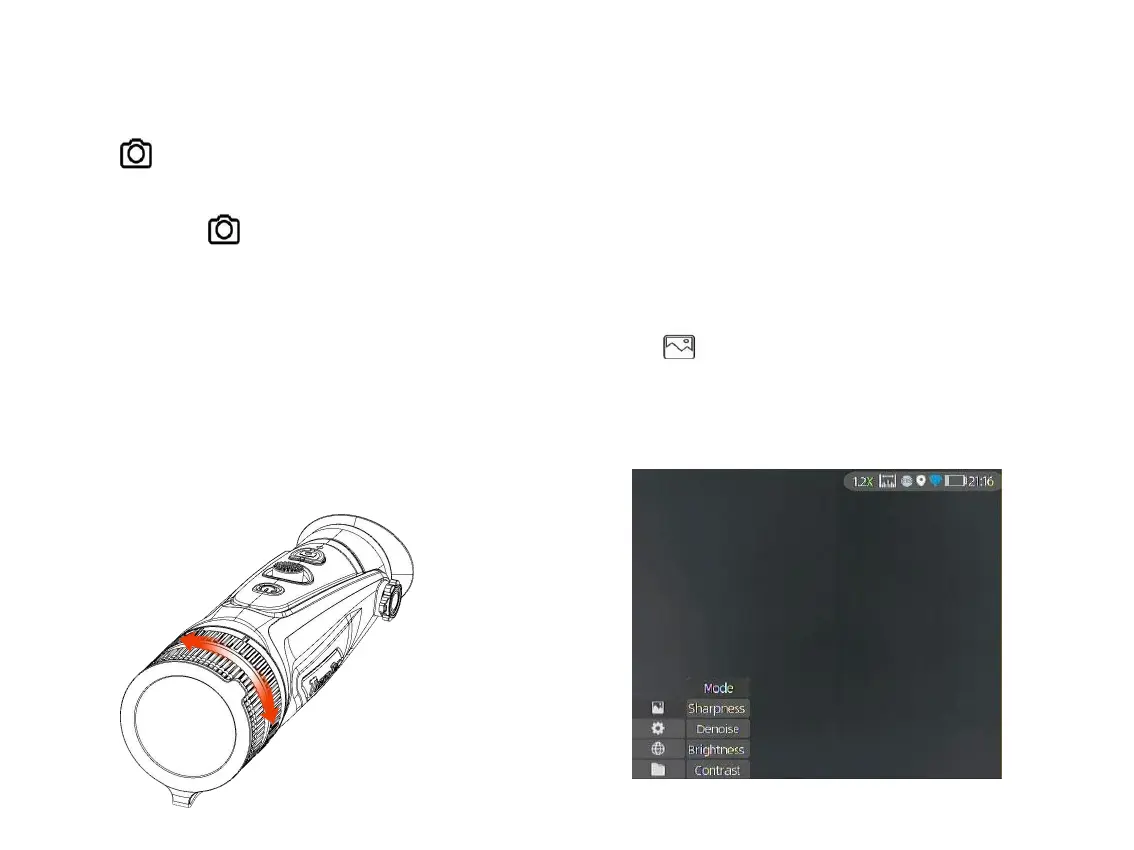
Double-click the joystick to enter Setting menu.
Note: Select by moving the joystick, and short-
press the joystick to confirm the selection.
3.4.1 Image Setting
Press to enter the Imaging Setting menu.
There are five sub-menus for image setting,
which are “Image Mode”, “Sharpness”,
“Denoise”, “Brightness” and “Contrast”.
3.3.4 Capture/Record
Press to take photos. Then the photo icon in
the upper left corner will flash once.
Press and hold to take videos. Then the
recording icon in the upper left corner starts
flashing, and the recording starts timing. Press
and hold again to stop recording.
3.3.5 FOV Selection and Shifting (for Cyclops-D)
Cyclops-D is set with dual-field of view. Rotate the
lens to shift the field of view from 20°to 40°or from
40°to 20° (or from 25°to 50°or from 50°to 25°).



 To Next Page