Note: If you install only one memory module, install it into the upper slot (the slot that is close to the
display).
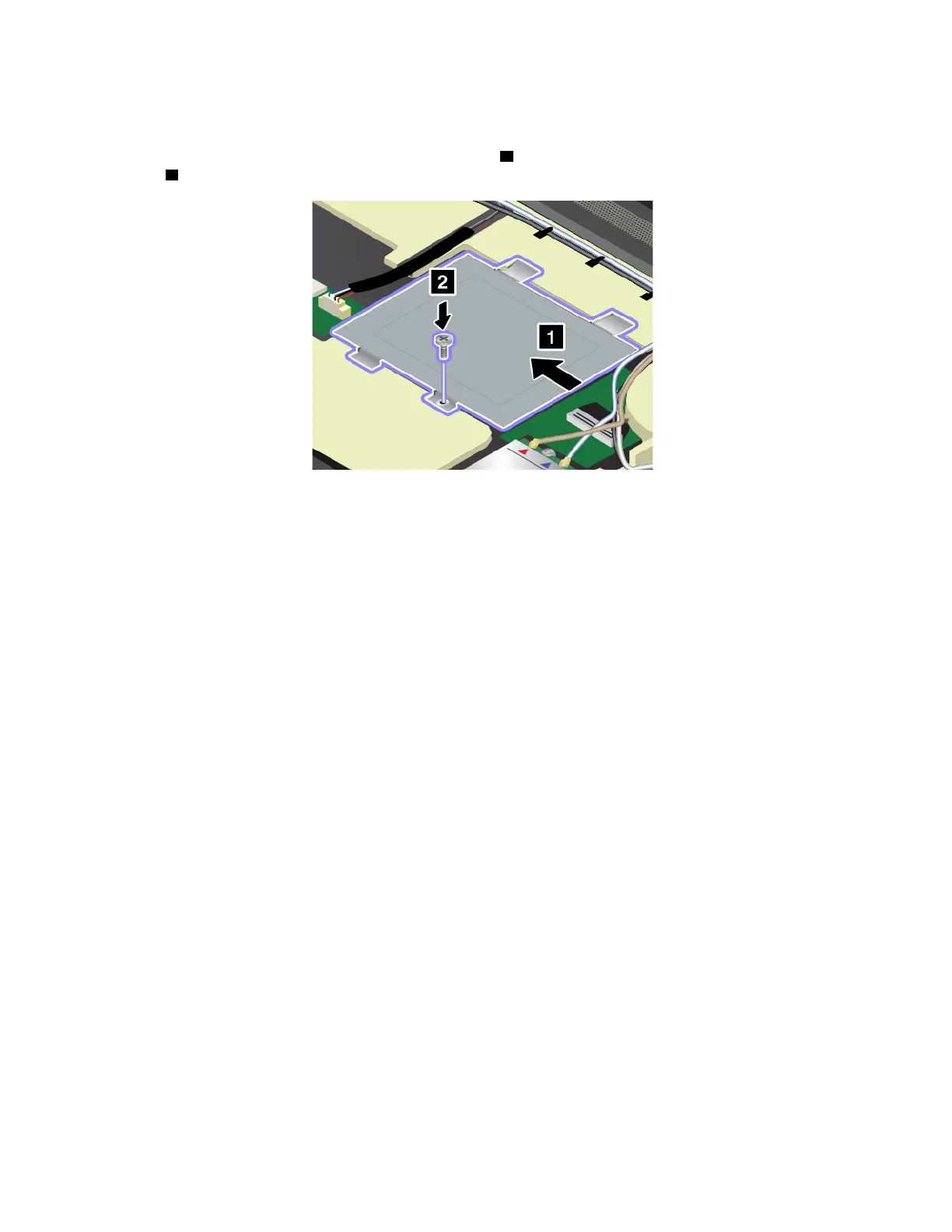
8. Reinstall the metal sheet into place as shown by arrow
1 . Then reinstall the screw to secure the metal
sheet
2 .
9. Reinstall the keyboard. See “Replacing the keyboard” on page 126.
10. Reinstall the bottom cover. See “Replacing the bottom cover” on page 116.
11. Reinstall the removable battery. See “Replacing the removable battery ” on page 113.
12. Turn the computer over again. Connect the ac power adapter and all cables.
134
P50 User Guide



 To Next Page